44
INSERTS
MAKING COPIES
Inserts
3
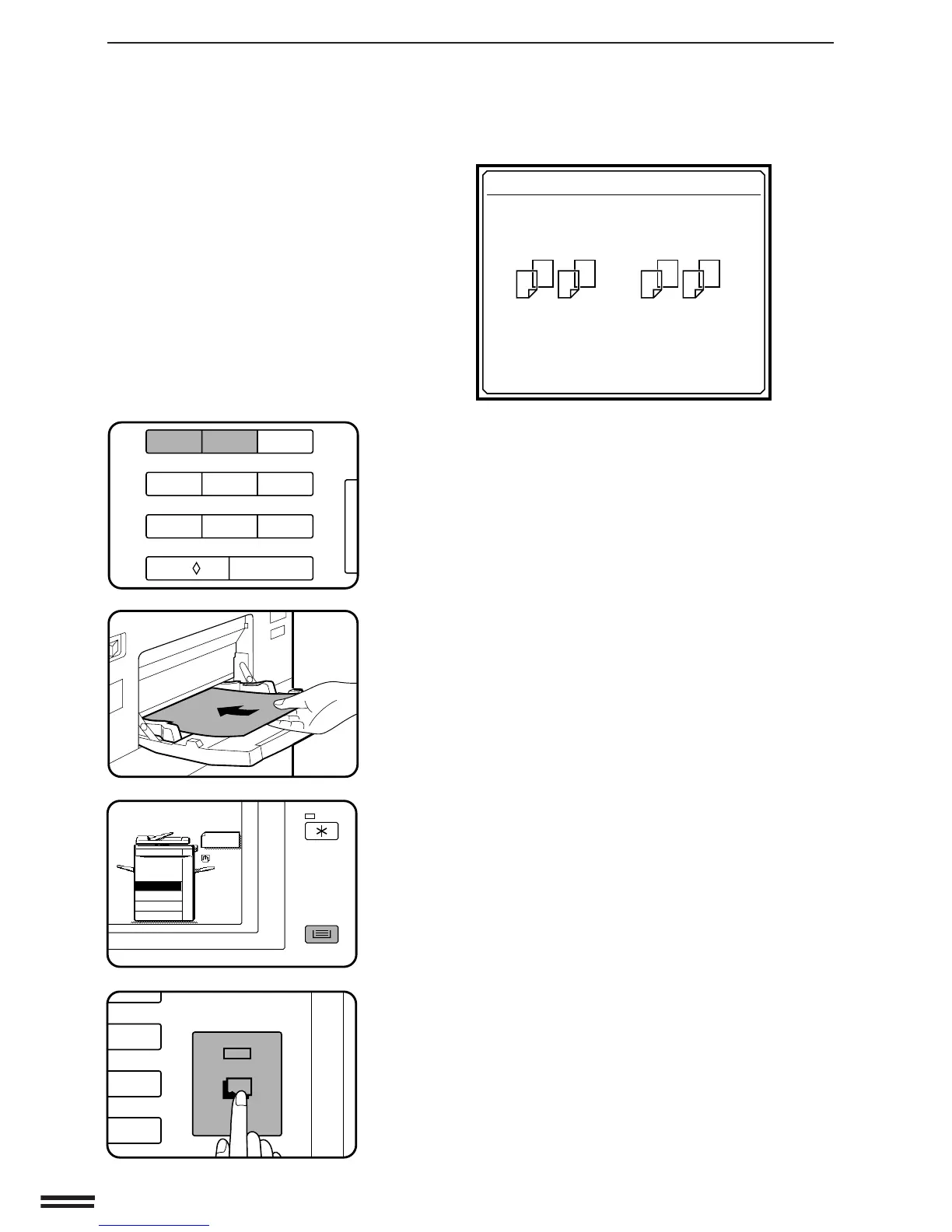
Press key 1 or key 2 on the 10-key pad.
4
Load transparency film into the manual feed tray.
5
Ensure that the desired tray is selected for insert
sheets.
●
The copy paper for insert sheets must be the same size as the
transparency film.
6
Make all other selections and press the START key.
●
When copying is completed, remove remaining transparency
film.
TRANSPARENCY FILM WITH INSERT SHEETS
Transparency film with insert sheets
123
456
7
8
9
C
0/
AUDIT CLEAR
3
6
9
C
START
TRANSPARENCY INSERTS
PRINT ON THE INSERT SHEETS?
USE 10-KEY PAD TO SELECT.
1
1
2
2
12
YES
: PRESS 1
NO
: PRESS 2



 To Next Page