43
INSERTS
MAKING COPIES
Inserts
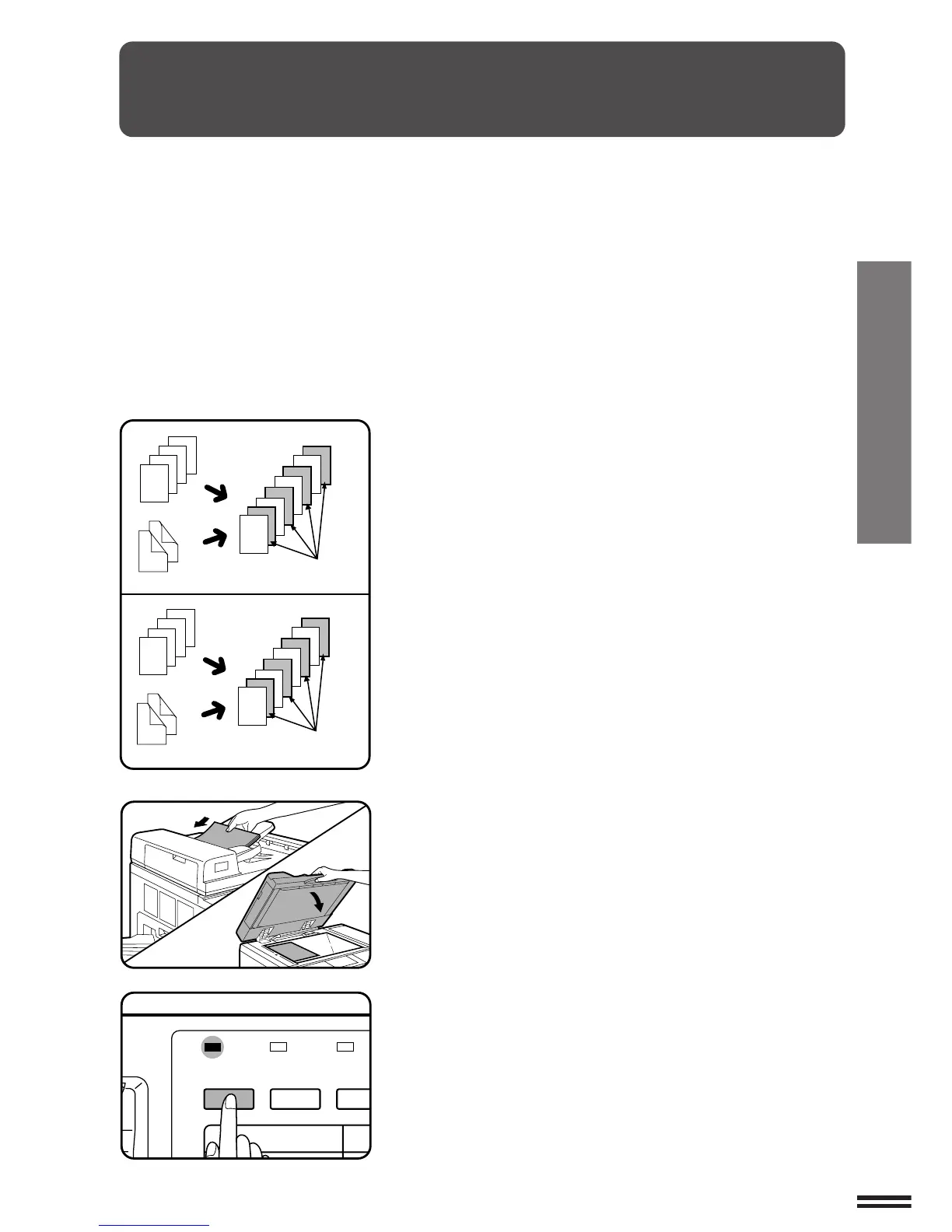
TRANSPARENCY FILM WITH INSERT SHEETS
When copying onto transparency film, insert sheets can be placed
following each transparent sheet. The insert sheets can be
processed blank or can be copied with the same image as the
transparent sheets.
●
This mode can be selected only in the 1-sided to 1-sided and 2-
sided to 1-sided modes.
●
A multiple number of copies cannot be selected in this mode.
●
Transparency film must be fed from the manual feed tray.
●
Insert sheets must be the same size as the transparency film.
1
Place the originals face up in the document feeder tray
or face down on the document glass.
2
Press the TRANSPARENCY INSERTS key.
●
The following message will appear.
Transparency film with insert sheets
2
3
4
4
3
2
1
4
1
2
3
1
2
3
4
4
3
2
1
4
1
2
3
1
1
2
3
4
INSERTS WITH
PRINTING
INSERTS WITHOUT
PRINTING
SORTER
COVERS/
INSERTS
MARG
SHIFT
TRANSPARENCY
INSERTS
O



 To Next Page