127
KEY OPERATOR PROGRAMS
Key operator programs
P90 Display the List of All P Codes
Program P90 is used to sequentially display all programs.
The programs in which the setting has been changed from the factory
default setting are indicated with
●
.
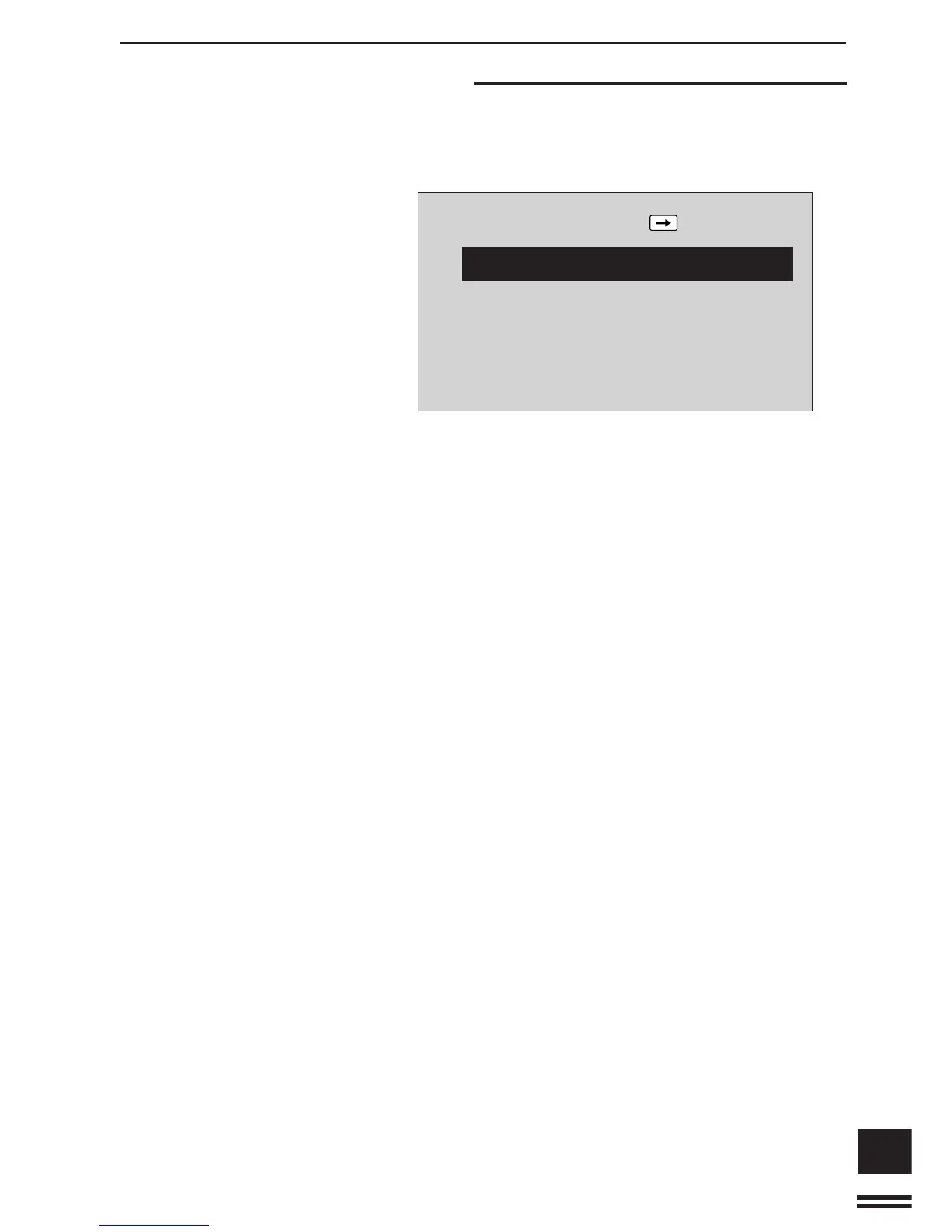
When P90 is entered, the following message will appear.
P90: DISPLAY THE LIST OF ALL P CODES.
TO SCROLL DISPLAY: PRESS
KEY. TO
RUN AN INDICATED PROGRAM: PRESS START.
●
P10:AUDITING MODE.
P11:NUMBER OF COPIES PER ACCOUNT.
P13:RESETTING ACCOUNT.
P14:ACCOUNT NUMBER CONTROL.
P16:ACCOUNT LIMIT SETTING.
1. Press the SCROLL DISPLAY key to advance through
the list of programs.
●
Each additional press of the SCROLL DISPLAY key will
advance the message display through the list of programs
starting with P10.
2. A program which is highlighted can be entered by
pressing the START key.
3. Press the PROGRAM key to exit the program.



 To Next Page