25
MAKING COPIES
COVERS
4
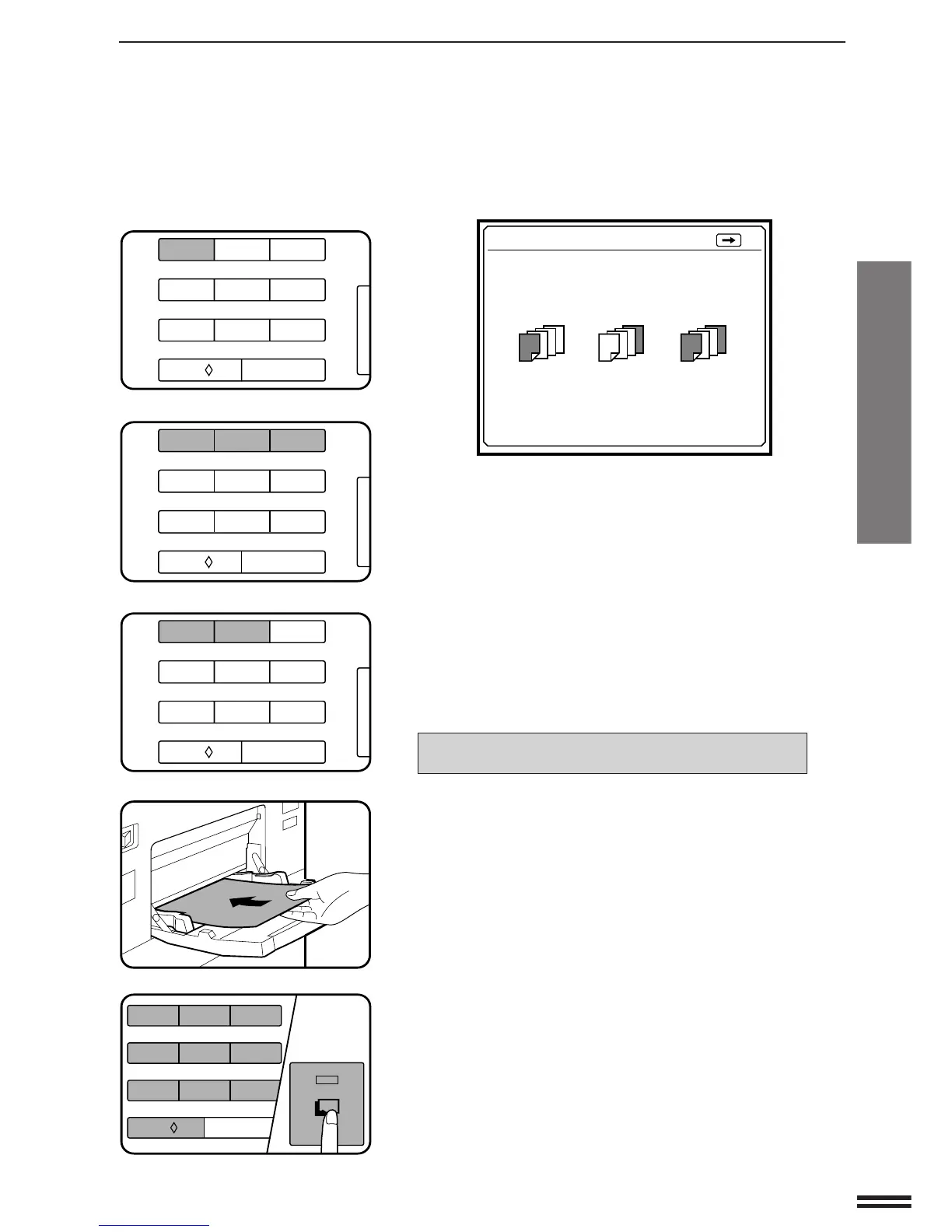
Press key 1 on the 10-key pad.
●
The following message will appear.
●
If you press the SCROLL DISPLAY key, the screen which was
displayed before the current screen will appear.
5
Select cover placement by pressing key 1, 2, or 3 on the
10-key pad.
●
If FRONT or FRONT+BACK is selected, the message “PRINT
ON FRONT COVER? USE 10-KEY PAD TO SELECT. YES:
PRESS 1 NO: PRESS 2” will appear.
6
Select YES or NO by pressing key 1 or 2 on the 10-key
pad.
●
If yes is selected, the first page of the document will be copied
onto the front cover sheet.
●
In either case, the following message will appear.
USE DOCUMENT FEEDER.
LOAD COVER STOCK INTO MANUAL FEED TRAY.
7
Load the cover stock into the manual feed tray, making
sure that the cover stock is the same size as the copy
paper.
●
The START key indicator will light up.
8
Enter the desired number of copies and press the
START key.
COVERS
TO RETURN :PRESS
USE 10-KEY PAD TO SELECT COVER
PLACEMENT.
FRONT
: PRESS 1
BACK
: PRESS 2
FRONT+BACK
: PRESS 3
1/2
123
456
7
8
9
C
0/
AUDIT CLEAR
123
456
7
8
9
C
0/
AUDIT CLEAR
123
456
7
8
9
C
0/
AUDIT CLEAR
START
123
456
7
8
9
C
0/
AUDIT CLEAR
Covers



 To Next Page