46
INSERTS
MAKING COPIES
Inserts
JOB MEMORY
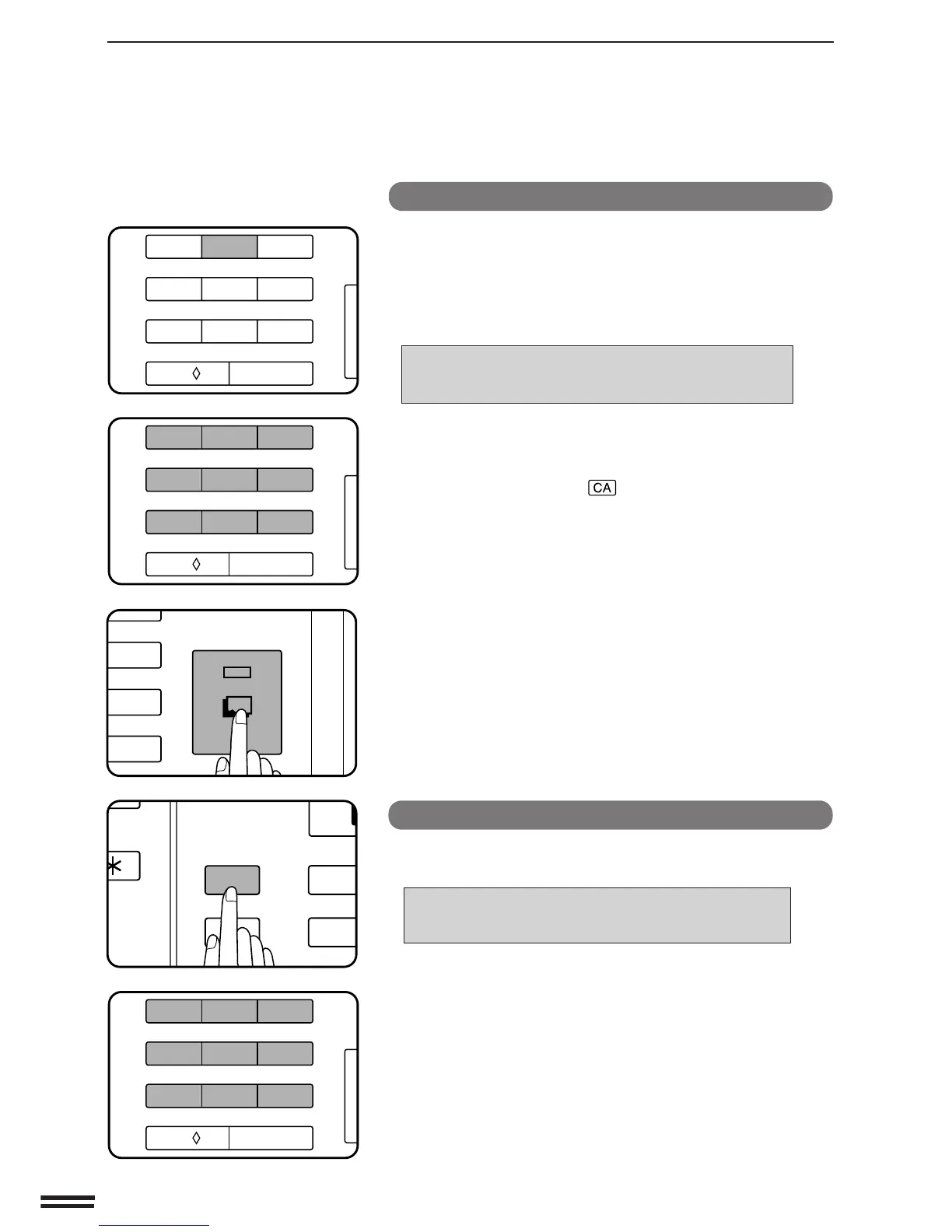
Deleting a stored job program
1
Follow steps 1 and 2 in “Storing a job program” on the
previous page. (1. Press the PROGRAM key. 2. Press
the 0 key.)
2
Press key 2 on the 10-key pad.
●
The following message will appear.
TO DELETE A PROGRAM FROM THE STORAGE
REGISTER: PRESS ANY KEY FROM 1 TO 9
AND THEN THE START KEY.
3
Enter the storage register number of the program to be
deleted.
●
To exit the job memory mode without deleting a program,
press the CLEAR ALL ( ) key.
4
Press the START key.
●
The program will be deleted from memory.
Recalling a job program
1
Press the PROGRAM key.
●
The following message will appear.
TO RECALL A PROGRAM, PRESS PROGRAM
NUMBER: 1,2,3,4,5,6,7,8,9
TO STORE OR DELETE PROGRAMS, PRESS 0.
●
The numbers which appear in the display are program
numbers which have been used.
2
Use the 10-key pad to select a stored program from 1 to
9.
●
All selections stored in the program will be reflected on the
operation panel.
●
The recalled settings may be modified for a particular job run,
but any changes made will not be stored in the job memory. To
store the new settings, follow the “Storing a job program”
procedure.
Job memory
3
6
9
C
START
123
456
7
8
9
C
0/
AUDIT CLEAR
123
456
7
8
9
C
0/
AUDIT CLEAR
1
4
P
CA
PROGRAM
CLEAR ALL
MATION
123
456
7
8
9
C
0/
AUDIT CLEAR



 To Next Page