49
SUPPLIES
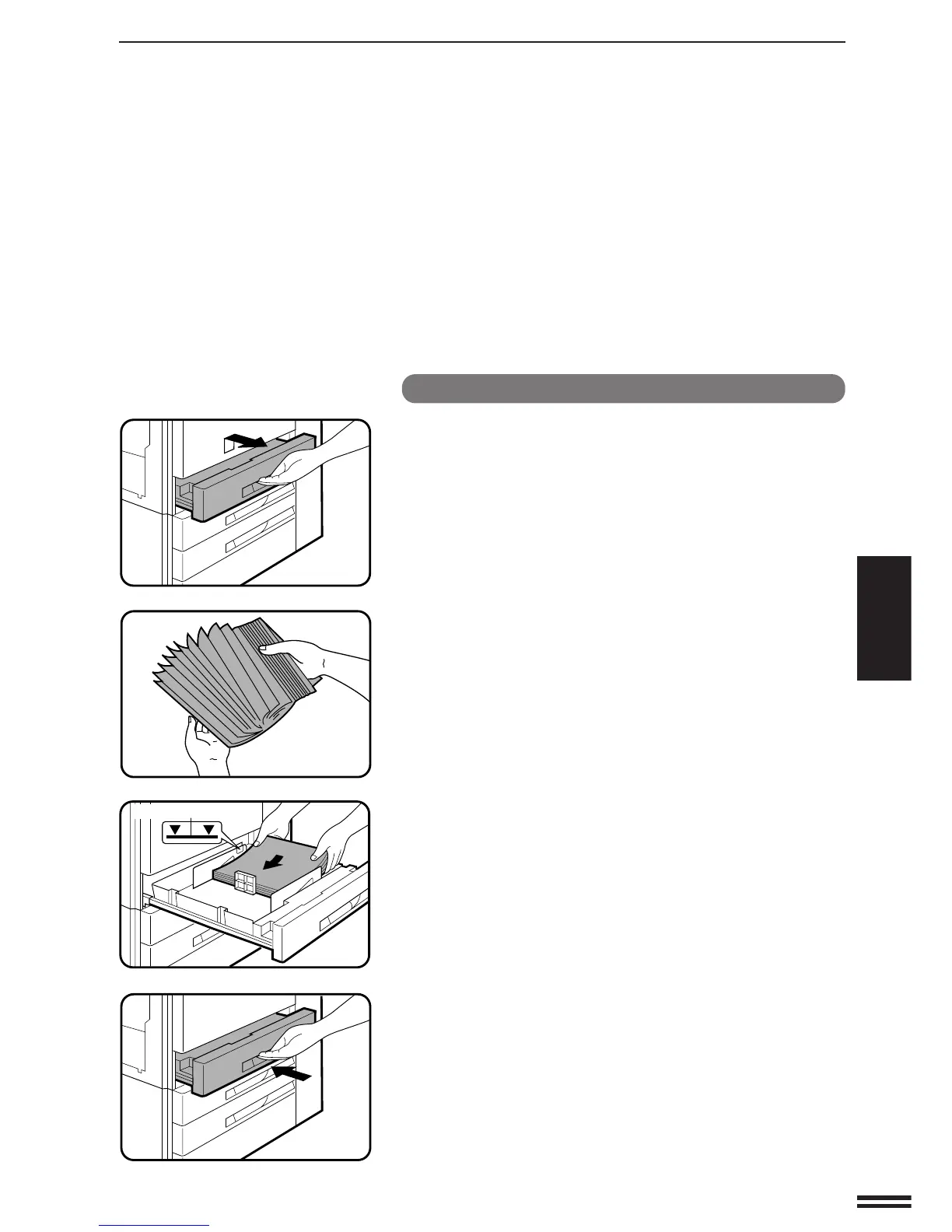
Loading paper in paper trays 1 to 3
1
Gently lift and pull out the paper tray.
2
Fan the copy paper and insert it into the tray.
●
Each tray holds 500 sheets of paper.
Do not load paper above the maximum height line.
3
Push the paper tray firmly back into the copier.
PAPER
Paper
Maximum height line



 To Next Page