51
SUPPLIES
4
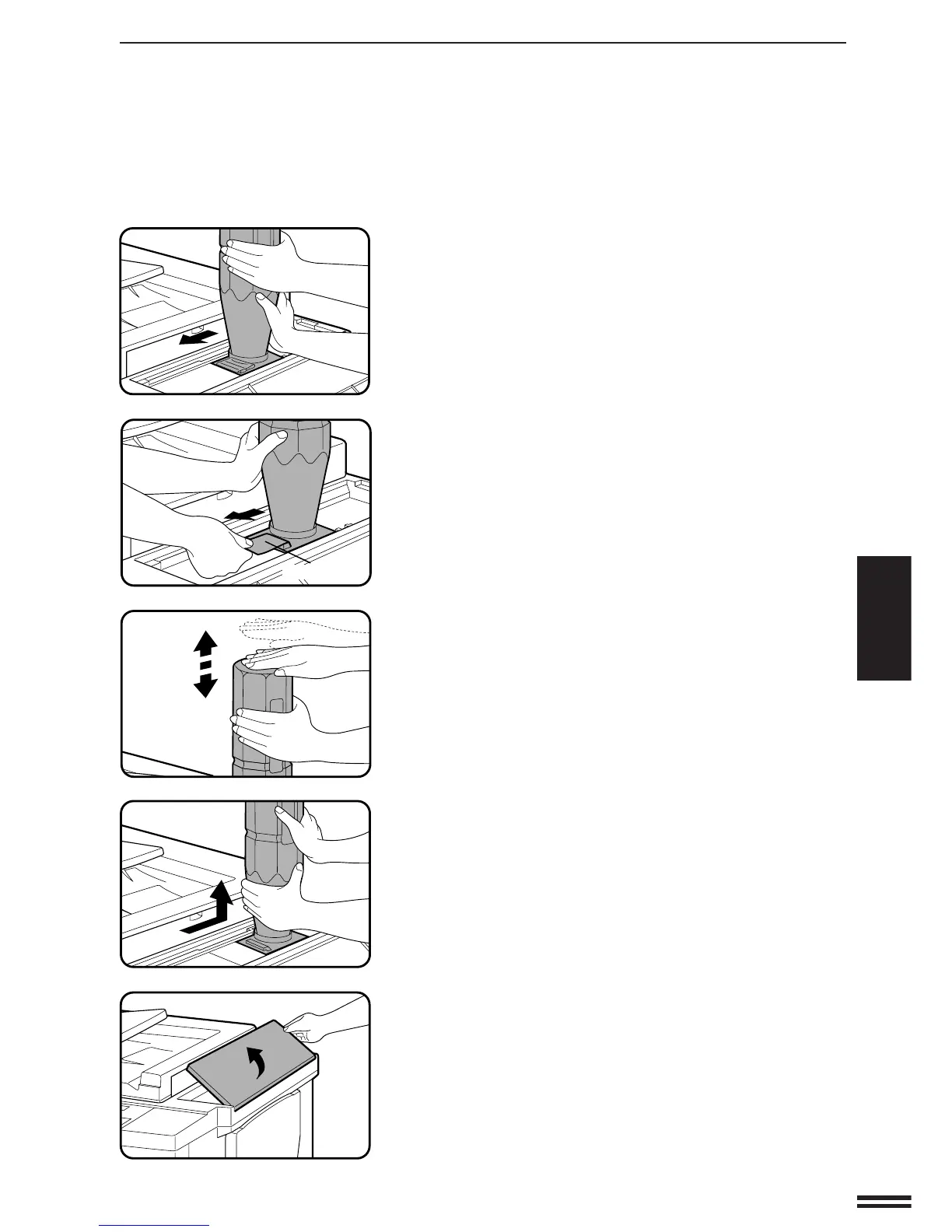
Slide the toner cartridge along the guides over the
toner hopper.
5
Hold the toner cartridge with one hand while pulling on
the sealing tape to remove it.
6
Tap on the top of the toner cartridge 5 times to release
all toner into the toner hopper.
●
It will take about 30 seconds for the toner to flow into the toner
hopper. Do not remove the toner cartridge until it becomes
empty.
7
Slide the empty toner cartridge back along the guides
and remove it.
●
The cartridge opening will be closed as it is moved back along
the guides.
8
Close the toner hopper cover .
NOTE:
Add only one cartridge of toner.
ADDING TONER
Adding toner
Sealing tape



 To Next Page