87
OPTIONAL
EQUIPMENT
20-BIN STAPLE SORTER (SF-S55N)
Stapling position adjustment (SF-S55N only)
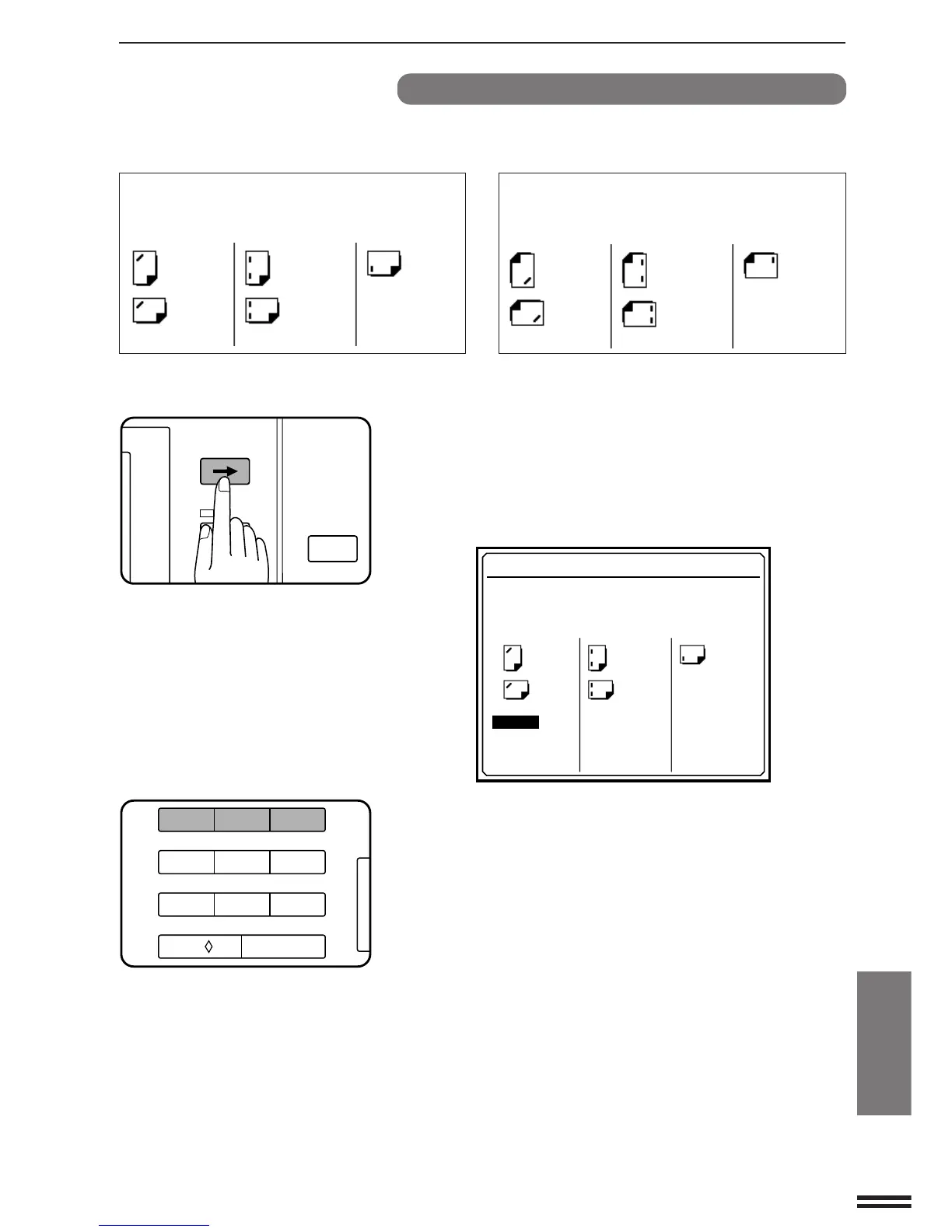
The SF-S55N 20-bin staple sorter has three types of stapling
positions.
Stapling positions on originals in front view Stapling positions on copies on the sort bins
(Selections in the message display)
CORNER TWO STAPLE ONE STAPLE CORNER TWO STAPLE ONE STAPLE
a
The selection can be made as below.
1
Set the original(s) and press the SORTER key to select
the STAPLE SORT mode as described on page 85 or
86.
2
Press the SCROLL DISPLAY key.
●
The following message will appear.
123
456
7
8
9
C
0/
AUDIT CLEAR
A4R
A4R
A3 B4A3 B4
A4 A4
STAPLE POSITION SETTING
USE 10-KEY PAD TO SELECT.
:PRESS 1 :PRESS 2 :PRESS 3
A4R
A4R
A3 B4 A3 B4
A4 A4
CORNER TWO STAPLE ONE STAPLE
●
If a MARGIN SHIFT mode or an ERASE mode has been
selected, a selection display for MARGIN SHIFT, ERASE, and
STAPLE POSITION will appear. Select STAPLE POSITION
using the 10-key pad.
3
Select the desired stapling position(s) using the 10-key
pad.
●
Check the copy paper size to be used when performing this
selection. The positions which can be selected depend on the
copy paper size to be used.
CORNER: A4, A4R, B4, A3, 8-1/2" x 11"
(8-1/2" x 11", 8-1/2" x 11"R, 8-1/2" x 14",
11" x 17", A4)
TWO STAPLE: A4, B4, A3, 8-1/2" x 11"
(8-1/2" x 11", 11" x 17", A4)
ONE STAPLE: A4R (8-1/2" x 11"R, 8-1/2" x 14")
In some regions, 216 mm x 330 mm (8-1/2" x 13") size paper can
be used for CORNER and ONE STAPLE.
4
Follow the steps for copying operation.
●
Go to step 3 on page 85 or on page 86.
P
INFORMATION
PROGRAM
CLEAR ALL
SCROLL DISPLAY
20-bin staple sorter (SF-S55N)



 To Next Page