Shure Incorporated
31/86
1.
2.
3.
4.
All connected microphones automatically update to the new network.
To update any other devices:
Open the technician menu on the MXCW640 by tapping the gear icon. While at the top of the page, hold down the
volume control knobs and tap the right side of the screen.
Go to the wireless tab.
Depending on the Startup mode set on the unit, either scan for a network or view options in the list.
Choose an access point network and press Connect .
To combine rooms again, simply change the conference units back to the original network to create the larger system.
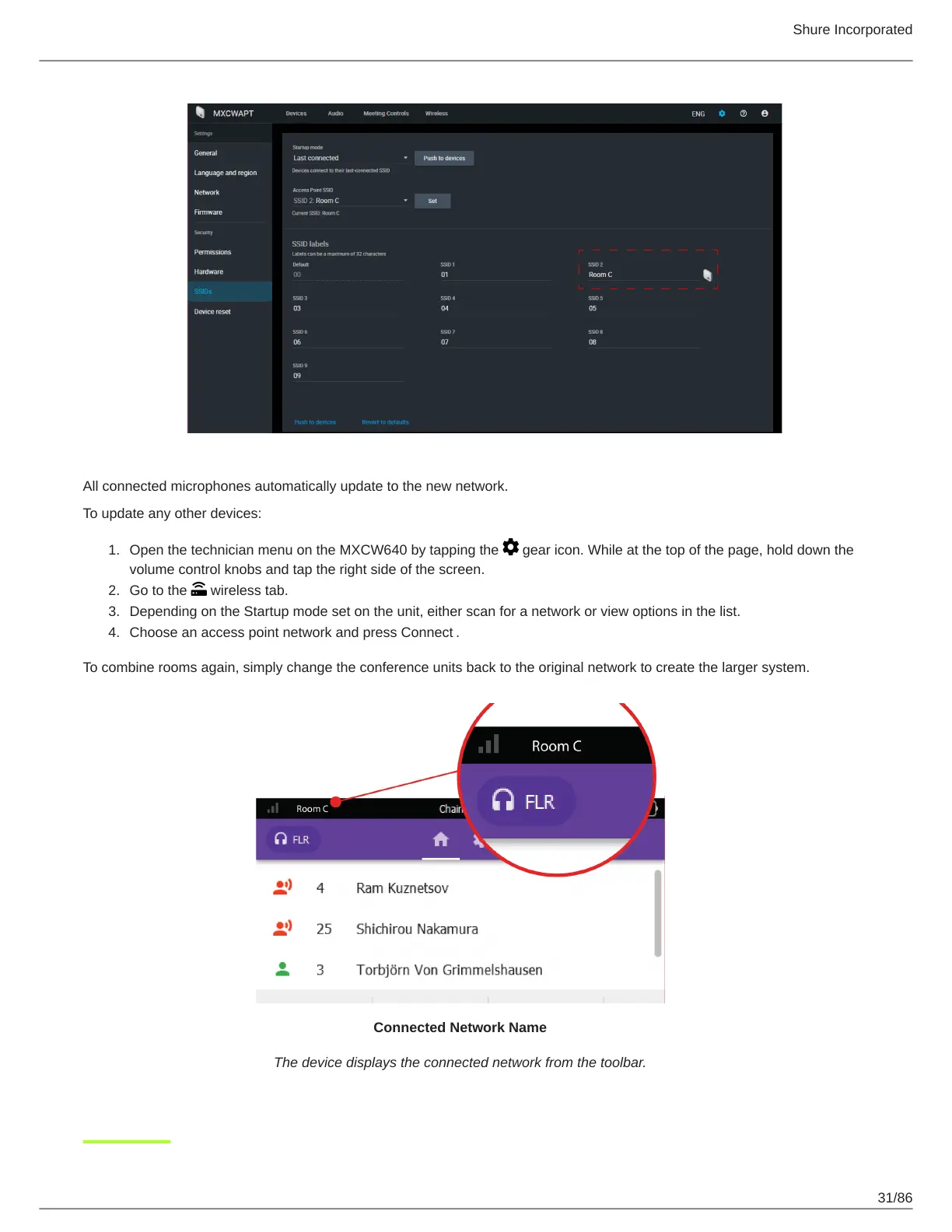
Connected Network Name
The device displays the connected network from the toolbar.













 To Next Page