33
Wireless Management
a
Room A Room B Room C Room D
Setting RF Power
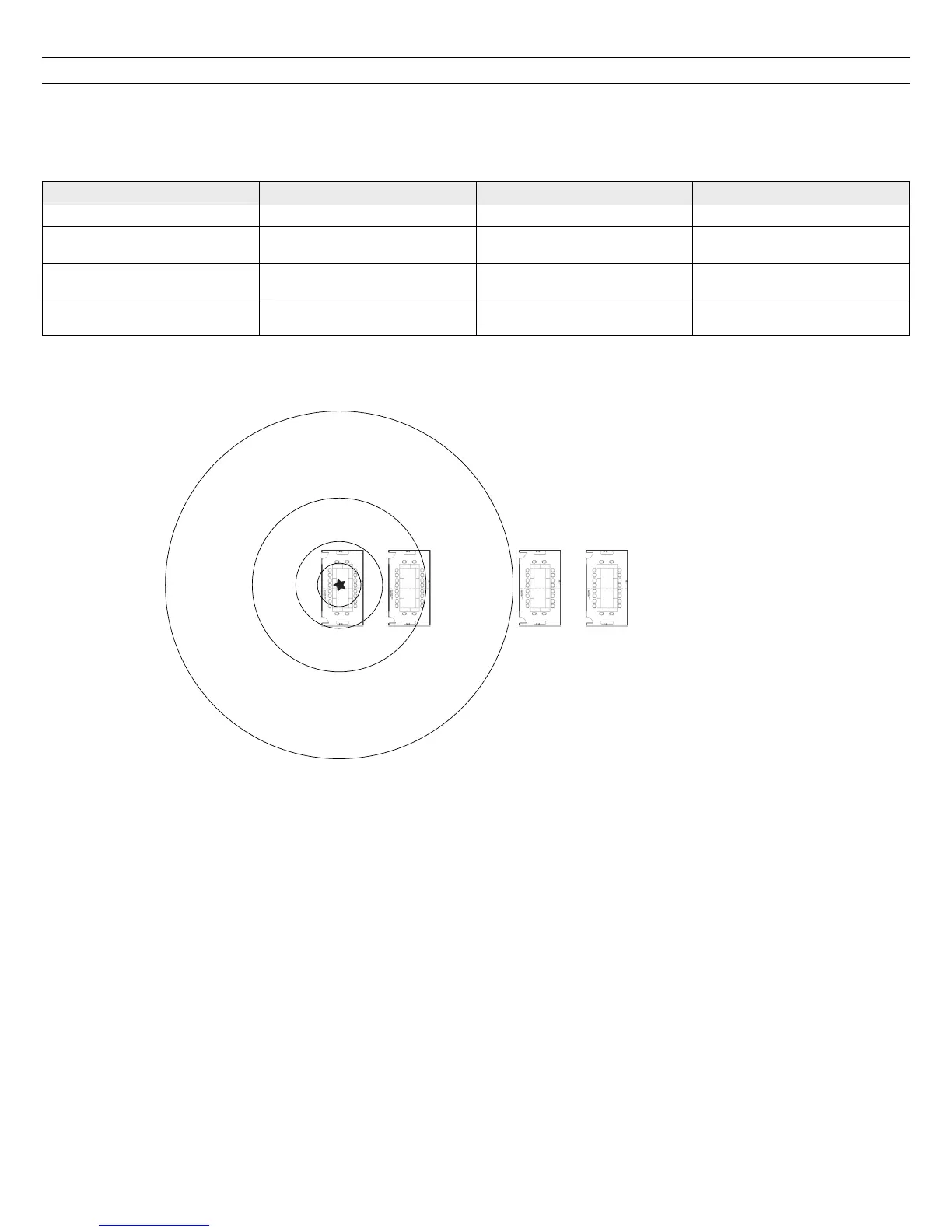
The RF radius of a configuration can be limited to allow another MXW system to re-use the frequency time-slots. It is best practice to use the lowest setting
that supports the installation. Perform a walk-around test with the transmitters to ensure that the coverage setting is sufficient.
The RF Power is set from the Preferences tab of the control software. The setting applies to each access point in the Configuration. Reference the following
table for setting the RF Power.
RF Power Levels
Setting Transmitter Power (mW) Coverage Distance from APT Typical Application
Max 80 150 Ballroom and auditorium spaces
High 16 100
Large meeting spaces and lecture
halls
Medium (default) 3 50
Conference, training and
multipurpose rooms
Low 1 25
Small video-conference rooms and
boardrooms














 To Next Page