Operator's Manual S 63 E - S 63 E C 101
pressed.
The width can be set in millimetres by changing the setting of the unit of measurement in
the machine's set-up menu
- press the key to confirm the previous value and set the machine for diameter entry
(-d-)
- read the rated rim diameter value on the tyre
- modify the displayed diameter value by pressing the keys until the read
number is set
- press the key to confirm the previous value and set the machine for distance data
entry (-A-)
- bring the distance measuring arm into contact with the inner side of the rim (fig.16).
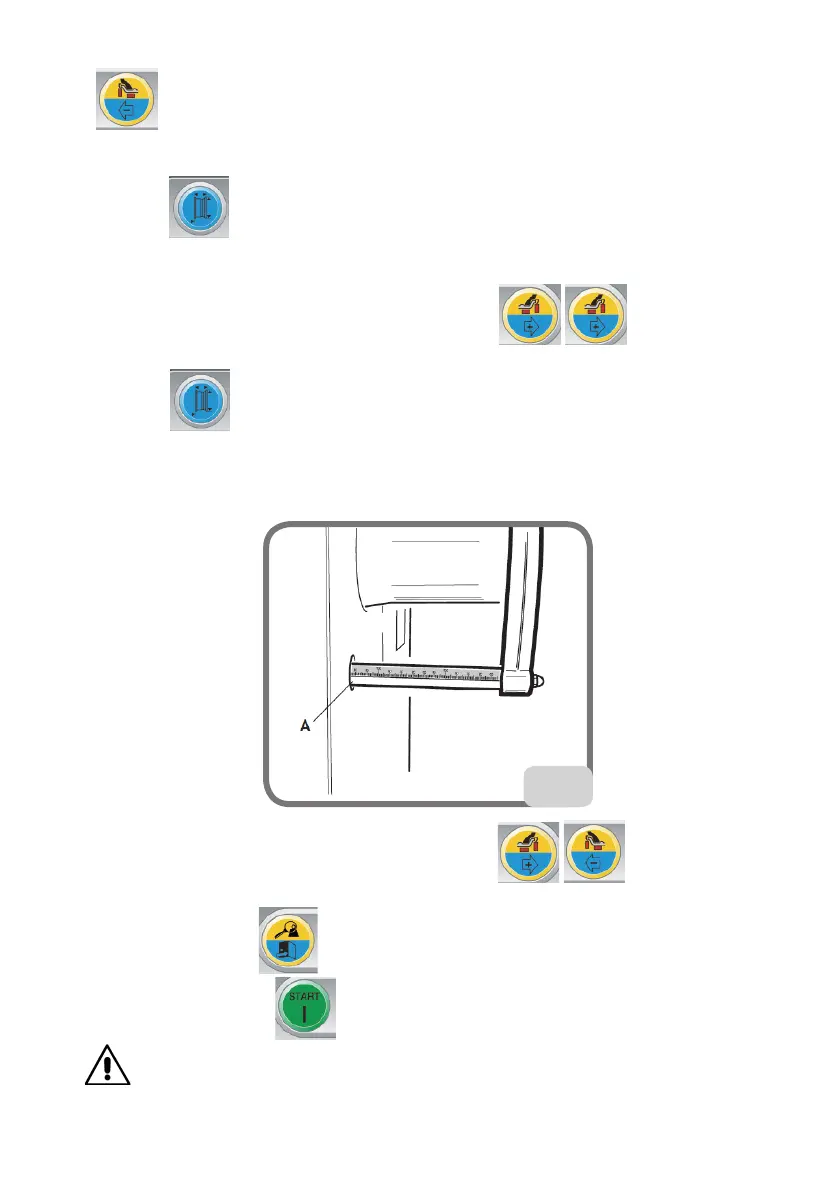
- read the value of the distance between the wheel and the casing on the rule (A, fig.18).
18
- modify the displayed distance value by pressing the keys until the read
number is set
- on completion, press to display the unbalance values recalculated on the basis of
the new dimensions, or to perform a wheel spin.
WARNING
If the diameter and distance values between the two balancing planes, recalculated on a



 To Next Page