Operator's Manual S 63 E - S 63 E C 91
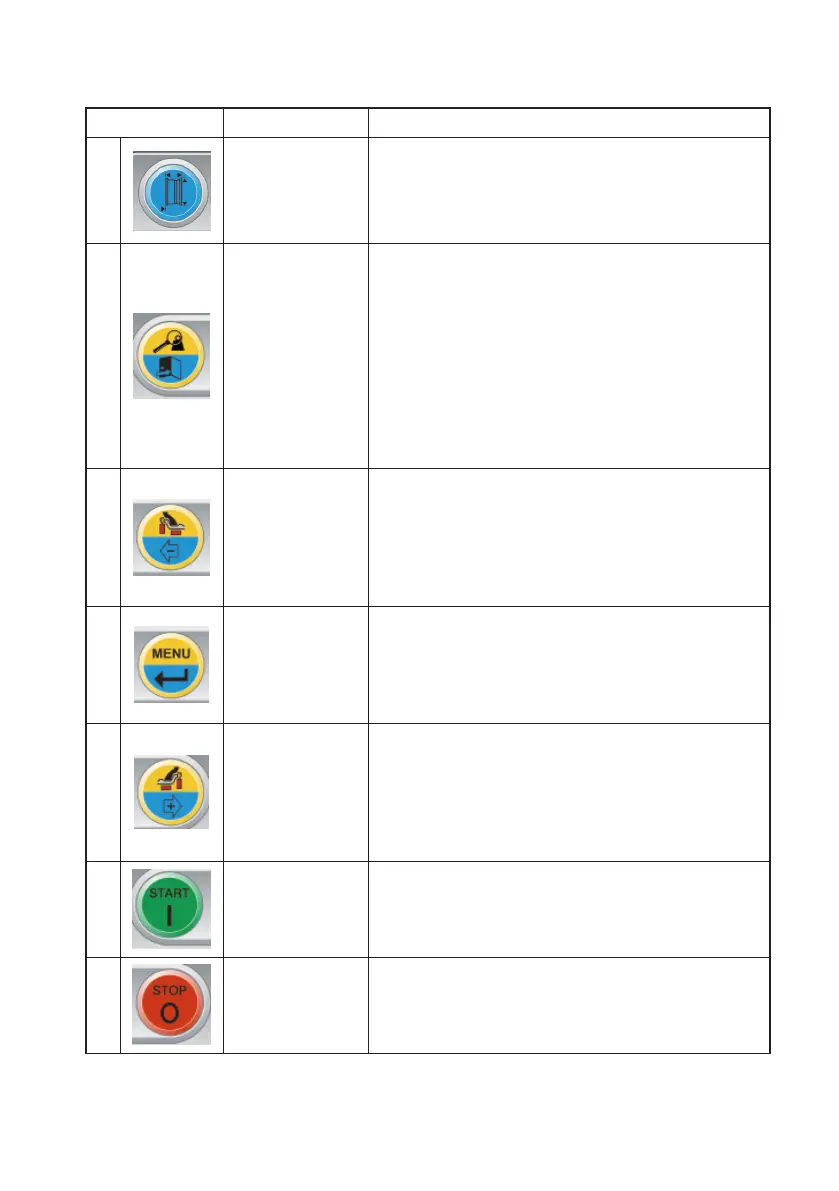
DISPLAY PANEL - CONTROL KEYPAD
KEY DESCRIPTION
1
Wheel dimen-
sions
- Press this key to manually enter the wheel dimen-
sions in the case of an automatic measurement
system malfunction or for versions with a manual
internal sensor.
2
End / Esc
Multifunction key
1. in balancing mode, press this key to temporarily
display the value rounded to the gram or 1/10 of
ounce.
Note: for ALU 1P and ALU 2P balancing programs
with shift plane, this key is not enabled.
2. in a menu or in a program, press this key to exit.
3. holding the key down for at least six seconds,
the machine performs the conversion of units
from grams to ounces.
3
Internal weight
selection/
Decrease
Multifunction key
1. in balancing mode, press this key to select the
type of weight to use on the inner side of the wheel.
2. in the menu press this key to navigate.
3. when entering dimensions manually, press this
key to decrease the displayed value.
4
Menu / Enter
Multifunction key
1. in balancing mode, press this key to access the
wheel balancer menu.
2. in a menu or in a program, press this key to
change the viewed option.
5
Outer weight
selection/In-
crease
Multifunction key
1. in balancing mode, press this key to select the
type of weight to use on the outer side of the wheel.
2. in the menu press this key to navigate.
3. when entering dimensions manually, press this
key to increase the displayed value.
6
Start
- Press this key to perform a spin with the wheel
guard lowered
- Search for another side (with RPA active and
wheel guard open)
7
Stop - Press this key to stop the spin



 To Next Page