Operator's Manual S 63 E - S 63 E C 117
Proceed as follows to access the configuration menu:
• press the key
• use the keys to search for SEt UP
• Press the key.
15.1. SET UP - SELECTING THE TYPE OF
VEHICLE (CAR/MOTORCYCLE)
Configuration used for enabling motorcycle wheel balancing functions.
Proceed as follows to recall this programme:
- Press the key.
- use the keys to search for SEt UP
- press the key to confirm
- use the keys to search for CAr on (or CAr oFF if previously set)
- press the key to change the setting:
CAr on to activate the car working environment
CAr on to activate the motorcycle working environment
- press the key to confirm and exit.
Warning
Proceed as follows to balance a motorcycle
wheel:
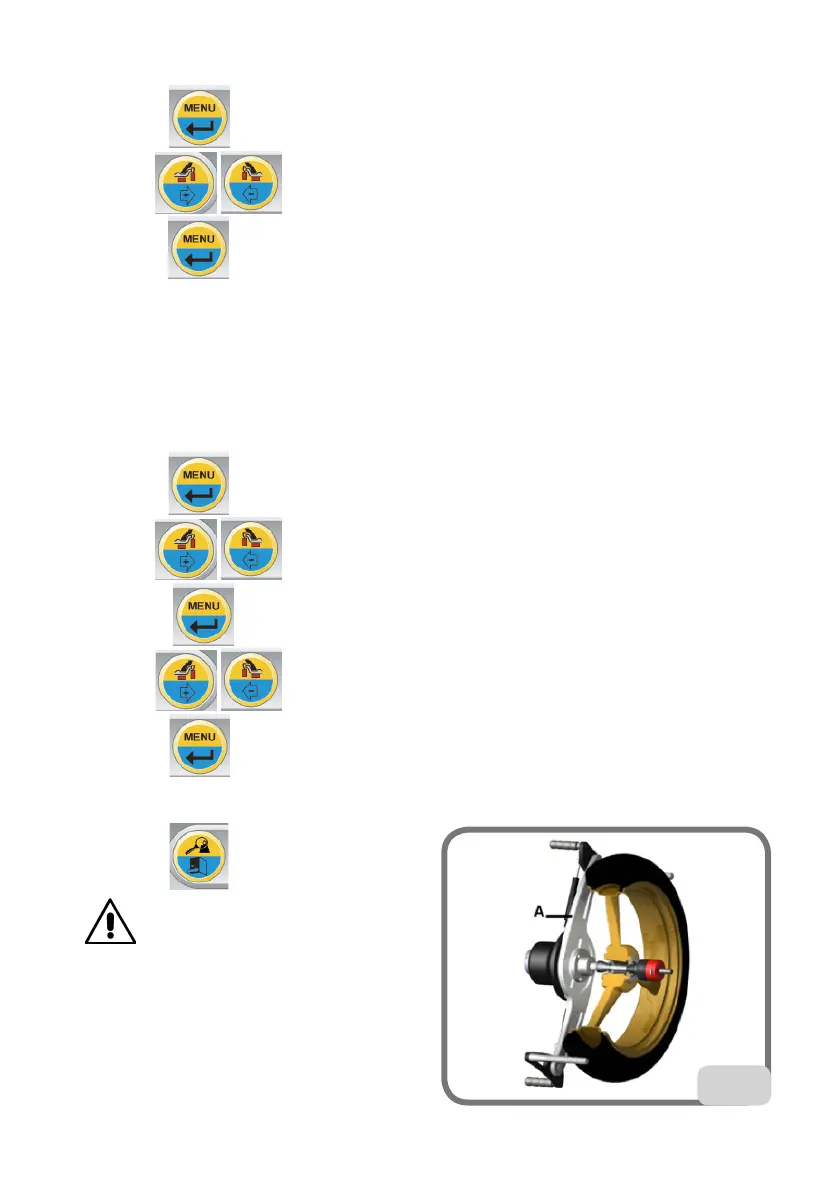
- fit the motorcycle wheel adapter A on the
wheel balancer as shown in Fig. 26;
- remove the hub;
- insert the two screws that are supplied in the
holes on the wheel contact flange;
26



 To Next Page