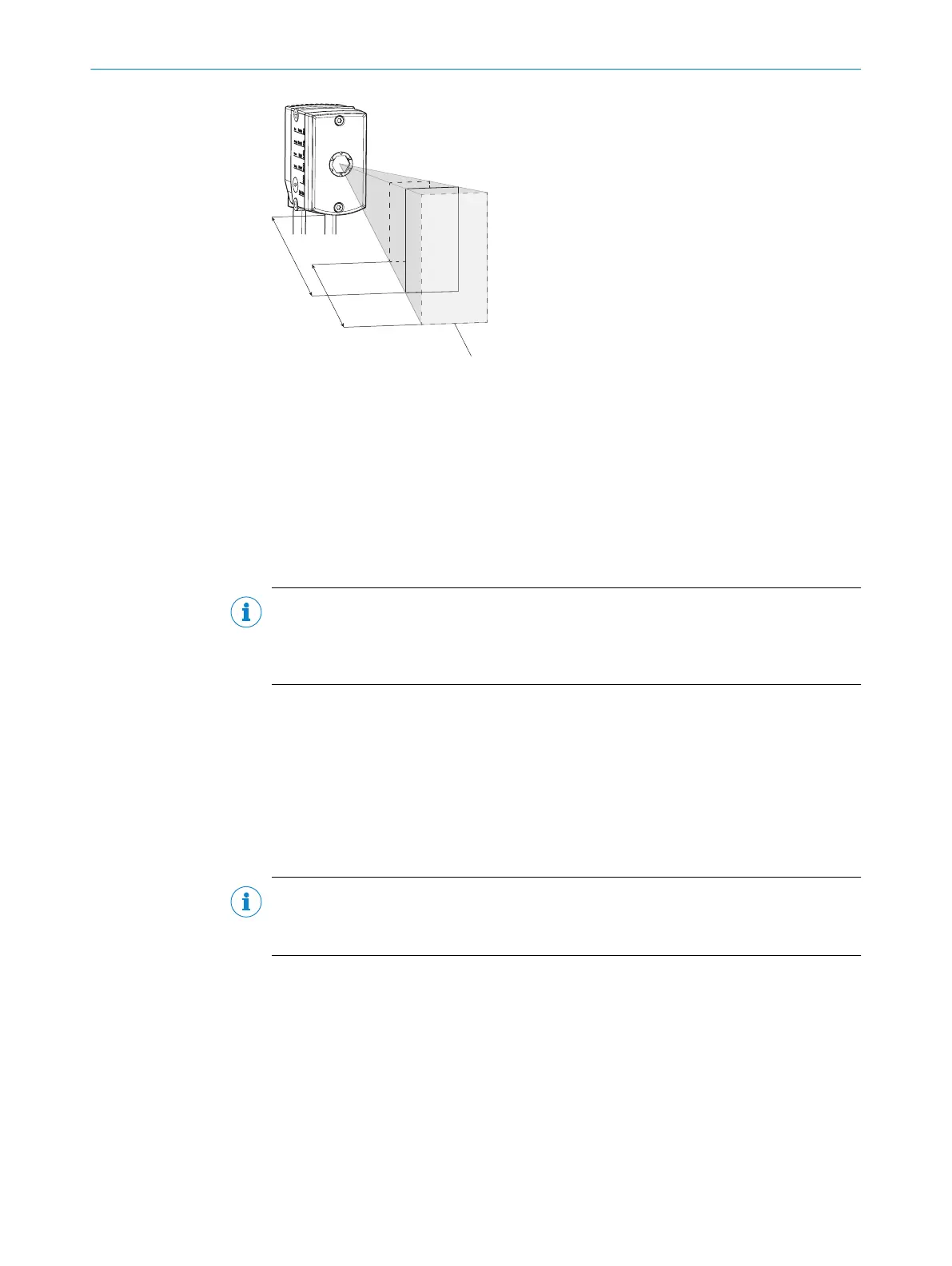
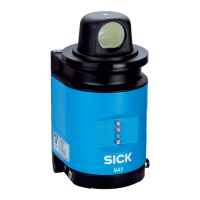
Figure 7: Field of view geometry
1
Working distance
2
Depth of field
3
Field of view
The user manually adjusts the focus position to suit the working distance with the help
of the focus adjustment tool, see "Adjusting the focus position", page 25.
The focus position is valid for one working distance. The device does not perform auto‐
mated tracking (auto focus) if the working distance changes significantly, for example.
NOTE
After the device has been successfully calibrated using SOPAS ET, do not change the
working distance of the device and the reading distance set in SOPAS ET.
If these settings are changed, the device must be recalibrated.
The set working distance effects the speed of the AGV and the size of the field of view
depending on the mounting alignment and the 2D codes used, see "Typical reference
values during operation", page 55.
5.3.3 Mounting angle
Align the device at a 90° angle to the surface so that the beta (β) and gamma (γ)
angles are set to exactly 0°. Check the beta (β) and gamma (γ) angles in SOPAS ET, see
"Configuring the device manually", page 39.
NOTE
Use the latest version of the SOPAS ET configuration software.
Versions older than SOPAS ET Version 2018.04 are not compatible with the device.
Setting gamma (γ) mounting angle:
MOUNTING 5
8026021//2020-12-18 | SICK O P E R A T I N G I N S T R U C T I O N S | GLS611
23
Subject to change without notice


 To Next Page