Sierra Wireless FX30S User Guide
Rev. 7 August 2021 16 41110485
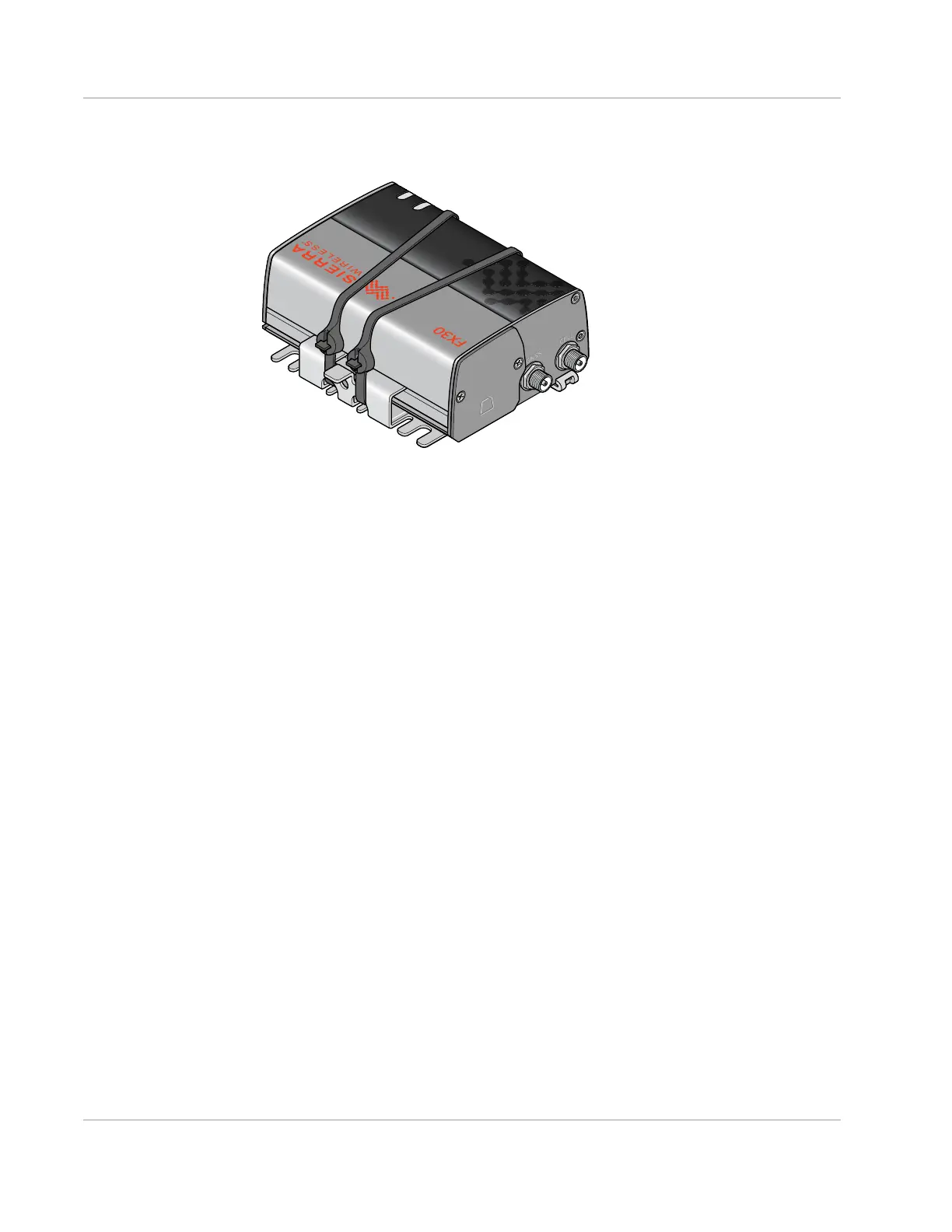
3. Tighten and secure the ties around the FX30S and trim off the excess length of the
ties.
Figure 2-7: Cable ties tightened and trimmed
4. You are now ready to flat mount the FX30S in a high vibration environment. If you are
mounting it on a DIN rail, see Mounting on a DIN Rail on page 17.















 To Next Page