Sierra Wireless FX30S User Guide
Rev. 7 August 2021 22 41110485
Step 5—Connect the Power and I/O
The Sierra Wireless FX30S comes with a 1.5 meter (about 5 ft.) DC power cable. For
more information on the DC power cable, see page 62. You can also purchase an optional
AC adapter.
Warning: Electrical installations are potentially dangerous and should be performed by personnel
thoroughly trained in safe electrical wiring procedures.
Attention : Les installations électriques sont potentiellement dangereuses et devraient être effec-
tuées par du personnel parfaitement formé aux procédures de sécurité de câblage électrique.
The FX30S supports an operating voltage of 4.75–32 V.
Fusing
The Sierra Wireless DC power cable has a 3 A fuse installed in the cable. If that cable is
used, no additional fusing is required.
Power and I/O Connections
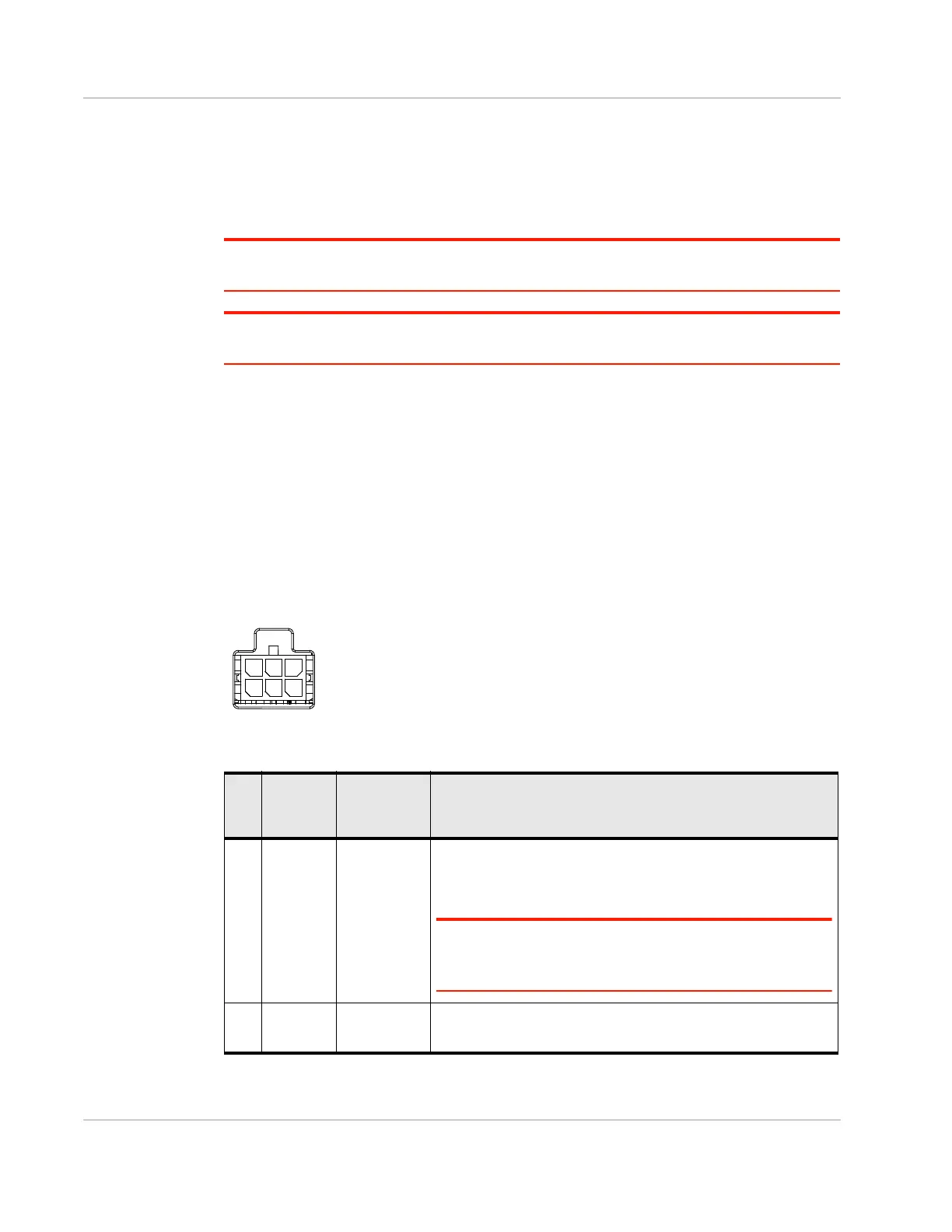
Table 2-1 describes the functions for the pins on the FX30S power connector. See also I/
O Configuration on page 26.
Figure 2-14: FX30S Power Connector
Table 2-1: Power Connector Pin and DC Cable Wires
Pin Function Associated
DC Cable
Wire Color
Description
1 Power Red (20 AWG + Fuse)
Main power supply for device
Fuse: Slow-blow 3 A, 250 V (5 × 20 mm)
Note: If you want to turn the FX30S on/off using a control line,
Sierra Wireless strongly recommends that you connect the on/
off line to Pin 3 and apply continuous power on Pin 1.
2 Ground Black (20 AWG)
Main device ground















 To Next Page