Installation and Startup
Rev. 7 August 2021 31 41110485
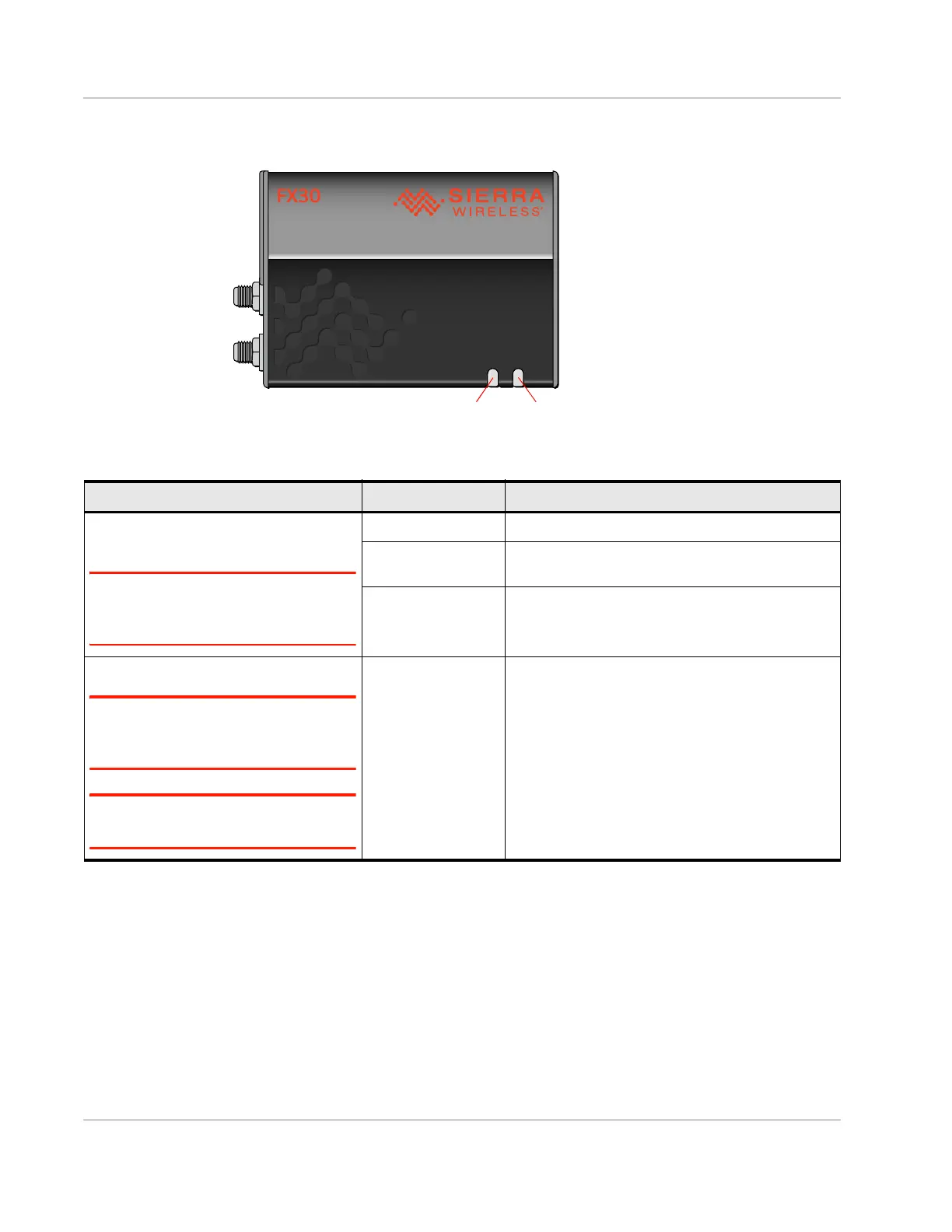
LED Behavior
Step 7—Use the FX30S
You can use the FX30S as:
• A USB modem—You can use the FX30S as a USB bitpipe modem based on the
Qualcomm proprietary RMNET interface. This can be done through AT commands
using AT!SCACT to open and close the data session. For more information and a
detailed example, see Using the FX30S as a USB Modem on page 66.
• An embedded cellular platform for IoT applications—Use AT commands, Linux shell
commands, or Legato to configure/program. See page 33.
Table 2-5: LED Behavior
LED Color / Pattern Description
Power
(Default Behavior)
Note: Based on three GPIOs. To define
the behavior of this LED, see Power LED
on page 79.
Off No power or input voltage ≥ 32 VDC or ≤ 4.75 VDC
Solid Red Gateway is powered on, not attached to cellular
network.
Solid Amber Attached to cellular network.
User
Note: Based on two GPIOs. To define the
behavior of this LED, see User LED on
page 79.
Note: You can write Legato applications to
define User LED behavior.
Possible colors:
• Red
• Green
• Amber
User-defined behavior















 To Next Page