22
CHECKING THE BATTERY STATUS
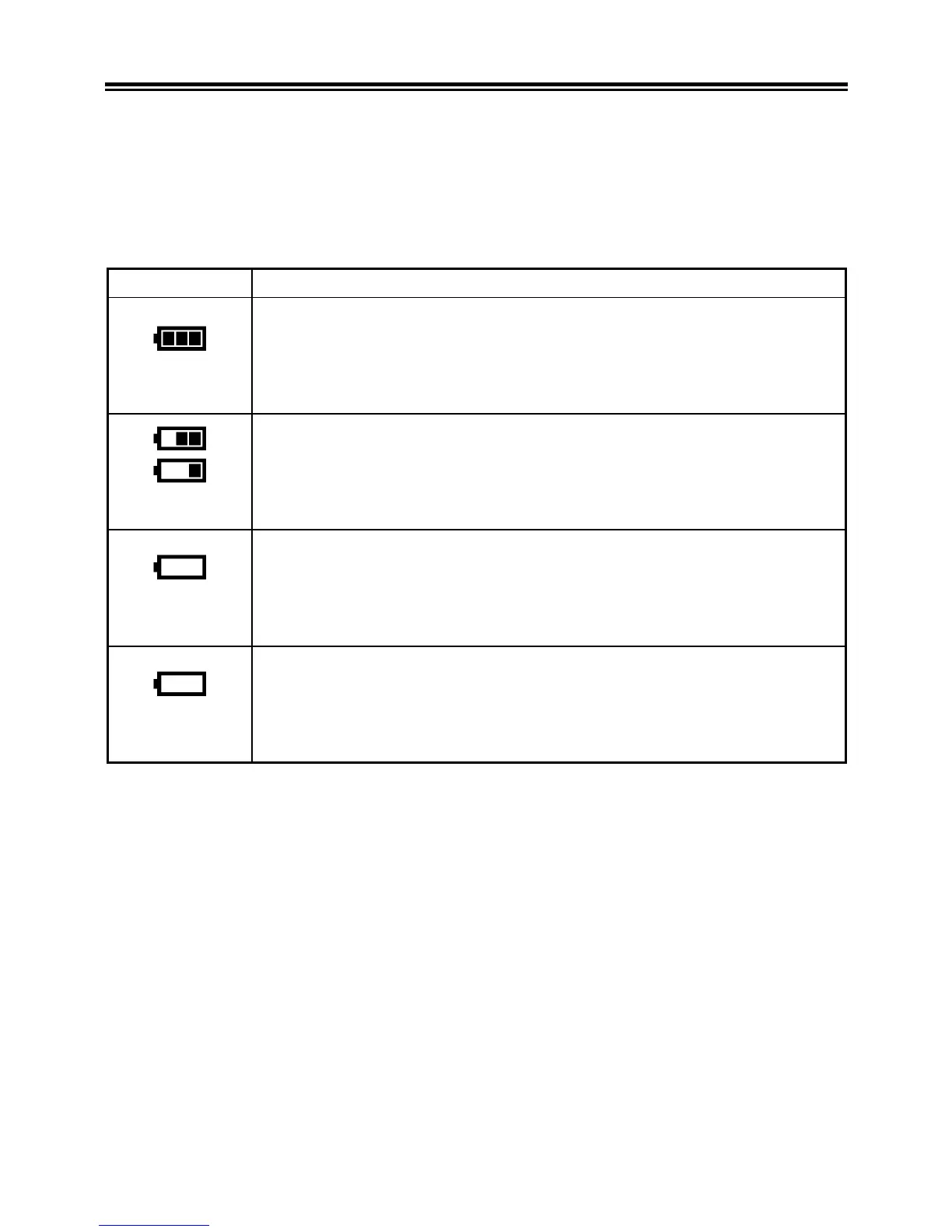
The battery icon, which shows the capacity of the battery, is shown
on the left corner on the color LCD panel.
Explanations of the symbols are given as follows.
Please take notice of the battery status before and when in use.
Battery Status
White
The battery strength is sufficient.
White
The battery level is low and the battery will need to be
changed soon.
White
The power of the battery is insufficient, replace the
battery immediately.
Red
The power of the battery is empty; it is not possible to
work. Please replace the battery.



 To Next Page