26
CAMERA SET-UP MENU
This section describes the various settings in the Camera Set-up
menu.
It is possible to set the camera functions or “reset settings to
default” from the Camera Set-up menu display. The Camera
Set-up menu is divided into three groups.
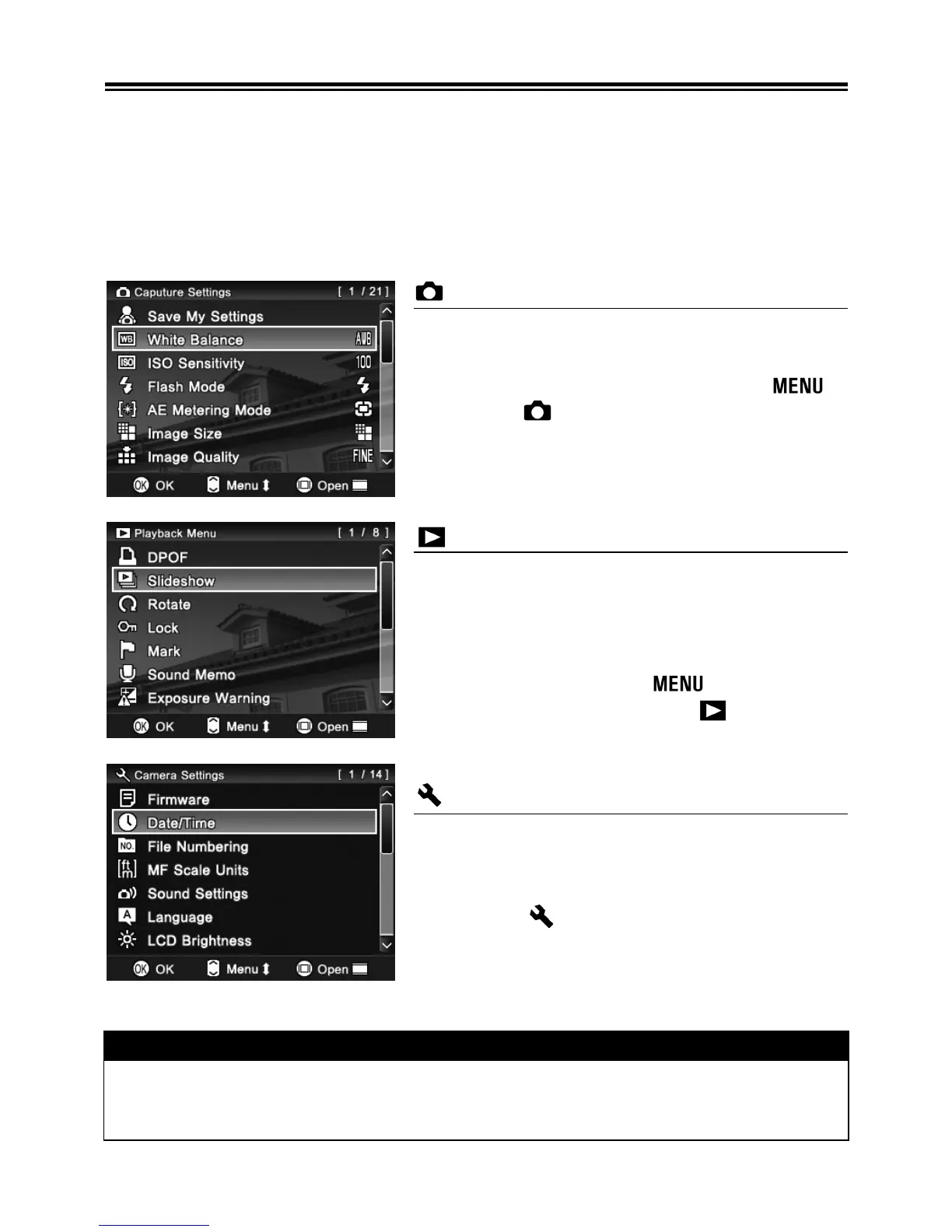
Capture Settings
This menu relates to settings of still
images and movie recordings. When an
exposure mode is selected and
is
pressed [
Capture Settings] will be
displayed. Menu options will differ
depending on which exposure mode is
selected.
Playback Menu
This menu is for setting the playback
related functions of the still images and
movies. The settings for printing, such as
DPOF setting, is included in the Playback
Settings menu. If
is pressed
during playback mode, [
Playback
Menu] will be displayed.
Camera Settings
This menu is used for camera setup such
as date and language selection. When
the Mode Dial is set to the SET UP
position, [
Camera Settings] will be
opened.
WARNING!!
• The Camera Set-up menu will not be displayed in Sound Recording
mode.



 To Next Page