78
MAGNIFYING IMAGES
(ZOOMED-IN VIEW)
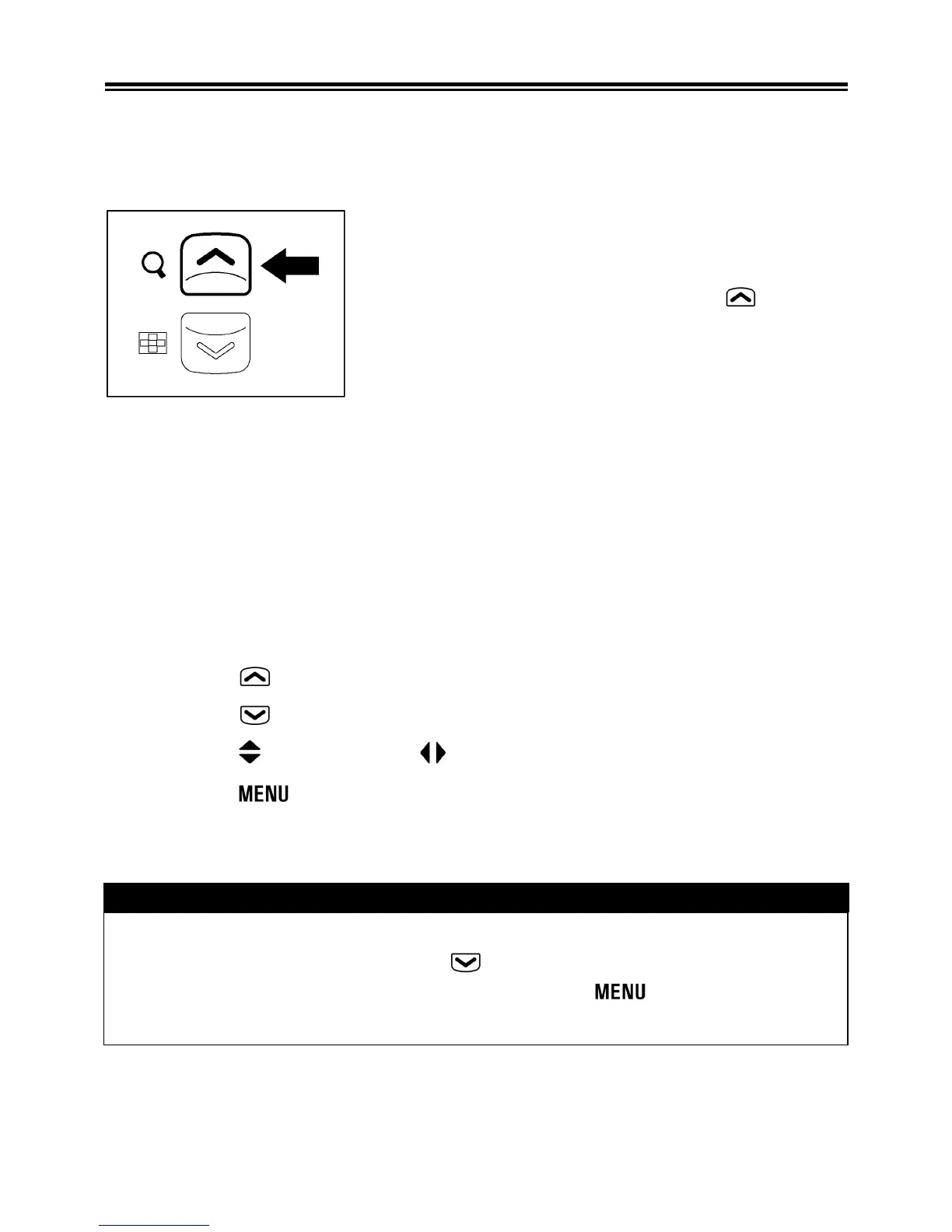
Reviewed images can be magnified, making it possible to check
image details and focusing.
While reviewing images, press the button.
The magnification ratio will be changed as follows.
Original→X1.25→X1.6→X2.0→X2.5→X3.15→X4.0→X5.0→X6.3→
X8.0→X10.0
WHILE IN ZOOMED-IN VIEW:
z Press the
button to increase magnification.
z Press the
button to decrease magnification.
z Press the
button or the button to pan around the image.
z Press the
button to return to the original ratio.
TIP
• While in Zoomed-In View, the 4-way controller cannot be used to
change images. Press the button or return to the original
ration (Single-Image View) by pressing the button, then use
the 4-way controller to change images.



 To Next Page