EasyManua.ls Logo

Sigma DP2 - Page 34

Sigma DP2
120 pages
Print Icon
To Next Page IconTo Next Page
To Previous Page IconTo Previous Page
Loading...
33
Camera Settings
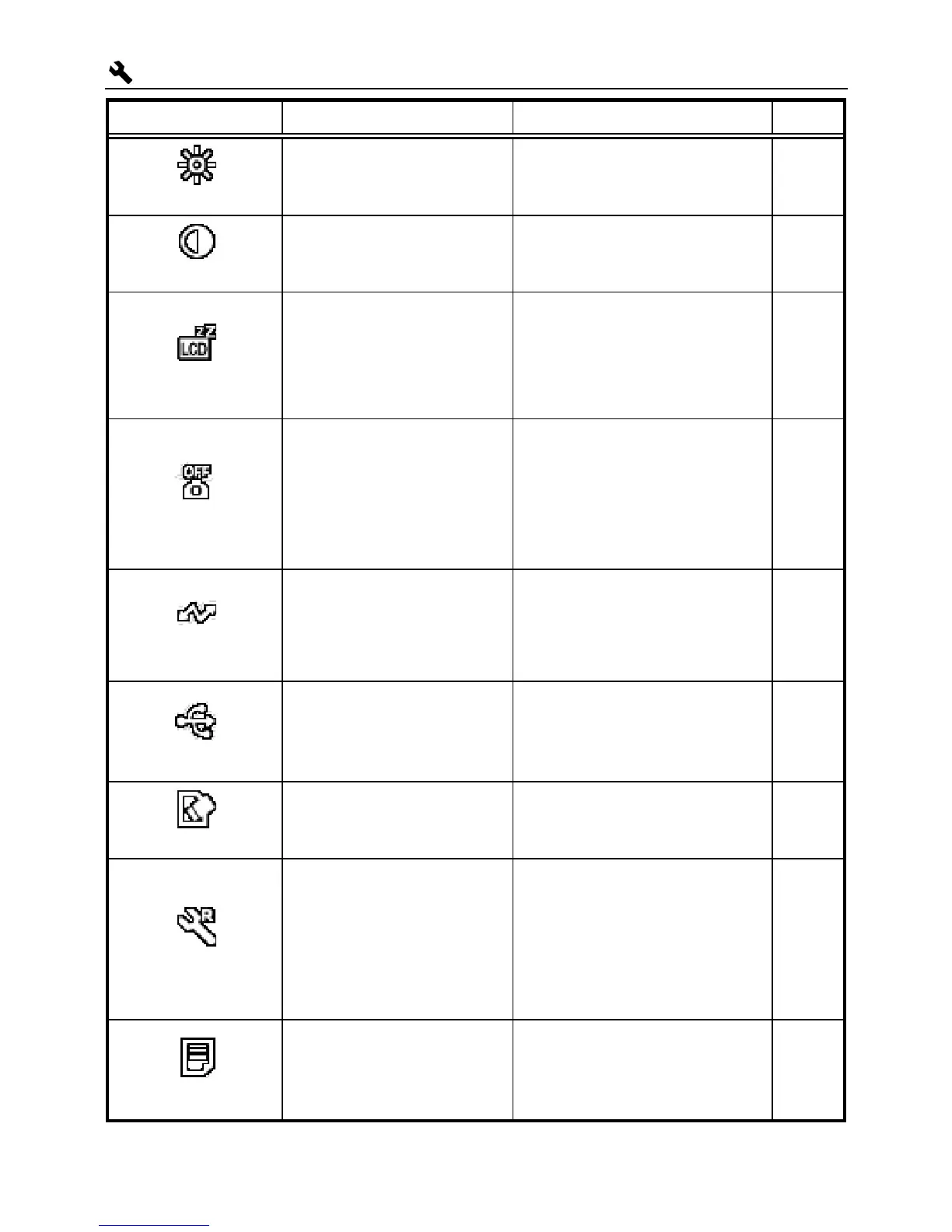
Menu Item Options Description Page
LCD Brightness
Sets the color LCD
monitor brightness.
LCD Contrast
Sets the color LCD
monitor contrast.
LCD Sleep
Of
f
30 sec.
1 min. *
2 min.
5 min.
Sets the delay before the
color LCD monitor turns
off automatically if no
operation has occurred.
114
Auto Power Off
Of
f
10 sec.
30 sec.
1 min.
2 min. *
5 min.
Sets the delay before the
camera shuts down
automatically if no
operation has occurred.
114
Video Mode
NTSC *
PAL
Sets the standard to be
used for video output
when the camera is
connected to a television
or VCR.
85
USB Mode
Mass Storage*
PictBridge
Selects the “Mass
Storage” for connection to
a PC or “PictBridge”
compatible printer.
106,118
Format
Formats the card.
(Formatting will erase all
data on the card.)
39
Reset
Reset Capture
Settings
Reset Camera
Settings
(Reset to factory
defaults)
Restores all menu options
to their default settings.
(Default settings are
indicated by a *.)
40
Firmware
Confirm current firmware
version and update the
latest firmware version
from card.

Table of Contents

Other manuals for Sigma DP2

Related product manuals