93
TO MARK A SINGLE IMAGE
1
Use the button to select the image to be marked in Contact Sheet
or Single-Image View.
2
Open [ Playback Menu](P.26) by pressing the button and
select [Mark].
3
In Open Display, select [Mark] by pressing the button and press
the
button.
4
Close [ Playback Menu] by pressing the button.
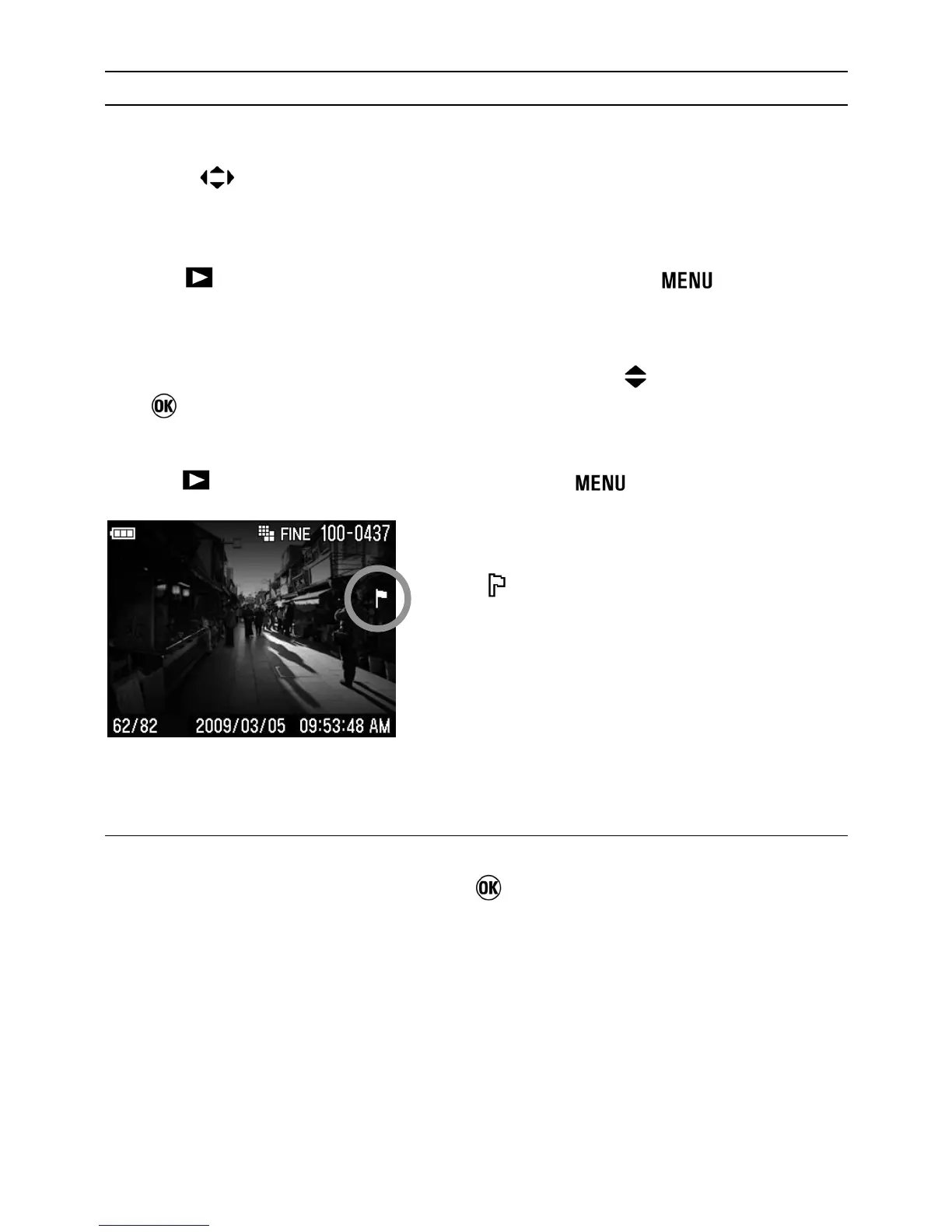
• A icon will appear in the
upper-right corner of the image
indicating that the image is marked.
UNMARKING A SINGLE FILE
To unmark a marked image, select the marked image then select
[Unmark] in step
3
and press the button.



 To Next Page