Functional Description
AG05
Date: 15.06.2016 Art. No. 85677 Mod. status 139/16 Page 11 of 64
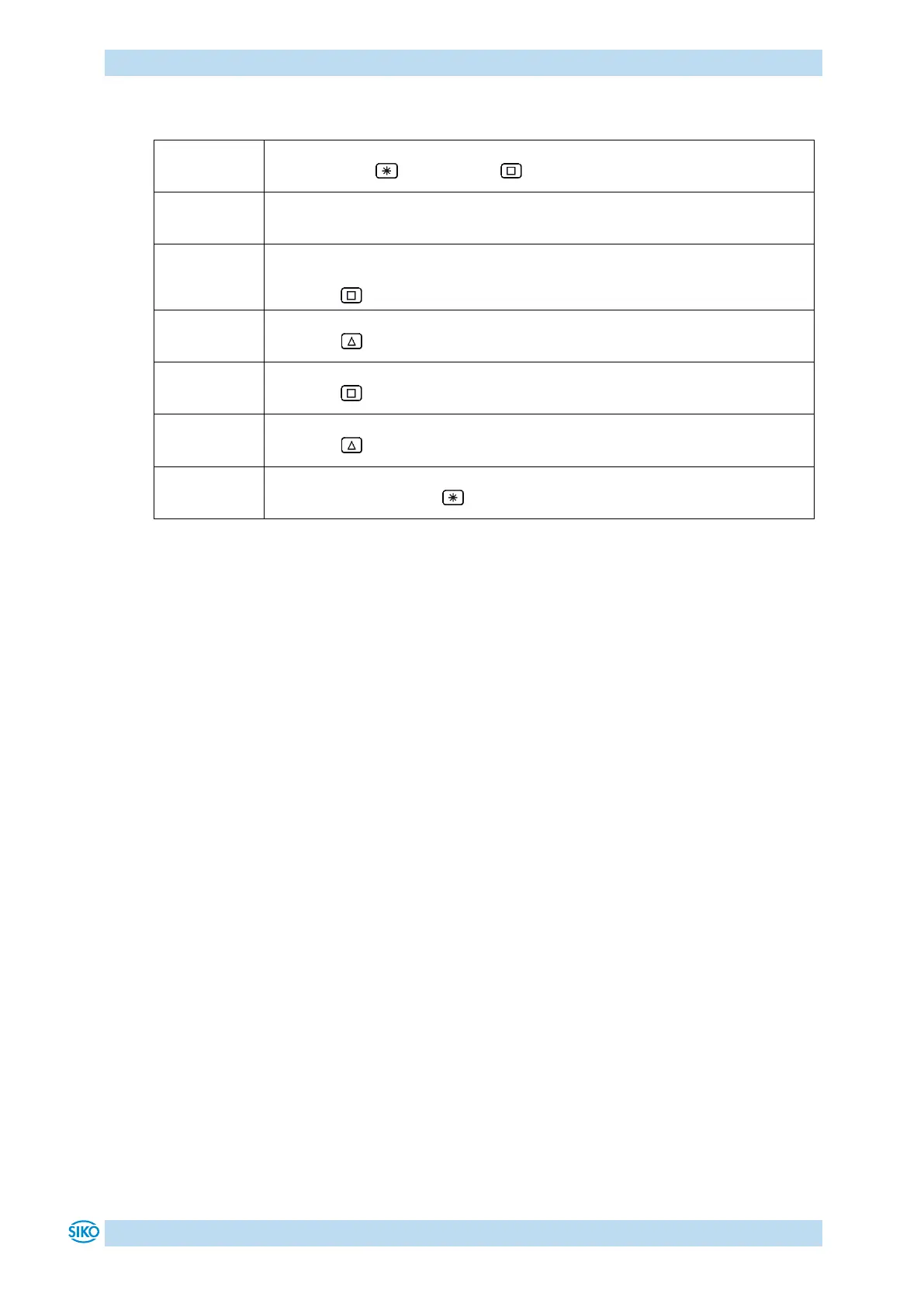
Initial state: normal display
First press the key, then the key and hold down together.
The key enable time is counted down.
After expiry of the key enable time, the input field is released
The first decimal place is active and blinks.
Press the key twice to change the active decimal place.
The third decimal place is active and blinks.
Press the key 5 times for entering the value.
Value 500 will be displayed.
Press the key twice to change the active decimal place.
The fifth decimal place is active and blinks.
Press the key 11 times for setting the arithmetical sign.
Value -500 will be displayed.
Confirm by pressing the key to start positioning.


 To Next Page