Sirona Dental Systems GmbH 10 Instrument Functions
41 63 189 D 3311
D 3311.201.01.10.02
23
IRKPMWL
10.1 SIRONA-Motor
Once an instrument has been removed and
a
SIRONA motor
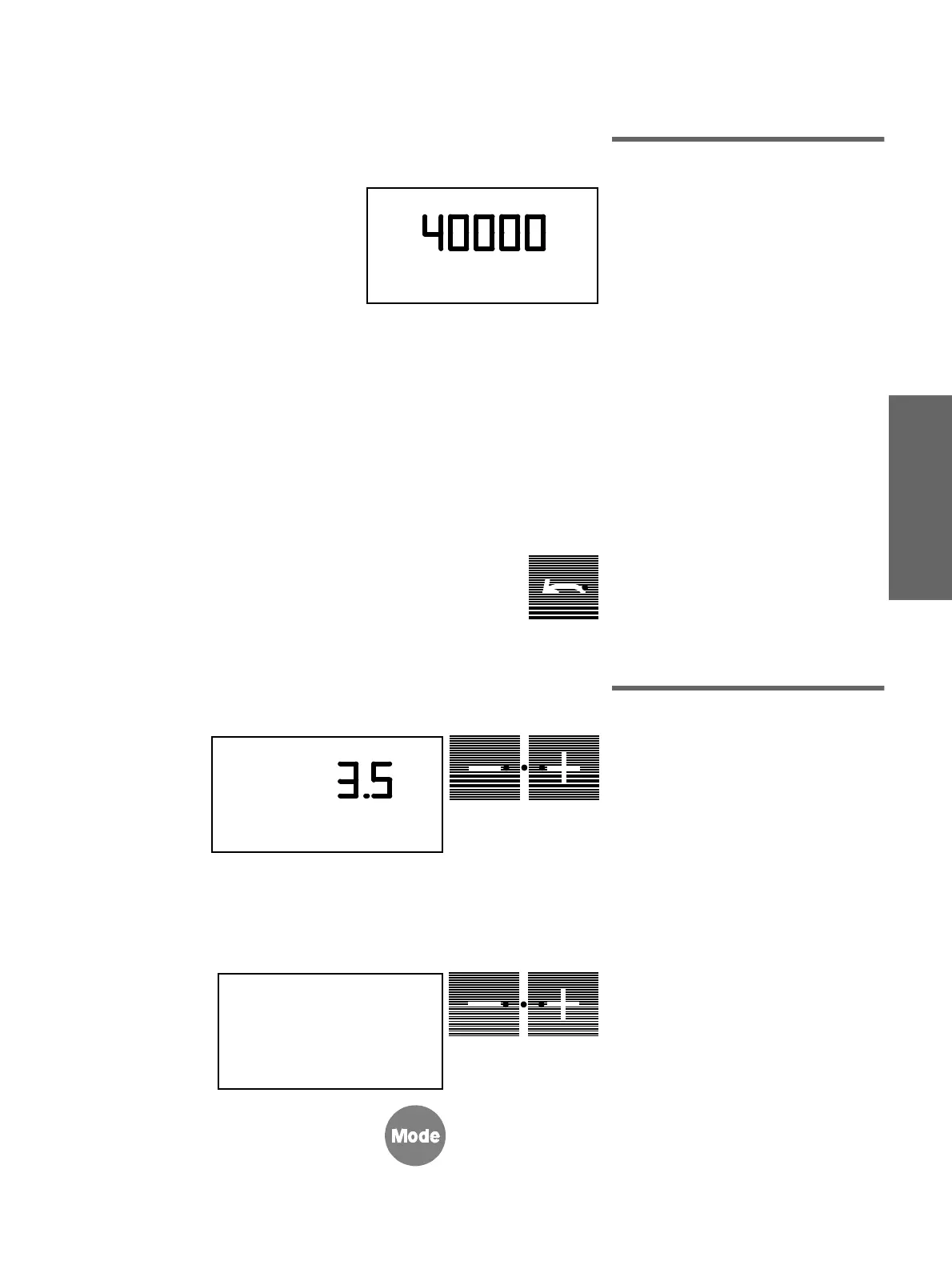
has been started, the
selected motor speed in
r.p.m.
and
operator
A
or B will appear on the display.
The motor speed can be set with
the
–
/
+
keys.
If you
hold
the corresponding key down,
the speed is adjusted in counting steps:
200 counting steps:
From 200 - 2000 min
−
1
400 counting steps:
From 2000 - 10,000 min
−
1
1000 counting steps:
From 10,000-40,000 min
−
1
Fast adjustment:
If you
briefly touch
the relevant key, the
speed preselection always jumps to the
next step of 10,000 up or down.
CCW key
, only for
SIRONA motors
(foot switch to the left). If this key is
pressed, the green LED in the key lights up.
After the SIRONA motor is started with the
foot switch, a 6-pulse acoustic warning sig-
nal sounds.
10.2 Turbine
Once a turbine has been removed 0 bar or
PSI (according to presetting) appears on
the display. The current air pressure in bar
or PSI always appears on the display when
the turbine is started and operated.
The maximum air pressure of the turbine is
regulated with the
–
/
+
keys with the
turbine running up to the highest permissi-
ble value set in Mode.
If you keep the corresponding key
held
down
, you adjust the air pressure in count-
ing steps of 0.1 bar or 1 PSI respectively.
The bar/psi presetting is performed with the
Mode
key.
Press the Mode key repeatedly until
PRESSURE PSI / BAR
appears on the
display.
Then select the desired unit of pressure
with the
–
/
+
keys. The flashing unit of
measure is the one which is currently
preselected.
A
RPM
A
bar
PSI
PRESSURE
PSI / BAR
A















 To Next Page