Sirona Dental Systems GmbH 12 Basic Workstation Settings with Mode Key
41 63 189 D 3311
D 3311.201.01.10.02
33
IRKPMWL
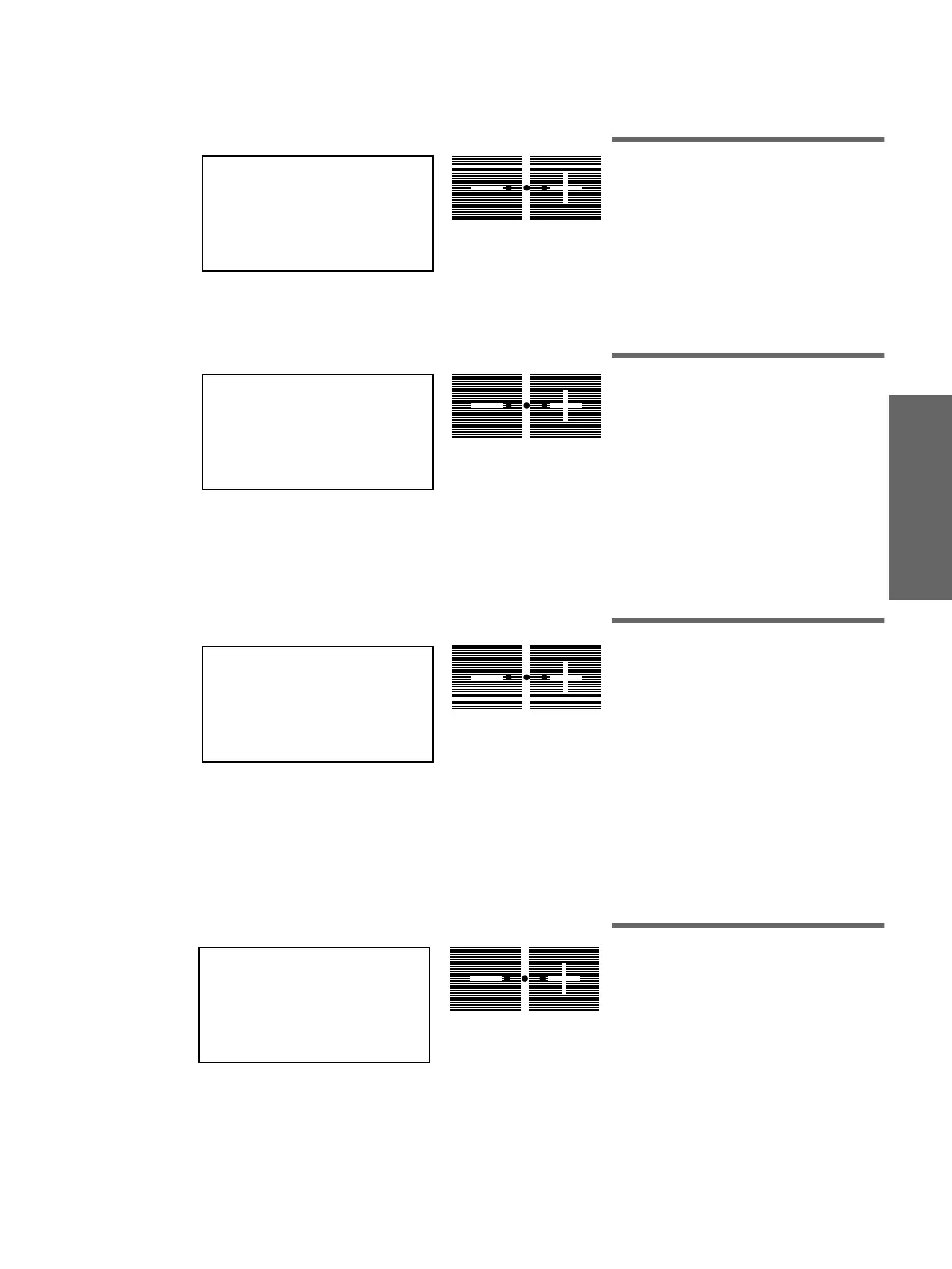
12.4 Mode: TIME
–
HOURS:MIN
Setting the time
In this mode, you can set the
time in hours
and minutes
.
The hour display flashes first, and can be
set down or up with the
– / +
keys.
If the Mode key is pressed again, the
minute display starts flashing and can be
set in the same manner.
12.5 Mode: DAY : MON : YEAR
Setting the date
When this display appears, you can set the
year, month and day
.
The day is set similarly to the time in the
TIME
-
HOURS : MIN
mode, i.e. in the
order: year, month, day.
The date is not displayed during unit
operation.
It is required only for internal treatment
center functions, e.g. fault detection.
12.6 Mode: FOOT-CONTROL
NORMAL-EXTENDED
Switching the cursor on/off
If you want to operate the workstation using
only the push-buttons, you can switch the
cursor diode off in this mode.
Regarding the instruments, the foot switch
can then be actuated only to switch
with/
without spray
(left) and
chip blower
(right).
The dentist element, when all instruments
are in their holders, can also be moved in
both directions with the footswitch.
12.7 Mode: BOWL ON S
YES
−
NO
Cuspidor rinsing for chair program S
The cuspidor rinsing should switch on in the
mouth rinsing position
S
of the dental chair
(see page 19).
TIME - HOURS : MIN
11 : 21
A
DAY : MON : YEAR
21 : NOV : 97
A
FOOT-CONTROL
NORMAL - EXTENDED
A
BOWL ON S
YES
−
NO
A















 To Next Page