Sirona Dental Systems GmbH 14 Assistant Unit
41 63 189 D 3311
D 3311.201.01.10.02
39
IRKPMWL
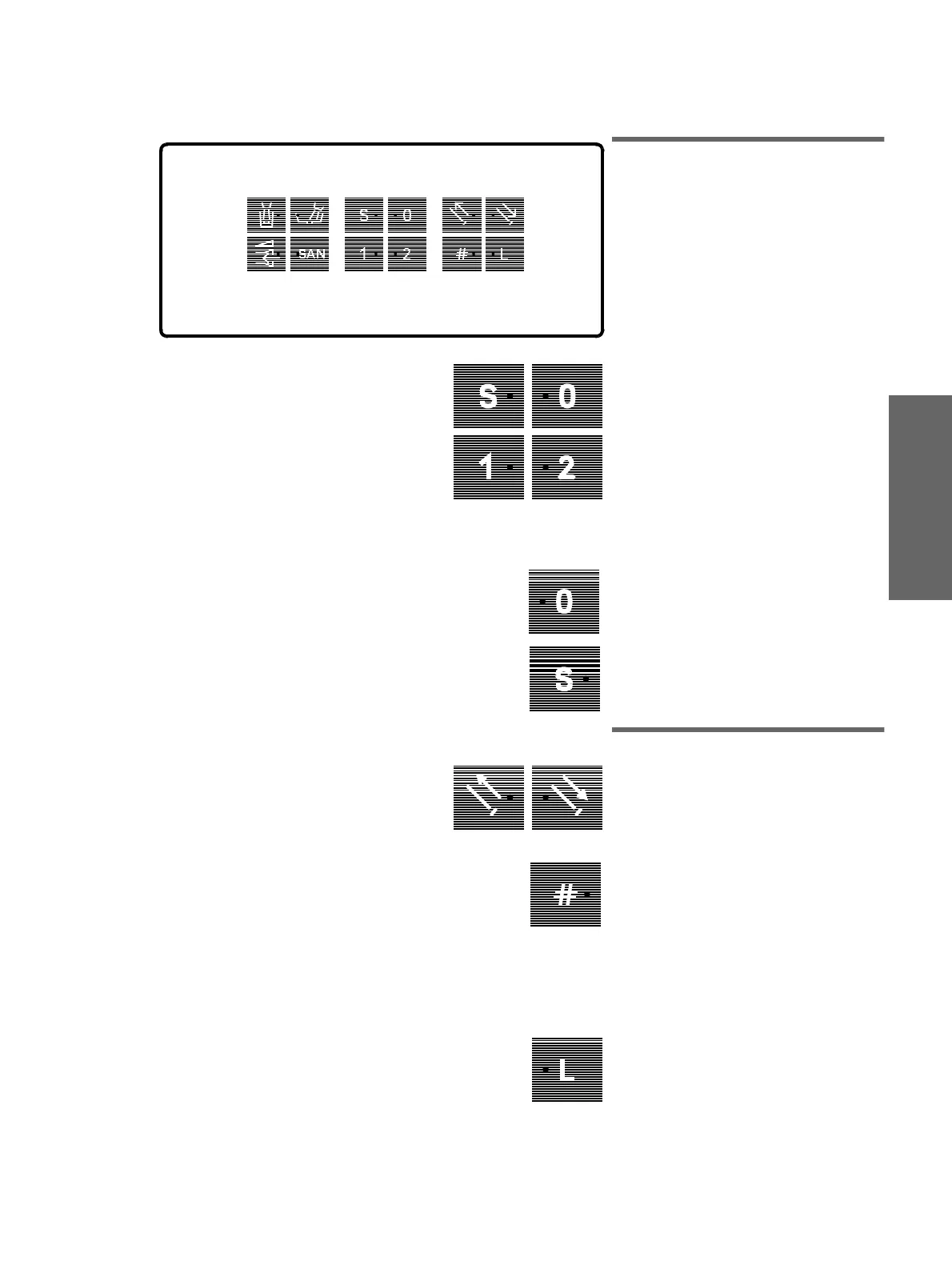
14.2 Function of Keys
(center keypad)
Control Panel
Chair programs
Keys for selecting programmed
patient positions.
The individual chair programs are stored by
pressing and holding these keys until an
acoustic signal sounds.
TRAVEL STOP!
If one of the program keys is pressed
during automatic chair travel to a pro-
grammed position, all workstation trav-
els will be disabled immediately.
A dou-
ble-beep then sounds to indicate this condi-
tion.
0 program key
for the neutral position.
S program key
with memory function.
Pressing this key a second time causes the
treatment center to return to its previous
position (memory function, see example on
page 16)
14.3 Function of Keys
(right keypad)
Manual setting of headrest
Extend / retract headrest
Key for freely selectable function
e.g. dimming of light for composite fillings
(connected by your technician).
Either a push-button or a switch function
can be preselected in
Mode
.
or SIVISION button
This function can be preselected in
Mode
(button only).
Light ON/OFF
With SPRAYVIT removed:
Instrument light
With POLYLUX handpiece removed:
POLYLUX light
.
If these instruments are both deposited or
simultaneously removed:
Unit lamp
.















 To Next Page