12 Basic Workstation Settings with Mode Key Sirona Dental Systems GmbH
41 63 189 D 3311
32
D 3311.201.01.10.02
12
Basic Workstation Settings with
Mode Key
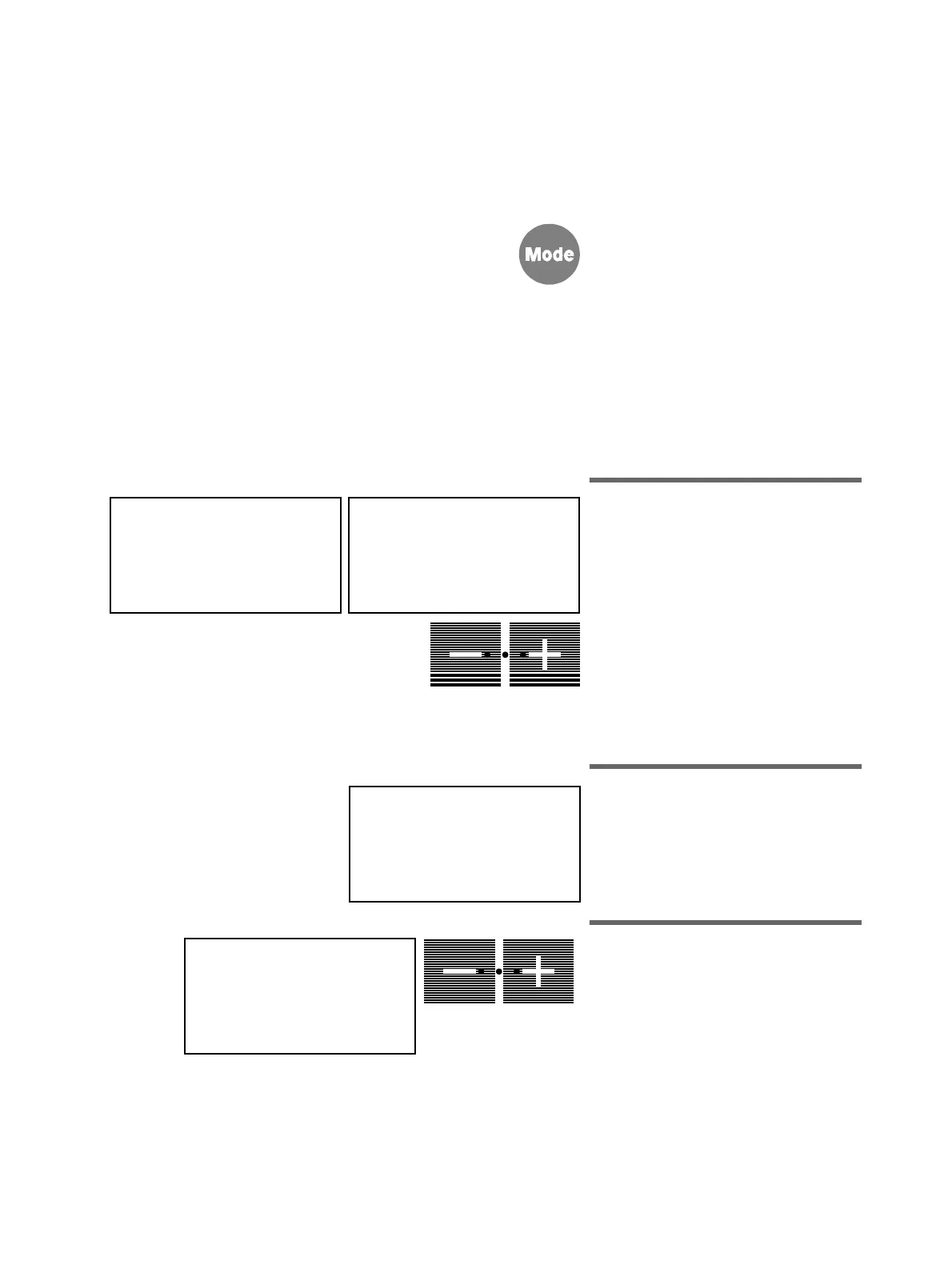
On pressing the
Mode
key, various basic
workstation settings can be called and
changed in a certain order.
This applies both to operator A and to
operator B.
The corresponding display automatically
disappears again after a certain time has
elapsed.
If the Mode key is pressed again, the first
setting option will be displayed again.
The selection which flashes on the display
is currently selected and can be changed
by pressing the
–
or the
+
key.
12.1 Mode: NACL–PUMP
OFF
or
ON FOR HANGER..
Saline solution for a designated drilling
instrument (hanger 2
-
5)
In this mode, you can preselect the NaCl
pump for a specified instrument using
the
– / +
keys (
OFF
or
ON
for hanger
2/3/4/5).
For preparation of the NaCl pump, see
page 37.
12.2 Mode: SERVICE ONLY
START
-
STOP
-
CONT
For Service technicians only!
12.3 Mode:
FC CONTROL MODE
ON/OFF – VARIABLE
Direct starter or speed controller foot
switch
Preselection of preferred type of foot-
switch-controlled instrument start ( see
page 21).
NACL PUMP
ON FOR HANGER 2
A
NACL–PUMP
OFF
A
SERVICE ONLY
START – STOP – CONT
A
FC CONTROL MODE
ON/OFF - VARIABLE
A















 To Next Page