12 Basic Workstation Settings with Mode Key Sirona Dental Systems GmbH
41 63 189 D 3311
36
D 3311.201.01.10.02
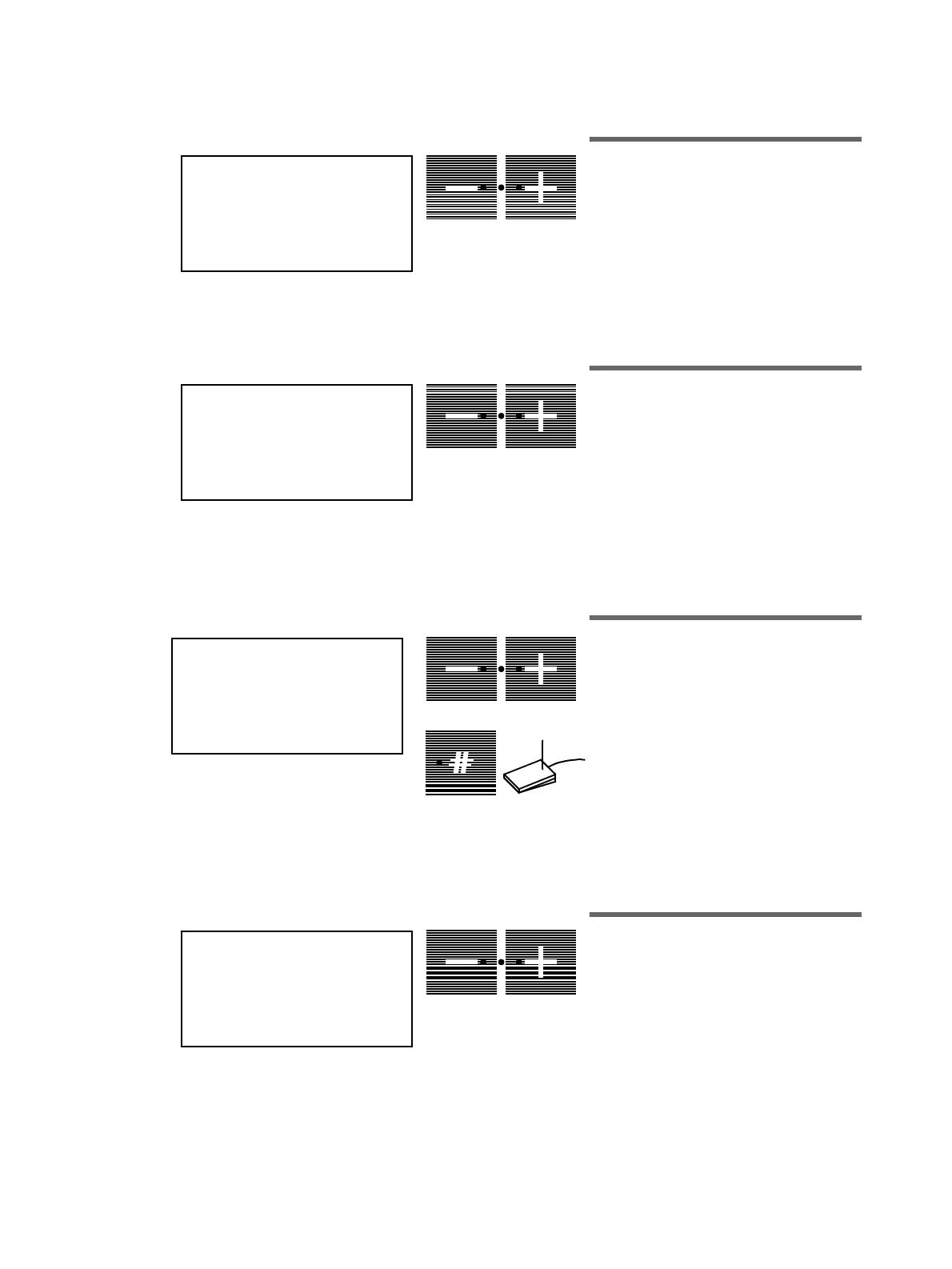
12.14 Mode: PRESSURE
PSI / BAR
Display of pressure in PSI or bar
This mode is used to set the
turbine air
pressure
display to your preferred unit of
measurement, i.e.
PSI
or
bar
(see page 23).
12.15 Mode:
SPRACHE / LANGUAGE
ENG / D / I / F / E
Language setting
In this setting option, you can determine the
desired language
ENG= English, D=Ger-
man, I=Italian, F=French and
E= Spanish
for the display.
12.16 Mode: SIVISION YES/NO
Control of SIVISION functions
If
YES
is set, the button for
free selection
is automatically programmed for button
mode and serves for controlling the
SIVISION functions
.
These functions can also be released
simultaneously by pressing the footswitch
A
towards the front if the cursor is between
the chair program buttons
S
and
0
(see SIVISION operating instructions).
12.17 Mode: SIROLUX U - POS.
ON - OFF
SIROLUX in examination position
If
ON
flashes, the
SIROLUX FANTASTIC
unit lamp is switched on automatically on
bringing up the dentist unit (with instrument
placed in the holder) (see page 13).
PRESSURE
PSI / BAR
A
SPRACHE / LANGUAGE
ENG / D / I / F / E
A
SIVISION
YES / NO
A
A
SIROLUX U - POS.
ON - OFF
A















 To Next Page