Sirona Dental Systems GmbH 12 Basic Workstation Settings with Mode Key
41 63 189 D 3311
D 3311.201.01.10.02
35
IRKPMWL
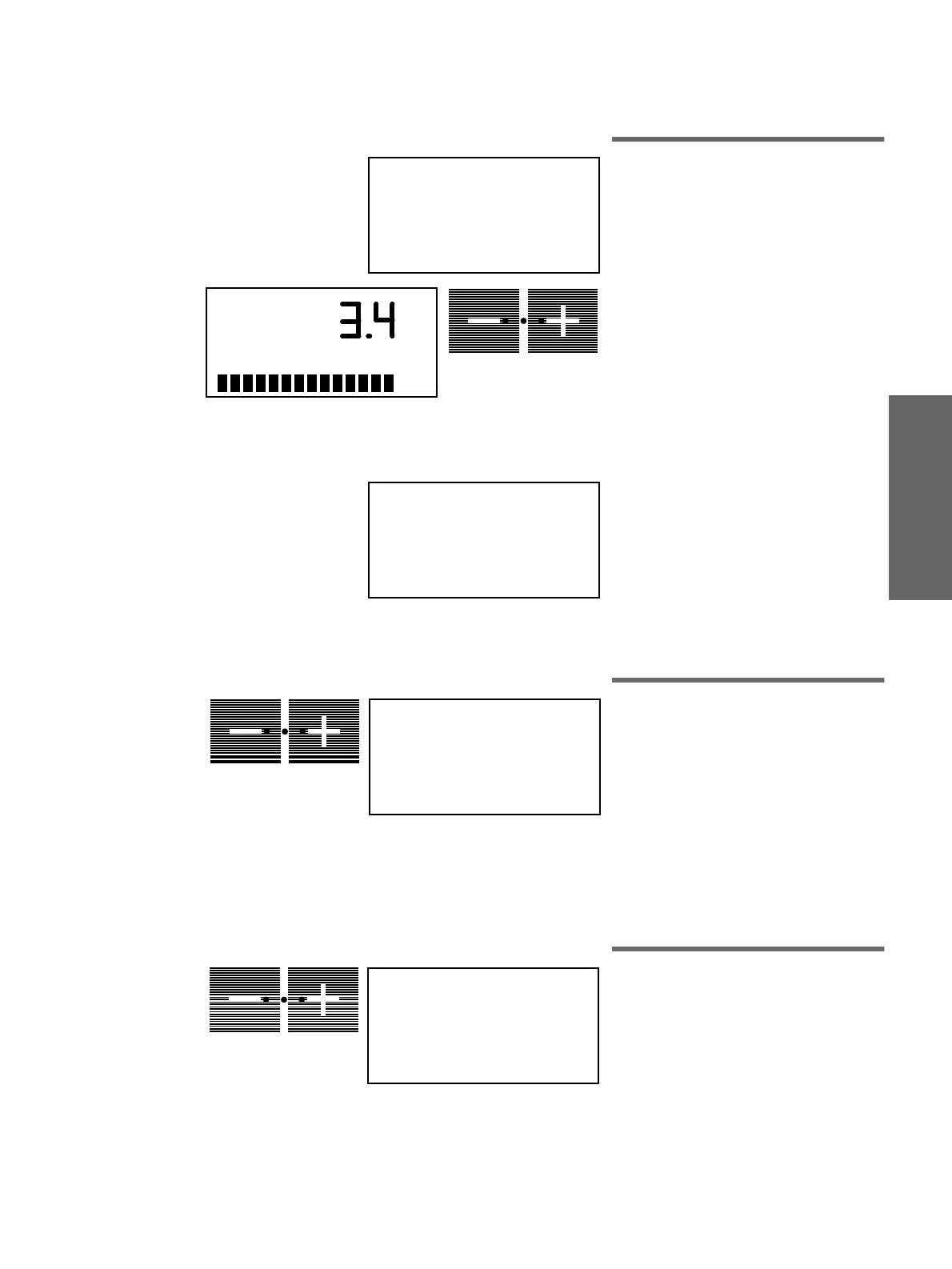
12.11 Mode: COOLING AIR
Cooling air intensity for SIRONA motor
First, display of the request for removing a
SIRONA motor instrument.
After pressing the
+
or
–
button, the preset
cooling air pressure is displayed; value:
2 bar - 3.5 bar. 3.4 bar ± 0.1 bar must be set
for the SIRONA motor. Correct, if
necessary, by pressing the
+
/
–
buttons.
ATTENTION: If the cooling air is not
sufficient, the motor is automatically
switched off. The message NO
COOLING AIR will flush on the display.
Please call service technicean.
After setting down the motor, please adjust
the next motor. You can leaf forwards in the
Mode menu only after setting the cooling air
intensity for all motors.
Since no cooling air setting is required for
the turbine or the SPRAYVIT,
NO COOLING AIR
appears on the display
when these instruments are removed.
12.12 Mode: #FUNCTION
TOGGLE
-
MOMENTARY
Call key # as push button or switch
(connected by technician).
In this mode, you can define call key
#
as a
pushbutton (MOMENTARY) or as a switch
(TOGGLE)
(possible only when the
SIVISION Mode
preselection is set to
NO
).
12.13 Mode: PURGE TIME..SEC
Setting the purge time for
flushing the water paths
(Only for dentist unit)
The purge time per instrument can be
preset for the
Purge function
(see page 31) from 60 to 120 seconds with
the
–
+
keys.
TAKE INSTRUMENT
A
A
COOLING AIR
bar
NO COOLING AIR
A
# FUNCTION
TOGGLE - MOMENTARY
A
PURGE TIME
120 SEC
A















 To Next Page