System Setup
5-5
5.2.2.10 Language Selection
Two languages for displaying on the screen are available, including English and Chinese.
To enter the selection menu, select Language Selection on system setup menu and then
press
Enter. Its operation process is the same as setup of AC Power Unit.
5.2.2.11 Patient Information
There are 2 selections Hide and Show available for the setup of patient information. Select
Show to display a patient’s name and ID below exam type on the screen; select Hide not
to display patient information.
To enter the selection menu, select Patient Information on system setup menu and press
Enter. Its operation process is the same as setup of AC Power Unit.
5.2.2.12 Annotation Edit
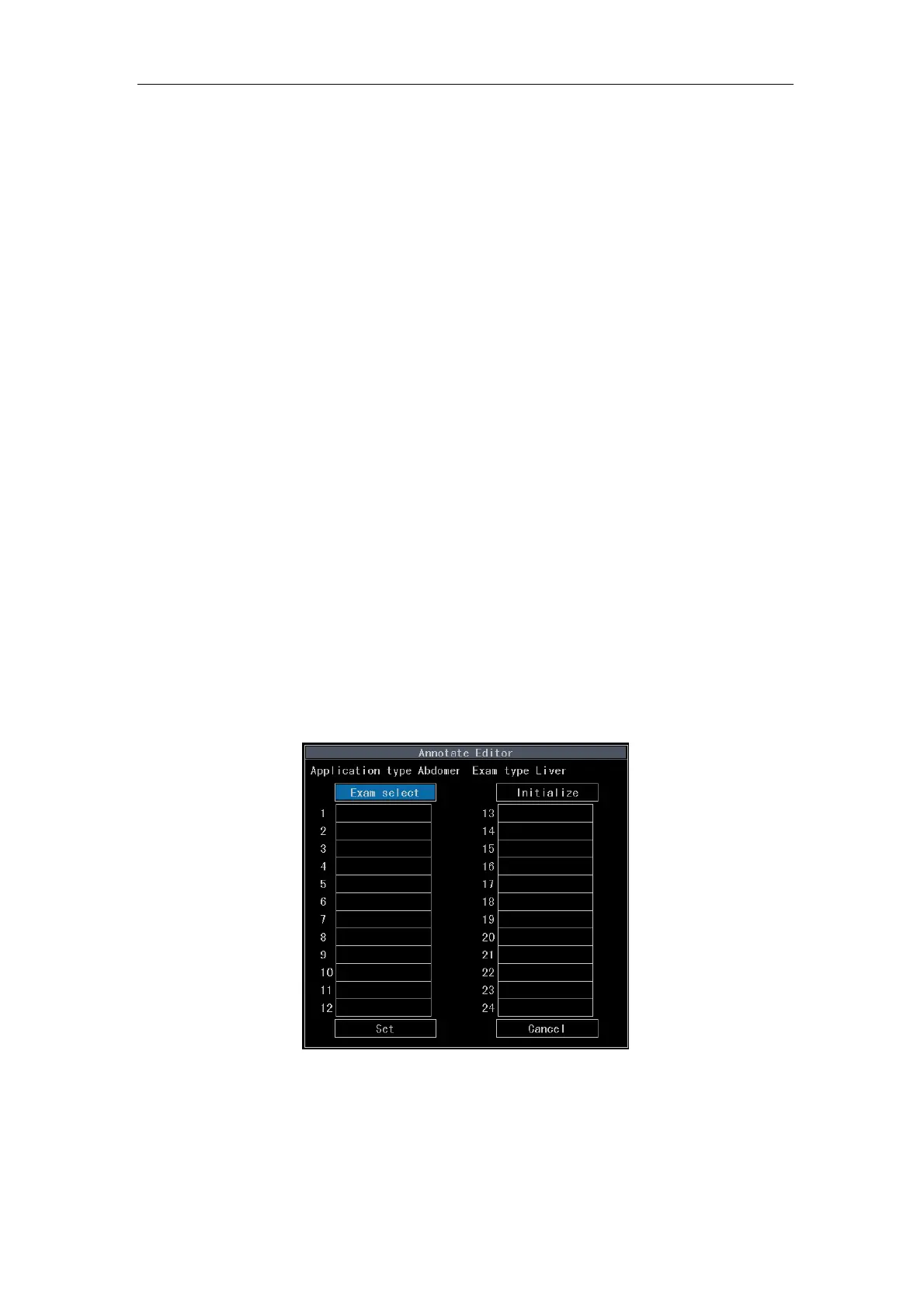
The system has predefined one set of annotation phrase for each exam type. The user can
self-defined annotation phrases for each exam (less than 24).
For the edit screen of annotation shown in Fig. 5-1, select Annotation Edit on the system
setup submenu and press
Enter. Press Enter or Value control key again. The cursor is
movable among Exam select, Initialize, Set, Cancel and 24 input boxes.
Fig. 5-1 Edit Screen of Annotation
Move the cursor over Exam Select and press
Enter to enter selection screen of exam
type shown in Fig. 5-2. After selecting the exam type, press Enter to enter the screen



 To Next Page