System Setup
5-6
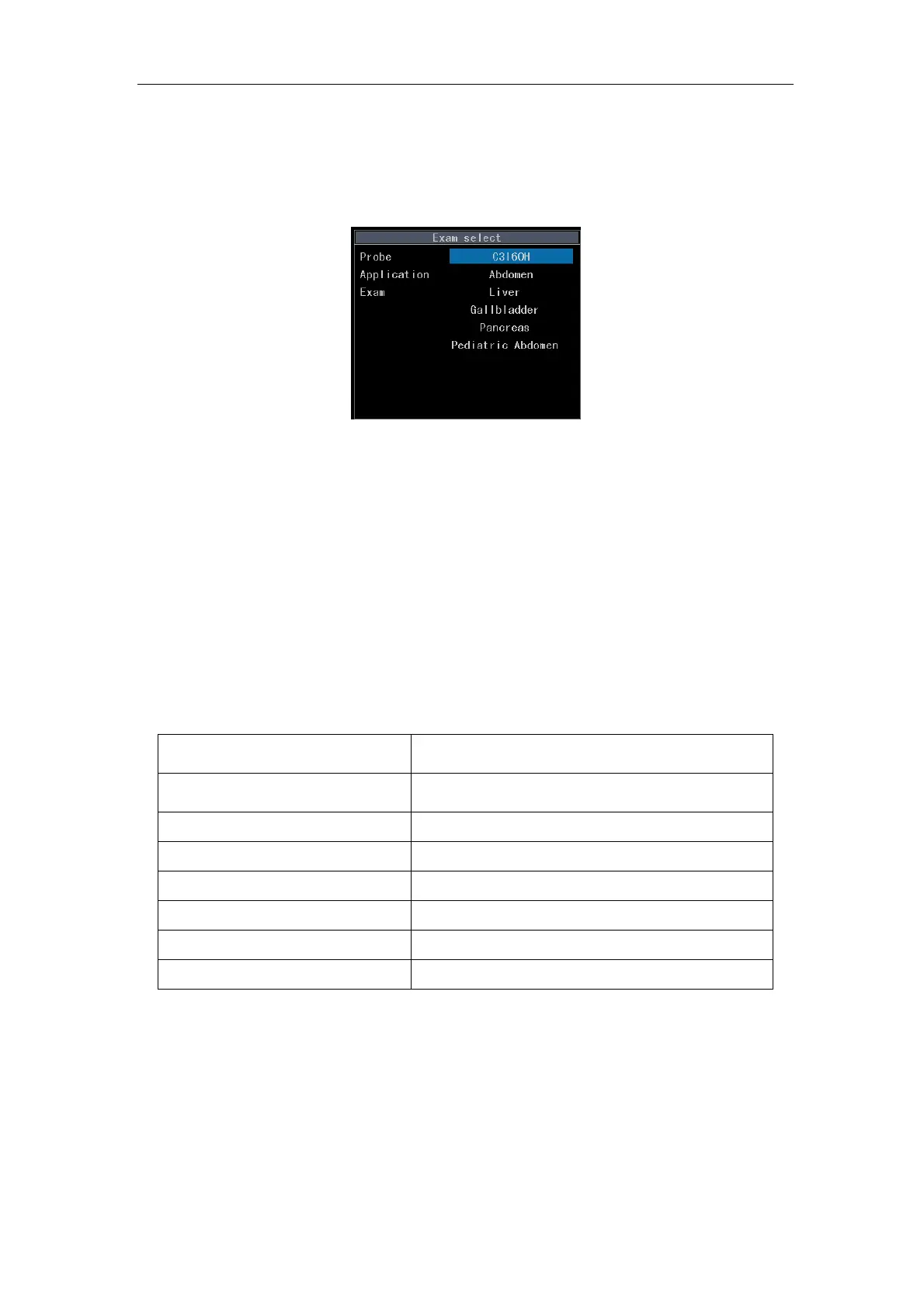
shown in Fig. 5-1. The contents of application type and exam type change according to the
selection of the user. Press
Esc to exit the current setup screen and return to the previous
level of menu without saving.
Fig. 5-2 Edit Screen of Annotation
Press Initialize to clear all the user self-defined annotation phrases of the current exam
type.
Press Set to confirm the current editing result and return to the ultrasound interface.
Press Cancel to delete the current editing result and return to the ultrasound interface.
5.2.3 Image setup menu
Table 5-4 Image Setup Menu
Menu Description
B/M Format B/M mode display setup
User-definded Gray Curve User-defined Gray Curve setup
M Sweep Mode Setup of M sweep mode
Chroma Chroma
AGC Level Auto gain compensation level
Cine Direction Cine direction
Clear Text On Unfreeze Clear Text when the freeze state is released
5.2.3.1 B/M Format
There are two display formats available for selection: Vertical and Horizontal.
5.2.3.2 User-definded Gray Curve
5.2.3.2.1 To Open the Edit Interface of User-definded Gray Curve



 To Next Page