System Setup
5-14
5.2.5.14 Display OB Measurement Traces
It is used to set up whether to display all the measured traces in OB measurement. There
are two options for selection: All is to display all measured traces, Current is to display the
current measured trace, and the other measured traces may be enabled by adjusting
Value key.
5.2.6 DICOM setup and transfer (Option)
Press
Menu and move the cursor to select DICOM. Press Enter and the menu for
DICOM options will appear. There are three options: Local, NetWork and NetSetup.
5.2.6.1 Local
Local is for saving images to or opening image files in the local system, or open image files
from local system.
Select Local and press
Enter. The submenu of Local will appear, including Save Image
and Open Files.
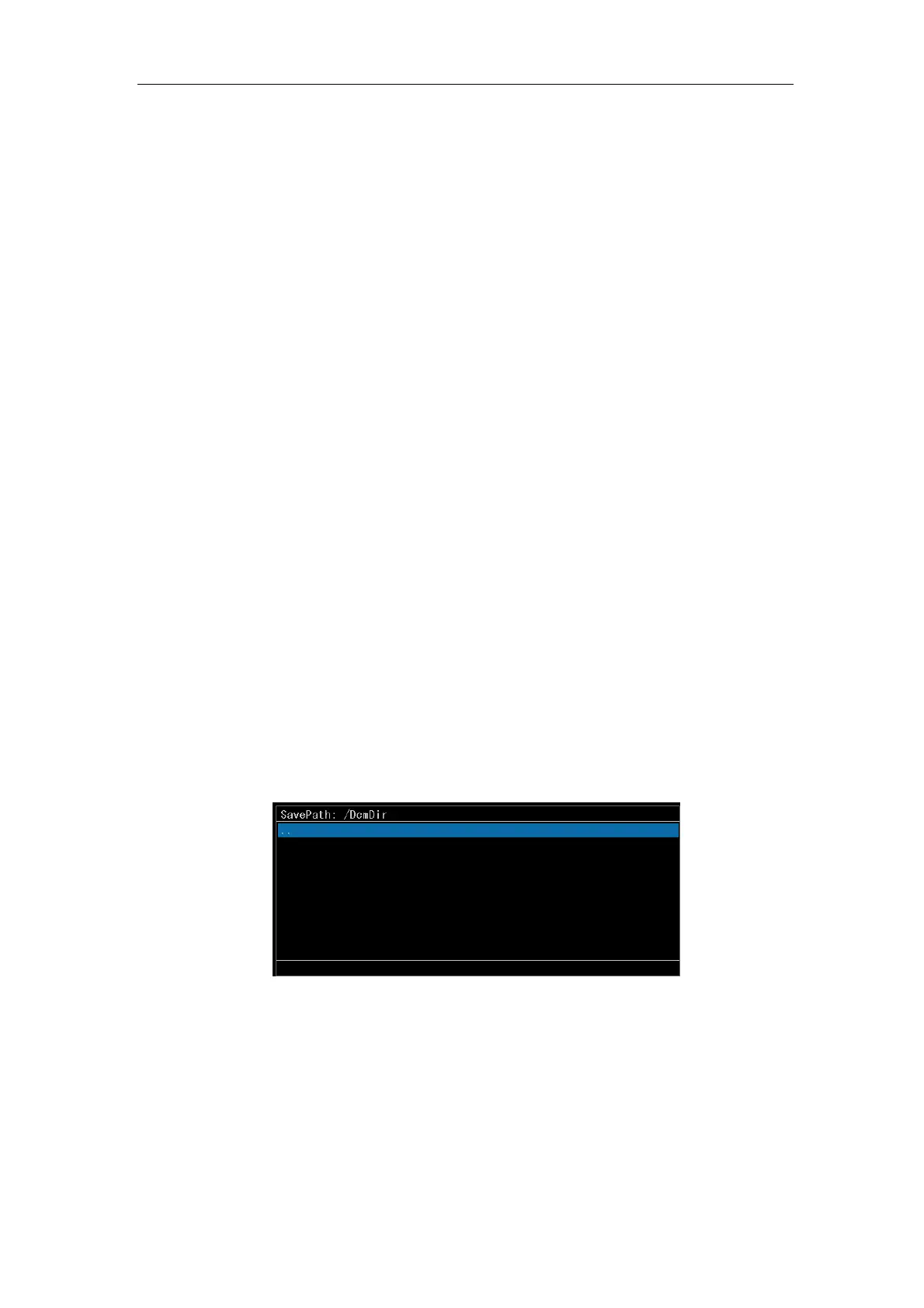
a) Save Image. Select Save Image and press
Enter. A dialog box for saving will
appear as shown in Fig.5-6. Move the cursor to the file folder to save and press
Space to enter the file folder, or press Enter to stay the cursor on the file name
input box. Input the file name and press Enter again, and the image is saved.
Press
T-Ball and Tab to switch the cursor position.
Fig. 5-6 Dialogue Box for Saving
b) Open Files. Select Open Files and press
Enter. A dialog box for file selection will
appear. See Fig.5-7. Select one DICOM file and press
Enter again to open the
image stored on the local system.



 To Next Page