System Setup
5-15
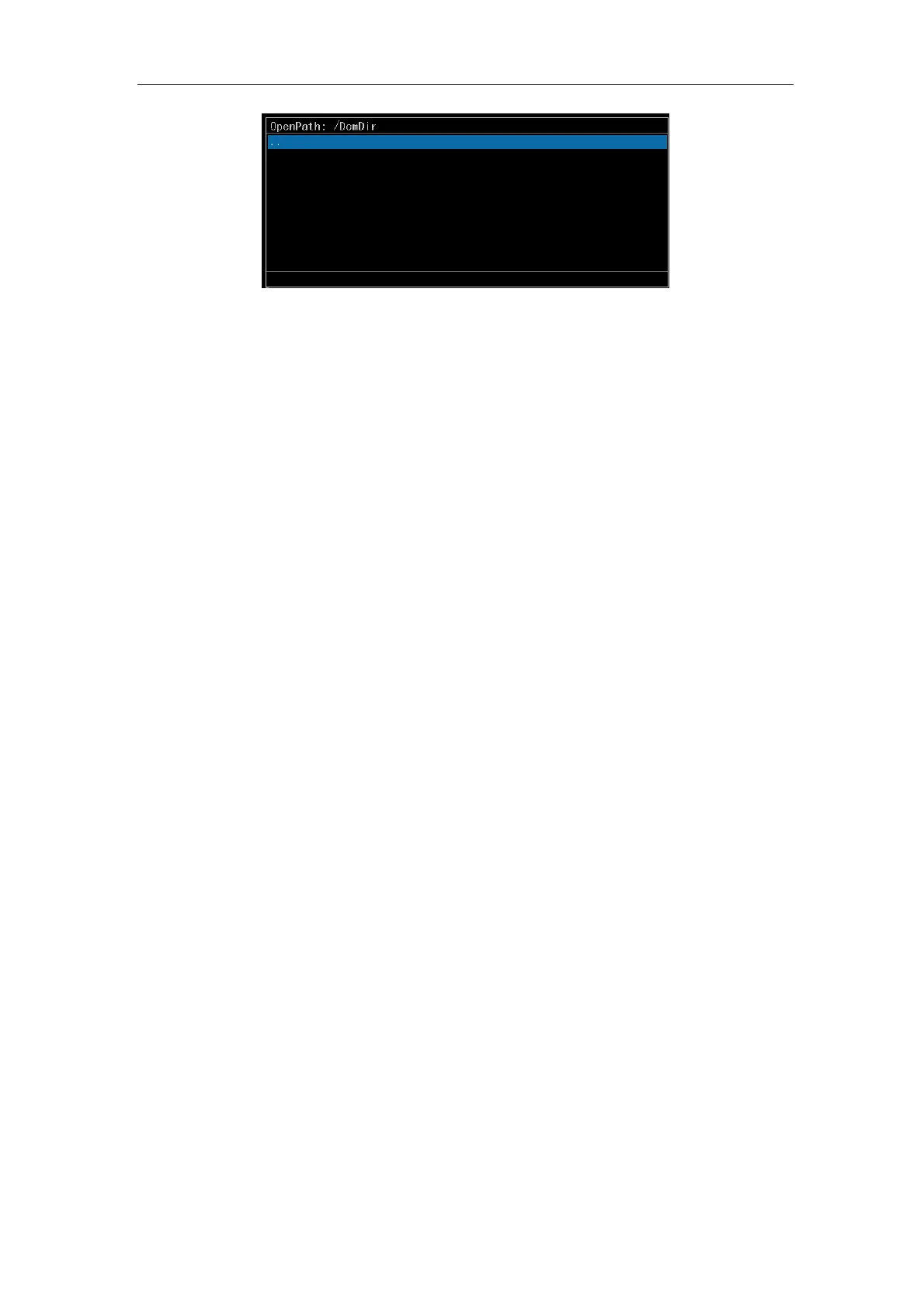
Fig. 5-7 Dialog Box for File Selection
c) Delete file: Select Open Files and press
Enter. After selecting Save image or
Open file, press
Enter and select the desired file to be deleted. Press Clear Text
to delete the file.
5.2.6.2 NetWork
NetWork is for sharing information between the local system and a remote system. For
example, save images to a remote system, search and read image files from the remote
system. Select NetWork. Press Enter and the submenu of NetWork will appear, including
four options: StoreSCP, StoreSCU, QuerySCU and Send Quickly.
a) Store SCP. Select Store SCP and press
Enter. The system opens the port and
begins listening files transferring to local system. A message displays on the
screen indicating: Listening…. The remote system is able to store images on the
local system only when this option is selected.
b) Store SCU. The function of Store SCU is to save DICOM file into remote file from
local system. Select Store SCU and press
Enter. A dialog box for saving will
appear (see Fig. 5-6). Select the file name to be saved. Press Enter again. The
image is stored on the remote system. The setting of the remote system that is
connected with the local system will be introduced in the next section.
c) Query SCU. Select Query SCU and press
Enter. An input box shown in Fig. 5-8
for query condition will appear. Input query condition and press Enter. All results
that comply with the condition are queried from the remote system and displayed
in the file dialog box below. If no query condition is input and
Enter is pressed,
the system will list all image files from the remote system on the file dialogue box.
Move the cursor over the desired file and press
Enter to download the selected
file into local system.



 To Next Page