DK32S User Manual (V1.3)
- 20 - 2022 SIYI Tech All Right Reserved
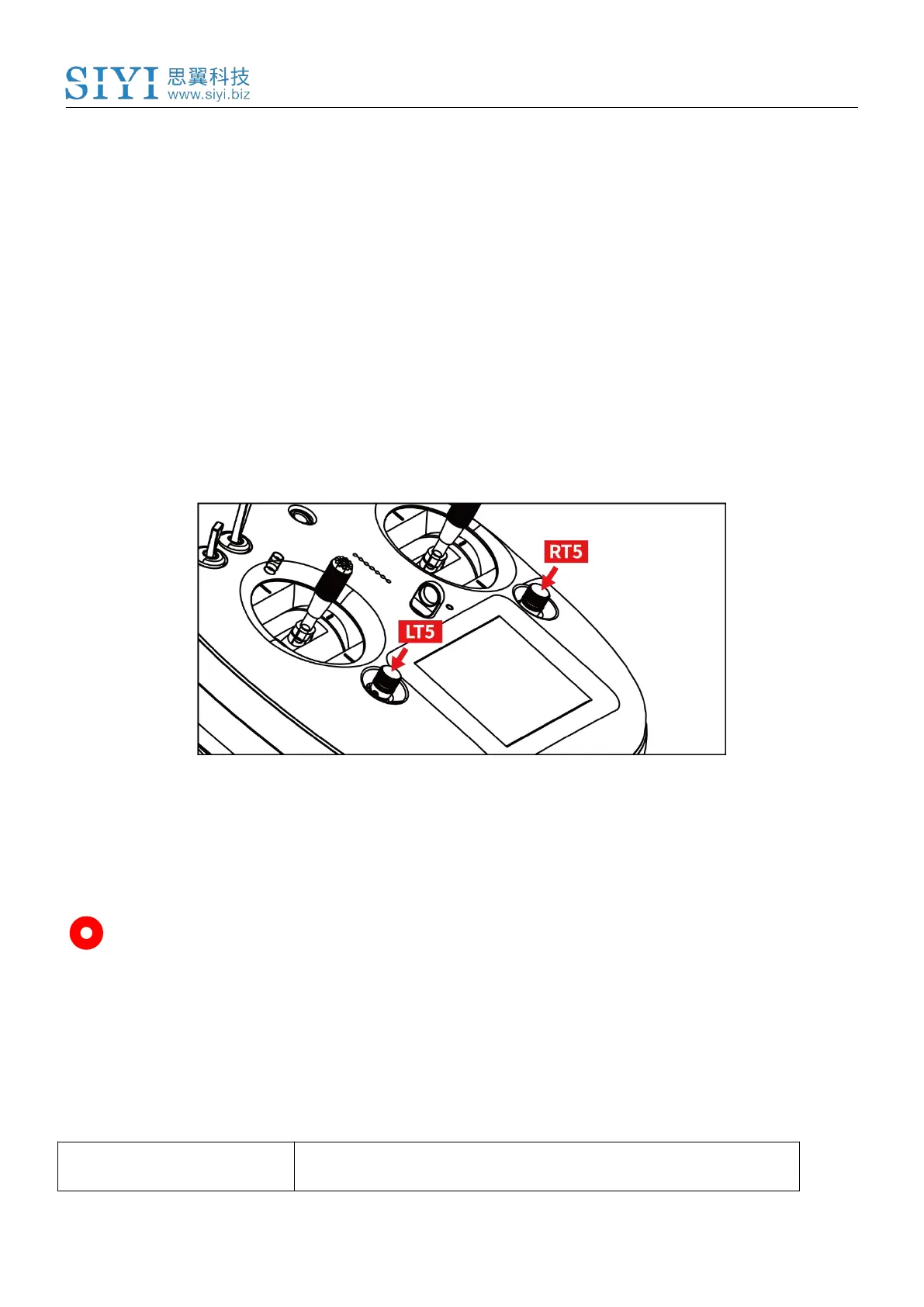
Each Sub-Trim button has 2 dimensions (up-down, left-right) for direct trimming
settings to mapped channels.
Every pushing on Sub-Trim button leads to a small change from previous
position at default stepping value. Keep pushing on the button will speed up
changing. There will be different alerting sounds when Sub-Trim button is in
middle position.
Sub-Trim position changes are displayed as dynamic animation in system
menu.
Sub-Trim buttons can also be used to unlock screen menu when transmitter
lock is activated. Press and hold left/right Sub-Trim button to unlock transmitter.
Mark: Please refer to “Sub-Trim Settings” menu to do configuration of Sub-Trim
button.
2.3 Technical Specifications
16 Physical Channels, 16 Communication



 To Next Page