DK32S User Manual (V1.3)
- 71 - 2022 SIYI Tech All Right Reserved
Users can turn on / off the screen lock, set the waiting time, adjust the screen
brightness and the screen sleep waiting time of the DK32S transmitter.
Screen Lock and Display Introduction
Screen Lock: The touchscreen lock is disabled when the screen lock is enabled.
Screen Lock Waiting Time: Set the waiting time before locking transmitter screen.
Screen Brightness: Adjust the screen brightness (range 1 - 20).
Screen Sleeping Time: Turn on / off the sleeping function (screen display turns off
automatically after waiting time) of the transmitter screen and set waiting time. When you
set “Never”, the transmitter screen stays on.
Mark: When the screen lock is enabled, press down a sub-trim button (LT5 direction
of left sub-trim button, RT5 direction of right sub-trim button) for 3 seconds to unlock the
screen.
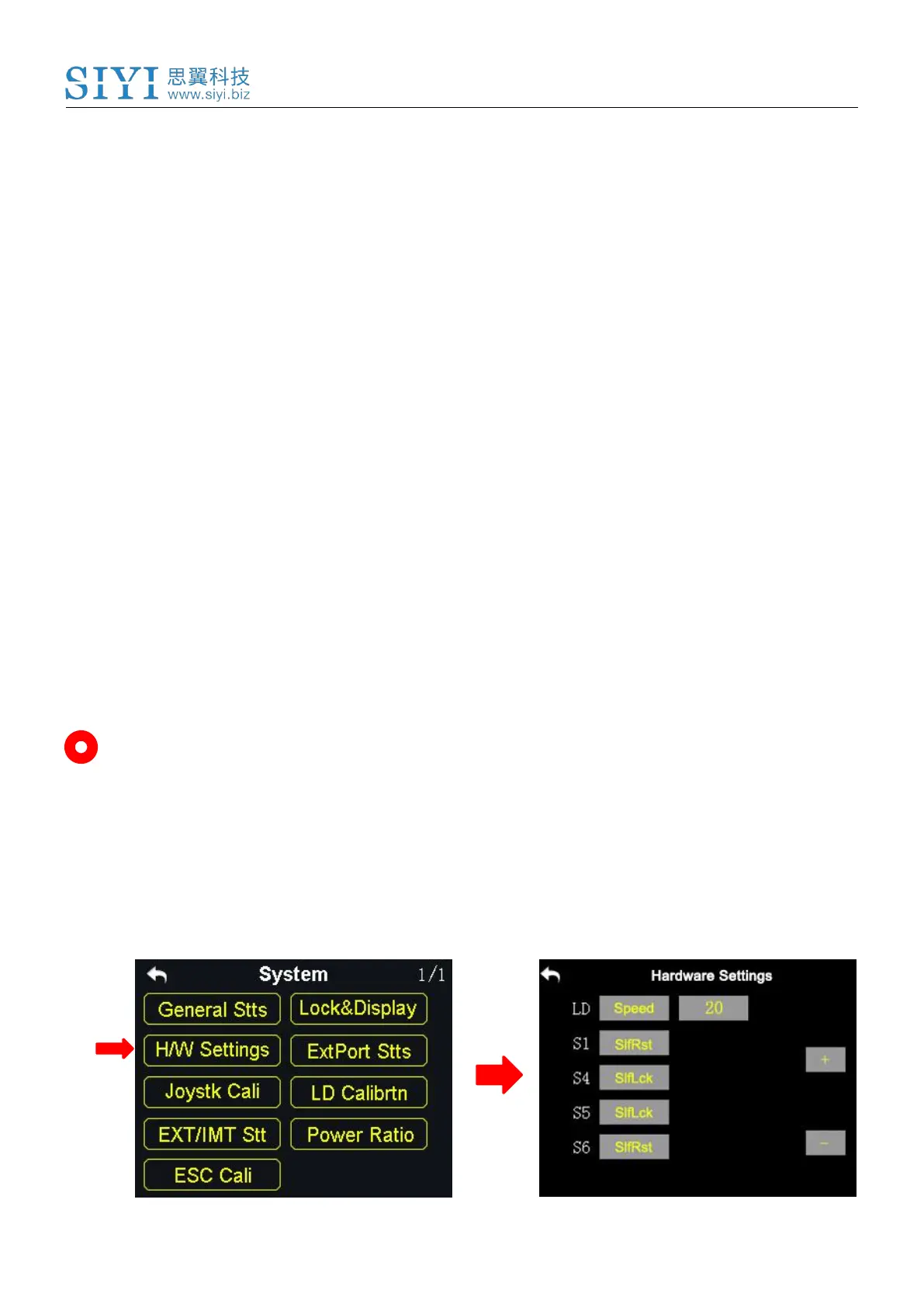
6.3 H / W Settings



 To Next Page