DK32S User Manual (V1.3)
- 92 - 2022 SIYI Tech All Right Reserved
CAUTION
Before connecting the Micro-USB port of the transmitter to a smartphone or a tablet to
communicate with the flight controller, you need to switch the port to Datalink.
Steps
In the “System Settings” menu, tap on “Port Settings”; tap on “Micro-USB” to switch the
port to “Datalink”.
Mark: When you switch the Micro-USB port to “Datalink”, the transmitter can no
longer communicate with PC through the port. If you are to communicate it with a
computer for firmware upgrading, please switch it to “Parameter”.
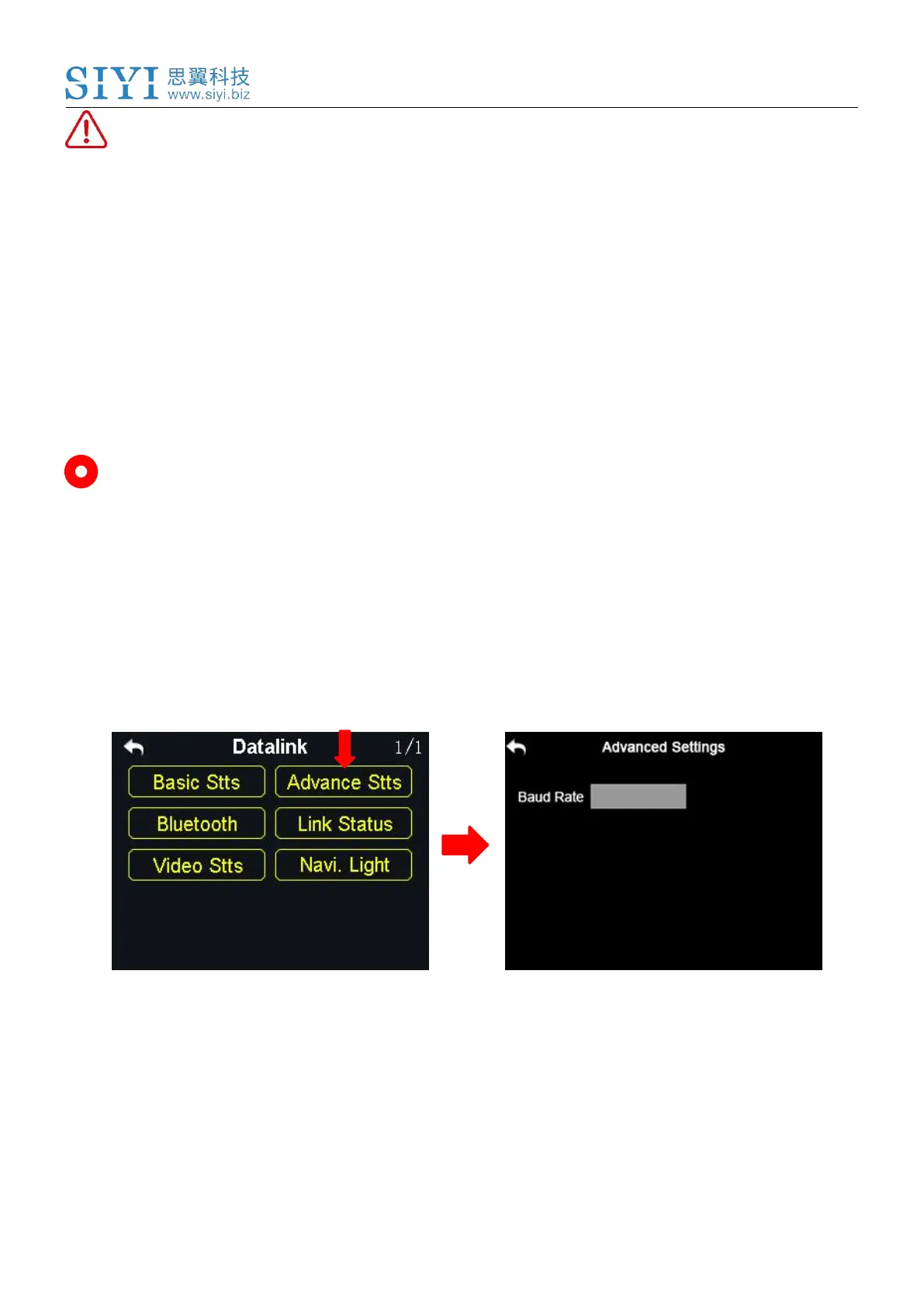
8.2 Advanced Settings
If your flight controller type was not in the list, you can set a baud rate to match
your flight controller.
Steps
Make sure that the sky station is linked with the transmitter; in the “Advanced
Settings” menu, tap on “Baud Rate” and input the baud rate.



 To Next Page