DK32S User Manual (V1.3)
- 52 - 2022 SIYI Tech All Right Reserved
Mark: In the sub-trim menu, tap on “Reset” to reset all channels.
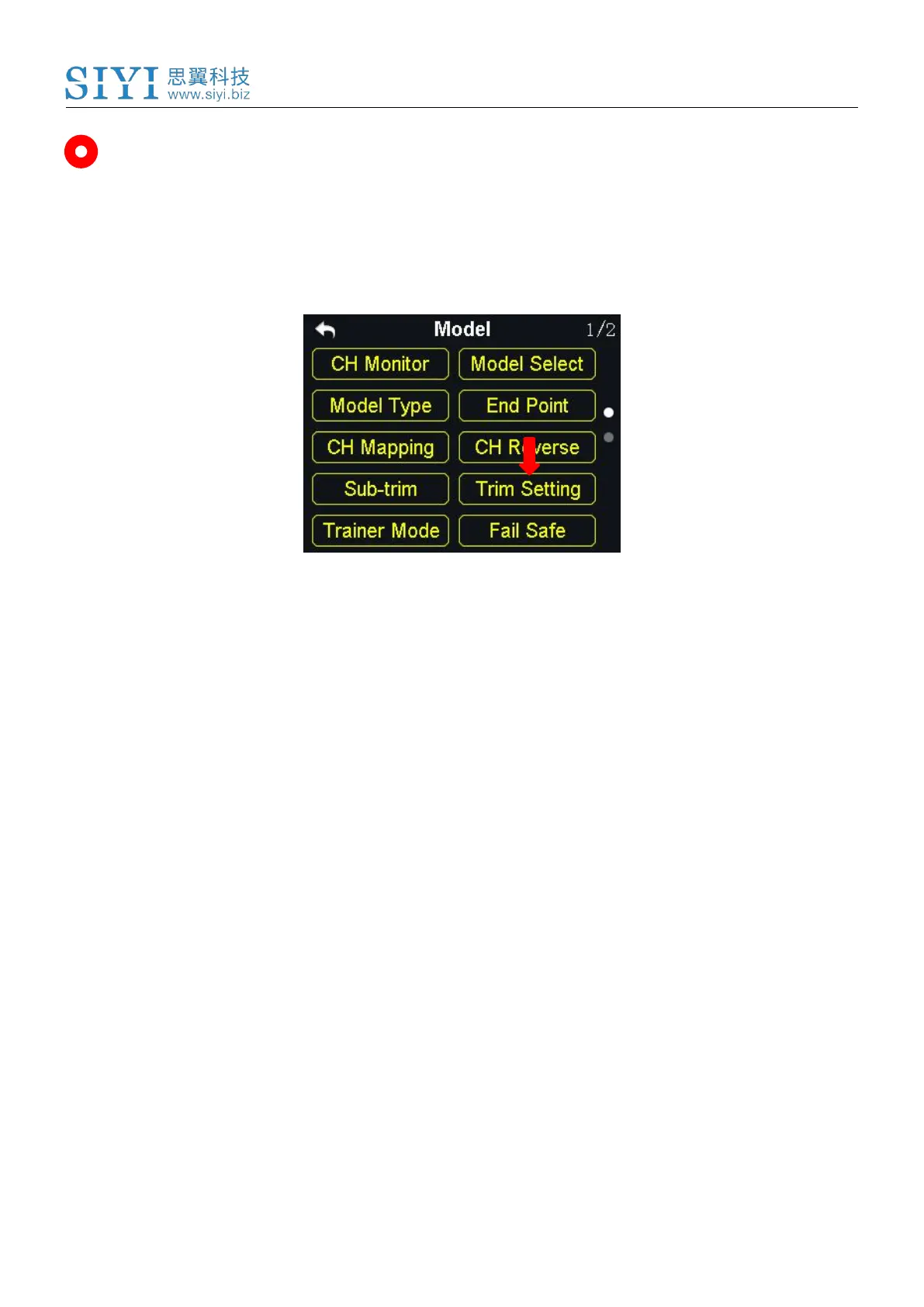
5.8 Trim Settings
The trim setting function helps users adjust digital sub-trim’s stepping value.
The equivalence relationship between trim setting value and trim stepping value
are,
5 Trim Setting Value = 1 Trim Stepping Value
That is, when the trim setting value is changed in 5, the trim stepping value
changes in 1.
The DK32S transmitter’s trim setting value is default to be 5, the minimum limit of
the trim setting value is 0, the maximum limit is 100; the minimum limit of the trim
stepping value is 0, the maximum limit is 20.
Steps to Do Trim Settings



 To Next Page