DK32S User Manual (V1.3)
- 53 - 2022 SIYI Tech All Right Reserved
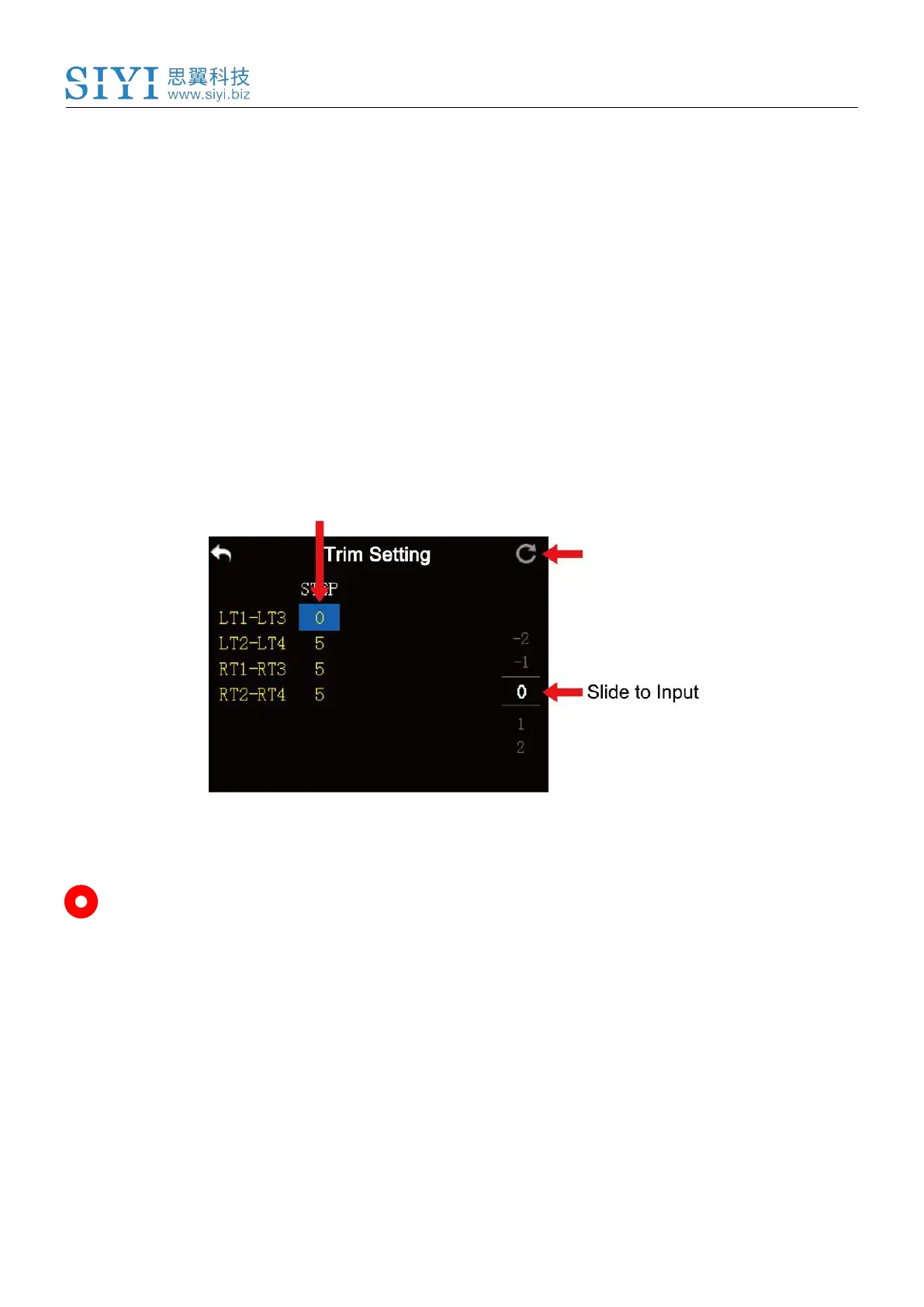
1. In the model settings menu, tap on “Trim Setting”, in the screen it shows trim
settings menu;
2. Through the trim settings function, users are able to adjust all 4 sub-trim
channels; tap on a channel according to your requirement to change its trim
stepping value;
3. Use the virtual turntable to select a target trim stepping value, the adjustable
range is from 0 to 100;
4. Tap on “Return” to finish.
Mark: In the trim settings menu, tap on “Reset” to reset all channels.



 To Next Page