DK32S User Manual (V1.3)
- 37 - 2022 SIYI Tech All Right Reserved
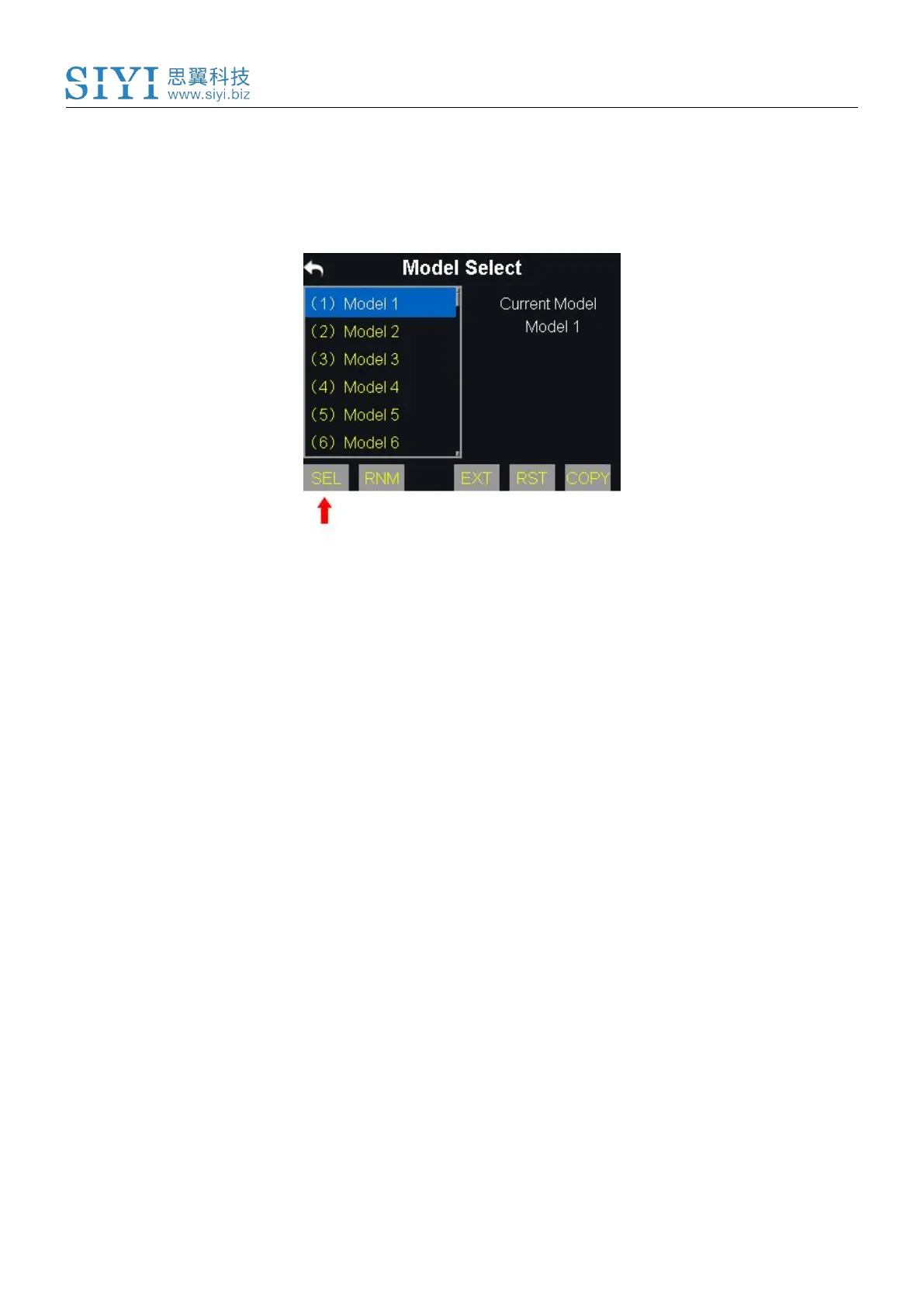
Steps
1. Go to “Model Select” page.
2. Tap on a model, then “SEL(Select)”. It comes “Confirm your selection”, tap on
“Yes” to finish selecting.
5.2.2 Rename a Model
Users can rename a group of model data to make difference. And the selected
model name displays in transmitter menu.
Steps
1. Tap on a model name, then “RNM(Rename)”. It comes “Confirm renaming”. Tap
on “Yes”, it comes a virtual keyboard menu.



 To Next Page