DK32S User Manual (V1.3)
- 58 - 2022 SIYI Tech All Right Reserved
Master Transmitter Indicator Green: Master transmitter and Air Unit in communication.
Master Transmitter Indicator Yellow: Master transmitter and Air Unit off communication.
5.10 Fail Safe
Before linking the DK32S transmitter to the sky station, do not forget to do fail-safe
settings and turn on the function. Thus if the transmitter lost link with the sky station,
the fail-safe function will run automatically and immediately to protect the aircraft
from a crash.
Step to Do Fail Safe Settings
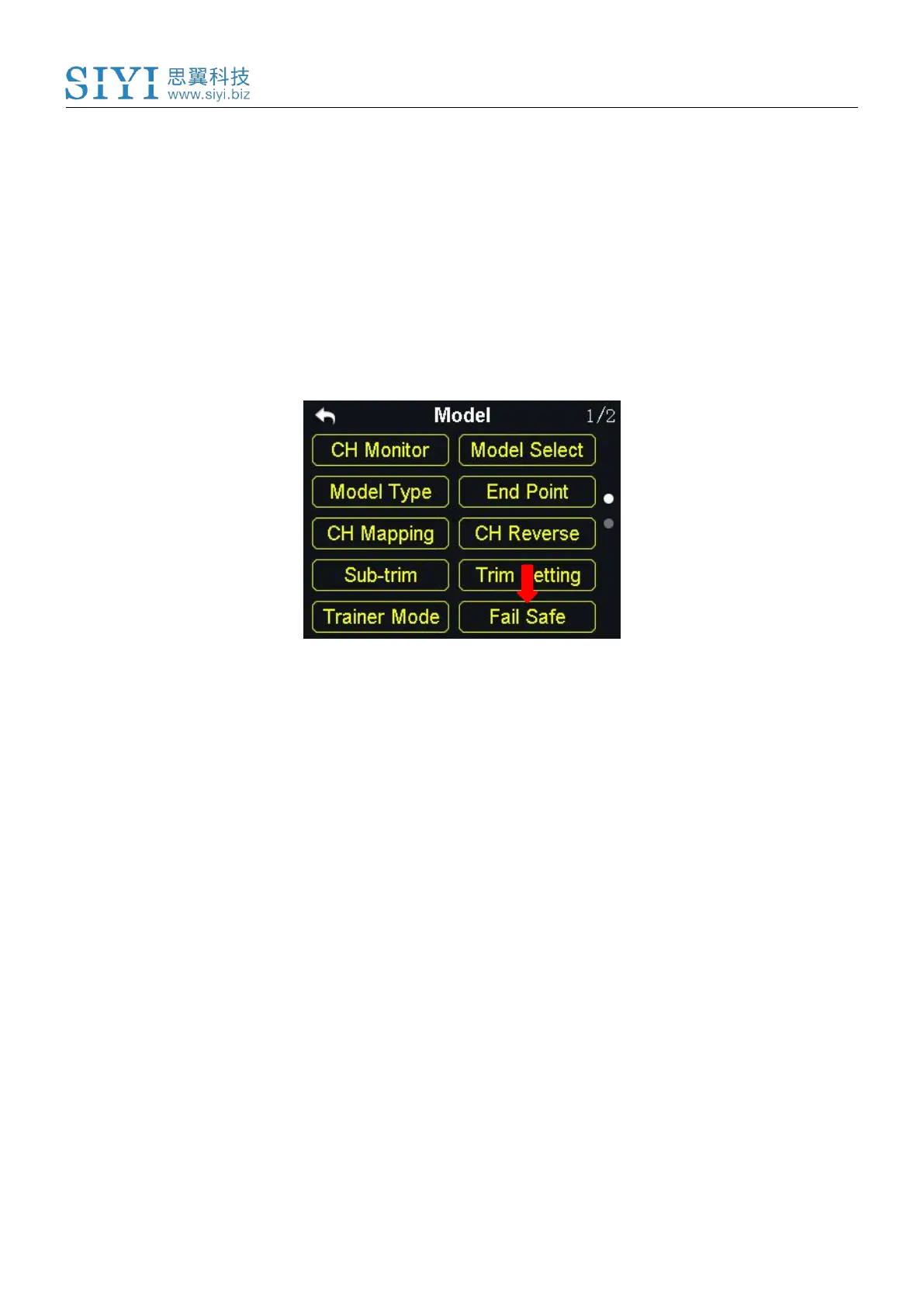
1. In the model settings menu, tap on “Fail Safe”, in the screen it shows the
fail-safe menu;
2. In the fail-safe menu, the function is default to be off and it displays “HOLD” in
every channel; in this circumstance, if the transmitter lost link with the sky



 To Next Page