DK32S User Manual (V1.3)
- 44 - 2022 SIYI Tech All Right Reserved
5.4 End Point
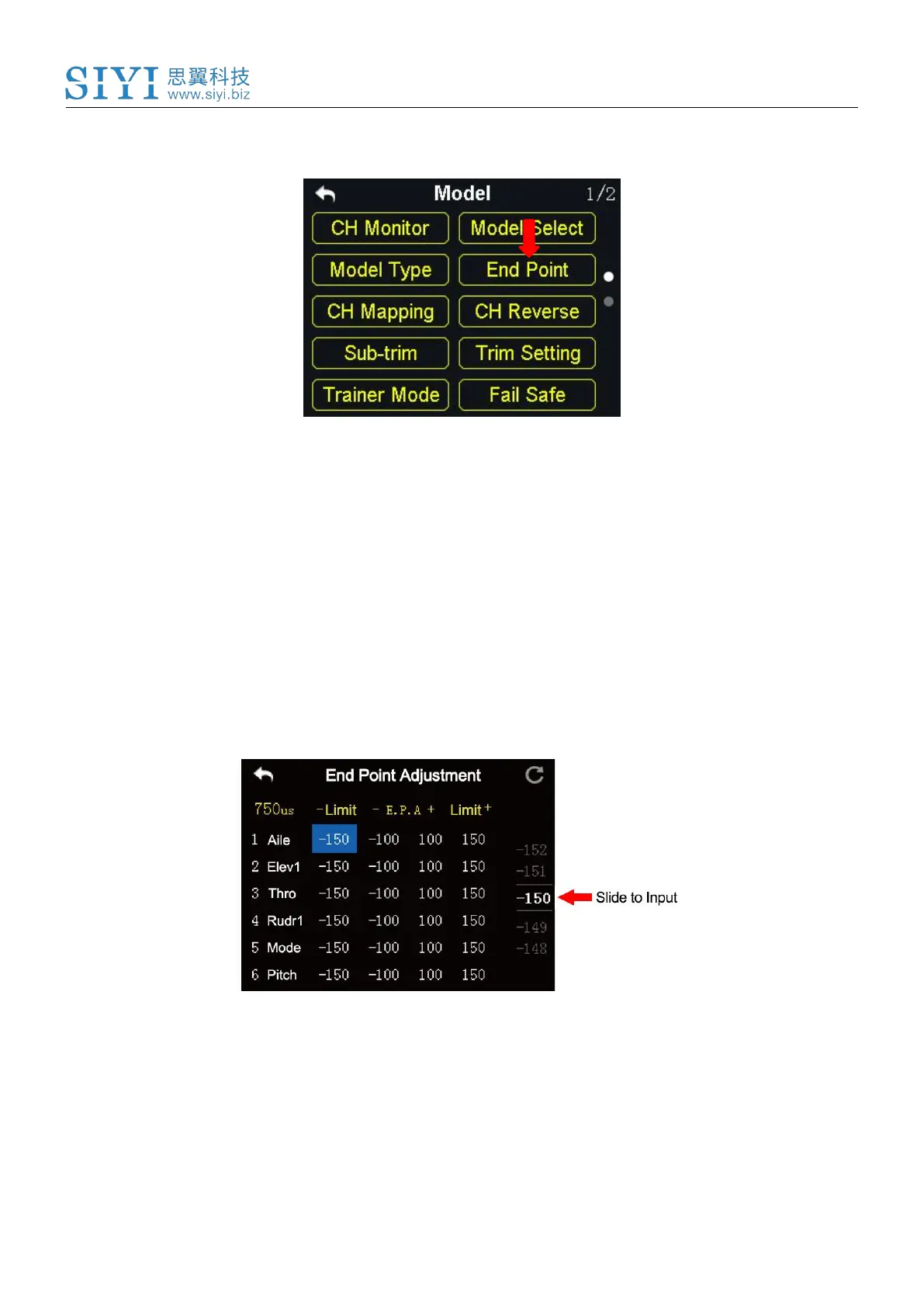
“End Point” page helps users configure channel output value and output limit.
Steps
1. Go to “Model” page, tap on “End Point”.
2. The page displays information as in the picture below. “- E. P. A +” stands for
the channel value, “-limit / limit+” stands for the minimum/maximum limit value);
3. Select a channel and its output value, press the “+” or “-” button on transmitter
to adjust value or limit (-150 ~ 150).



 To Next Page