DK32S User Manual (V1.3)
- 85 - 2022 SIYI Tech All Right Reserved
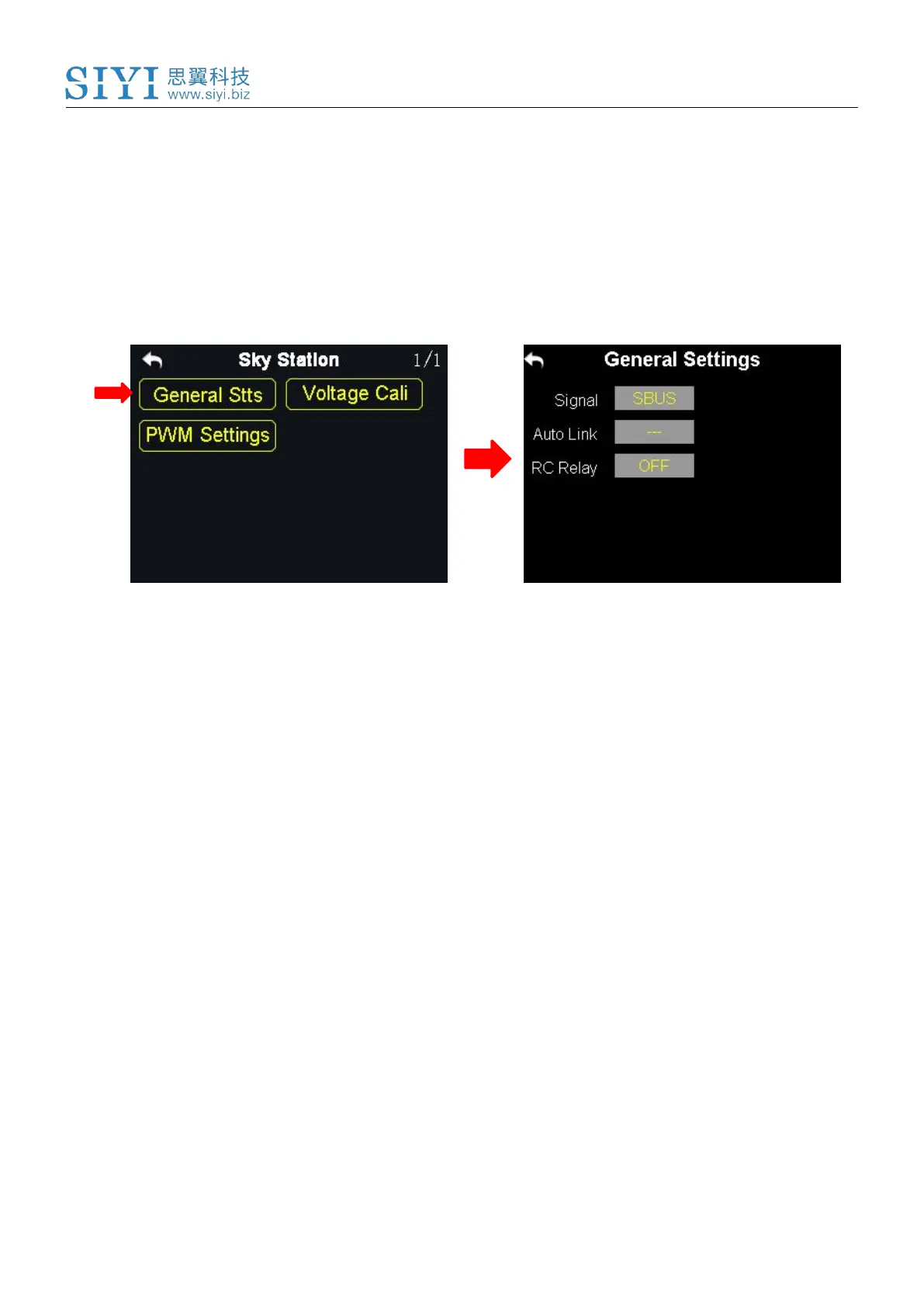
General Stts (General Settings): Set the basic functions of the sky station.
Voltage Cali (Voltage Calibrating): Calibrate the voltage telemetry.
PWM Settings: Change the channel definition under the PWM mode.
7.1 General Settings
7.1.1 Signal Mode
Set signal mode for the three different output mode of the sky station, SBUS, PPM
and PWM.
Steps
1. In the general settings menu, select “Signal Mode” and tap on “SBUS / PPM /
PWM” to switch different signal modes;
2. The sky station status indicator blinks yellow once when it is switched to the
SBUS mode, yellow twice to the PPM mode, yellow 3 times to the PWM mode;
3. When it is done, the status indicator of the sky station blinks green in all modes,
and the blinking speed indicates the signal strength. Faster it blinks, weaker the
signal strength is.



 To Next Page