CHAPTER 5
TROUBLESHOOTING YOUR INTERACTIVE WHITEBOARD SYSTEM
35 smarttech.com/kb/170782
The SMARTBoard M600 series interactive whiteboard serial number is located on the lower-right
edge of the frame, as well as on the back of the interactive whiteboard. For more information, see
the
SMARTBoard M600 series interactive whiteboard user's guide
(smarttech.com/kb/170410).
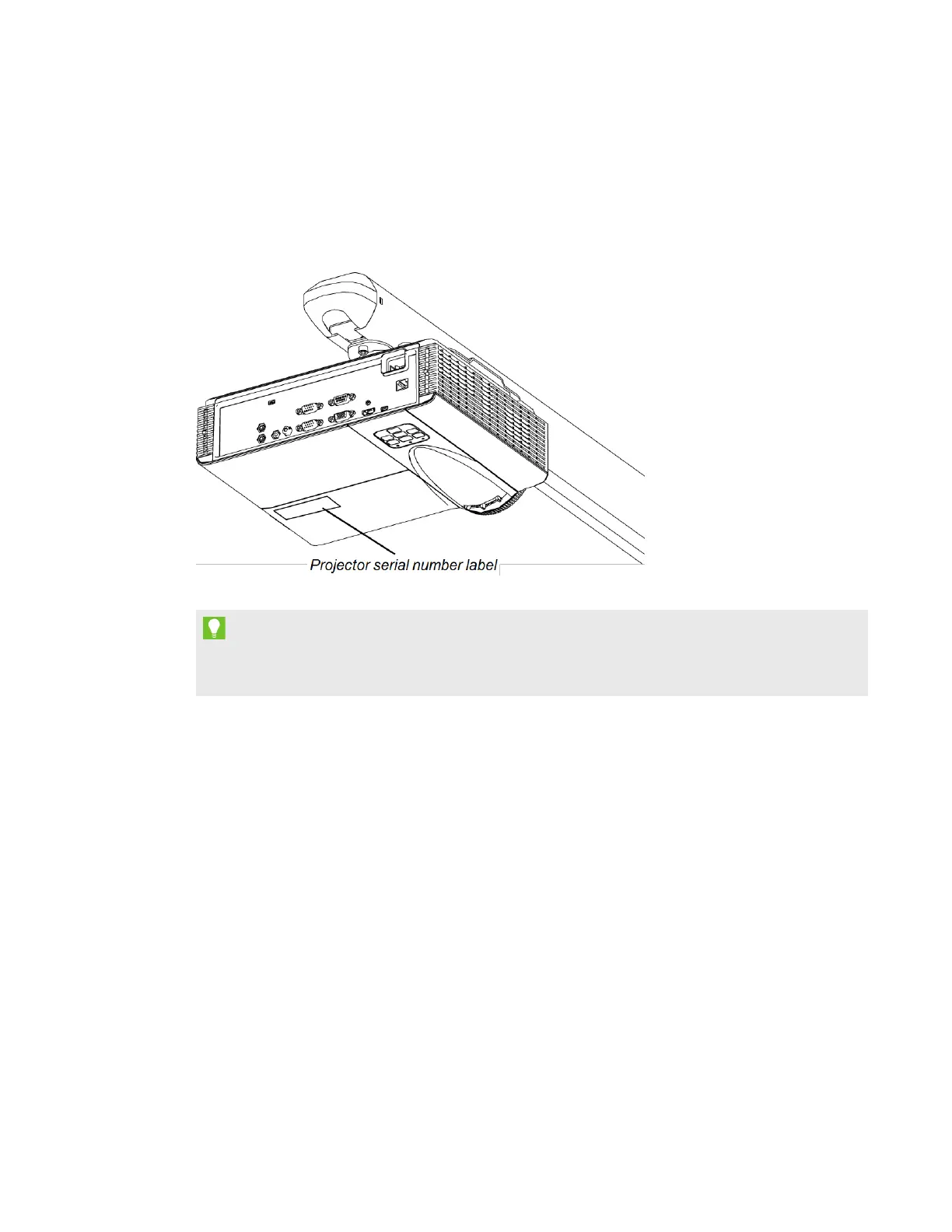
The SMARTV30 projector serial number is located on the bottom of the projector.
TIP
You can also access the projector’s serial number through the on-screen menu. For more
information, see
Adjusting projector settings
on page55.
For the locations of serial numbers on other components and accessories, see
smarttech.com/support.
Resolving interactive whiteboard issues
This section includes information on resolving issues with your interactive whiteboard.
For information not covered in this section, see the
SMARTBoard 480 interactive whiteboard
user’s guide
(smarttech.com/kb/156693) or the
SMARTBoard M600 series interactive whiteboard
user’s guide
(smarttech.com/kb/170410).
Adjusting the projected image
l If your projector isn’t installed in a fixed location, you can correct many image problems by
shifting your projector so that the projected image fits squarely on the interactive surface.
Optimally, each side of the image should extend almost to the edge of the interactive surface.



 To Next Page