CHAPTER 3
USING YOUR INTERACTIVE WHITEBOARD SYSTEM
24 smarttech.com/kb/170782
Using your interactive whiteboard
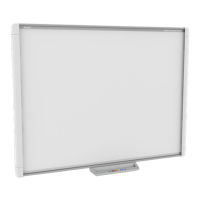
Refer to the
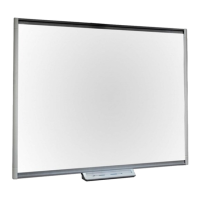
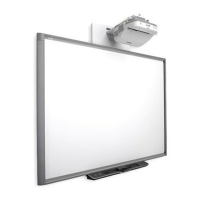
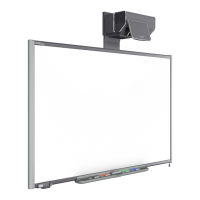
SMARTBoard 480 interactive whiteboard user’s guide
(smarttech.com/kb/156693) for
more information on using your interactive whiteboard.
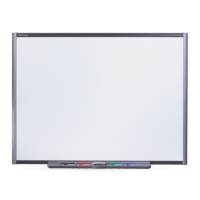
Refer to the
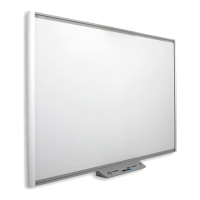
SMARTBoard M600 series interactive whiteboard user’s guide
(smarttech.com/kb/170410) for in-depth information on using your interactive whiteboard.
When you connect your SMARTBoard interactive whiteboard to a computer with SMART software,
you can access the full capabilities of your interactive whiteboard.
For additional resources, go to smarttech.com, click the drop-down menu in the top-right corner,
and then select a language. In the Support section of this website, you’ll find up-to-date, product-
specific information, including setup instructions and specifications.
The SMARTtraining website (smarttech.com/training) includes an extensive library of training
resources you can refer to when first learning to set up or use your interactive whiteboard system.


 To Next Page