IMPORTANT INFORMATION
iii smarttech.com/kb/170782
l You must connect the USB cable that came with your SMARTBoard interactive whiteboard
to a computer that has a USB compliant interface and that bears the USB logo. In addition,
the USB source computer must be compliant with CSA/UL/EN 60950 and bear the CE mark
and CSA and/or UL Mark(s) for CSA/UL 60950. This is for operating safety and to avoid
damage to the SMARTBoard interactive whiteboard.
IMPORTANT
l The SMARTBoard M680Viv2 and 480iv2 interactive whiteboard system textless installation
guide is also available online (smarttech.com/kb/170779).
l Make sure an electrical socket is near your SMART product and remains easily accessible
during use.
l Using your SMART product near a TV or radio could cause interference to the images or
sound. If this happens, move the TV or radio away from the projector.
Operation
WARNING
l If you are using an external audio system, use only the power supply included with that
product. Using the wrong power supply might create a safety hazard or damage the
equipment. If in doubt, refer to the specification sheet for your product to verify the power
supply type.
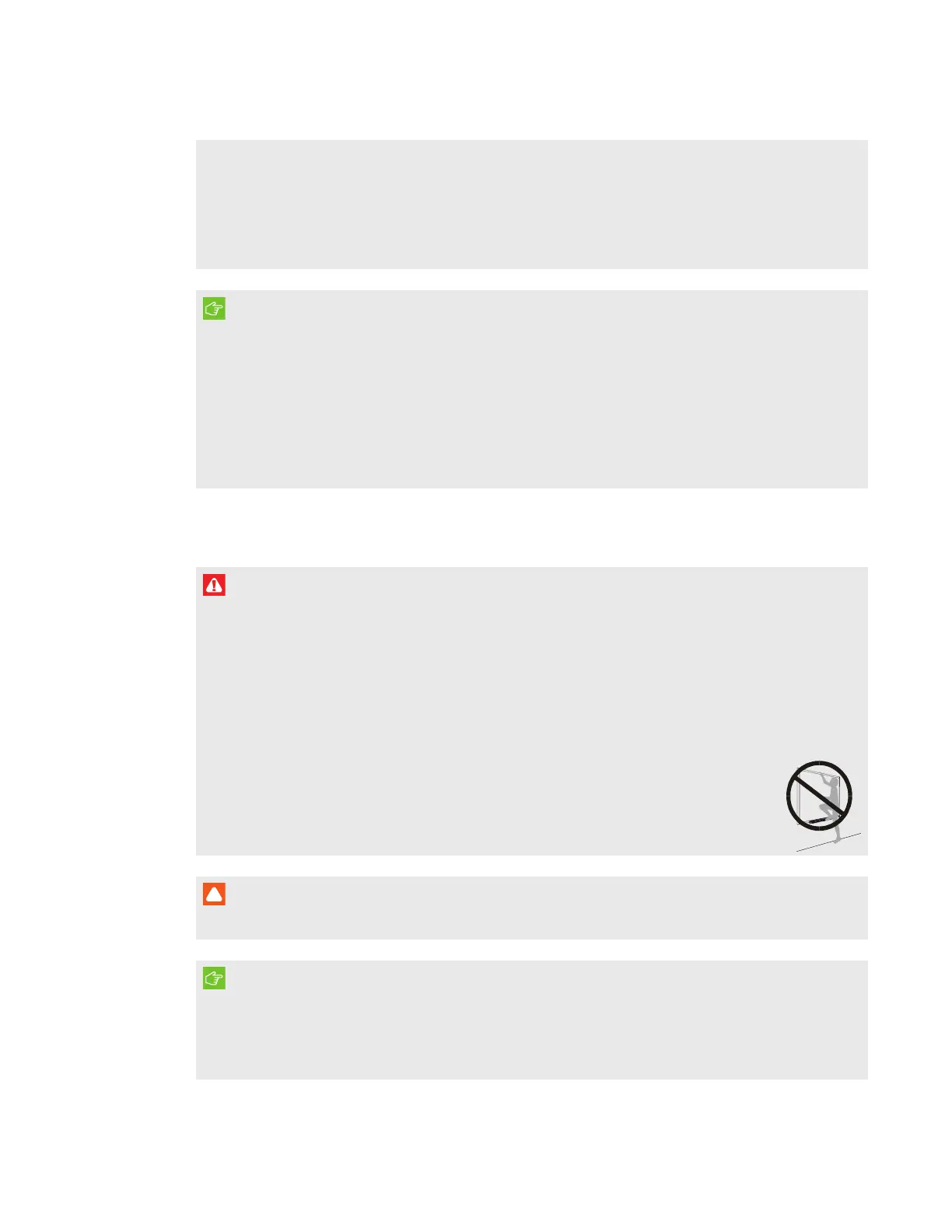
l Do not climb (or allow children to climb) on a wall- or stand-mounted SMARTBoard
interactive whiteboard.
l Do not climb on, hang from or suspend objects from the projector boom.
l Climbing on the interactive whiteboard or projector boom could result in
personal injury or product damage.
CAUTION
Do not block the projector’s ventilation slots and openings.
IMPORTANT
l Keep your remote control in a safe place because there is no other way to access menu
options.
l Disconnect the product from its power source when it is not used for a long period.



 To Next Page