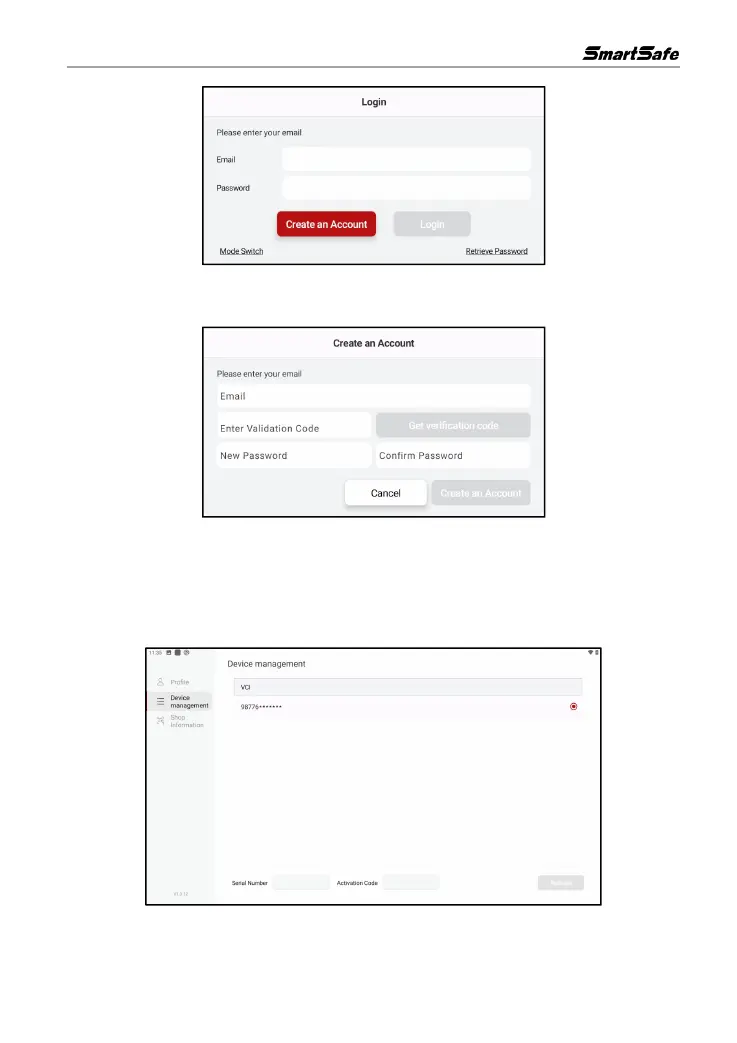
Click Create Account, enter your email address and click Get Verification Code, enter the
verification code and password then click Create an Account to register a new account.
3.6 Connector Activation
Click Personal Center -> Device Management, enter the product serial number and activation
code at the bottom of the screen and click Activate to activate and add a new inspecting connector.
The serial number and activation code can be obtained from the password envelope in the
package box.



 To Next Page