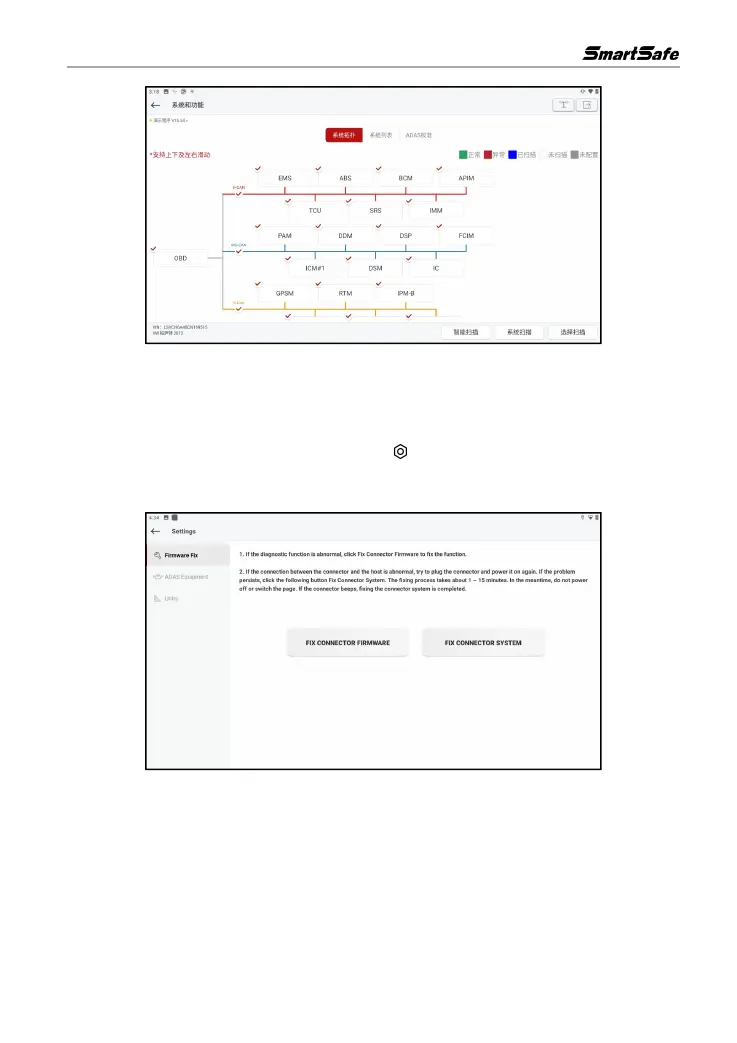
4.3 Diagnose Settings
The function is used to perform firmware repair, ADAS device selection, and diagnostic unit
settings.
In the main interface of Vehicle diagnose, click [ ] in the upper left corner, and then click
Firmware Fix to select the corresponding repair function as needed. Do not power off or switch
interfaces during the repair.
Click ADAS Equipment and then select the ADAS calibration device used.



 To Next Page