12.2 Operations
12.2.1 Register & Post Remote Diagnostics Orders
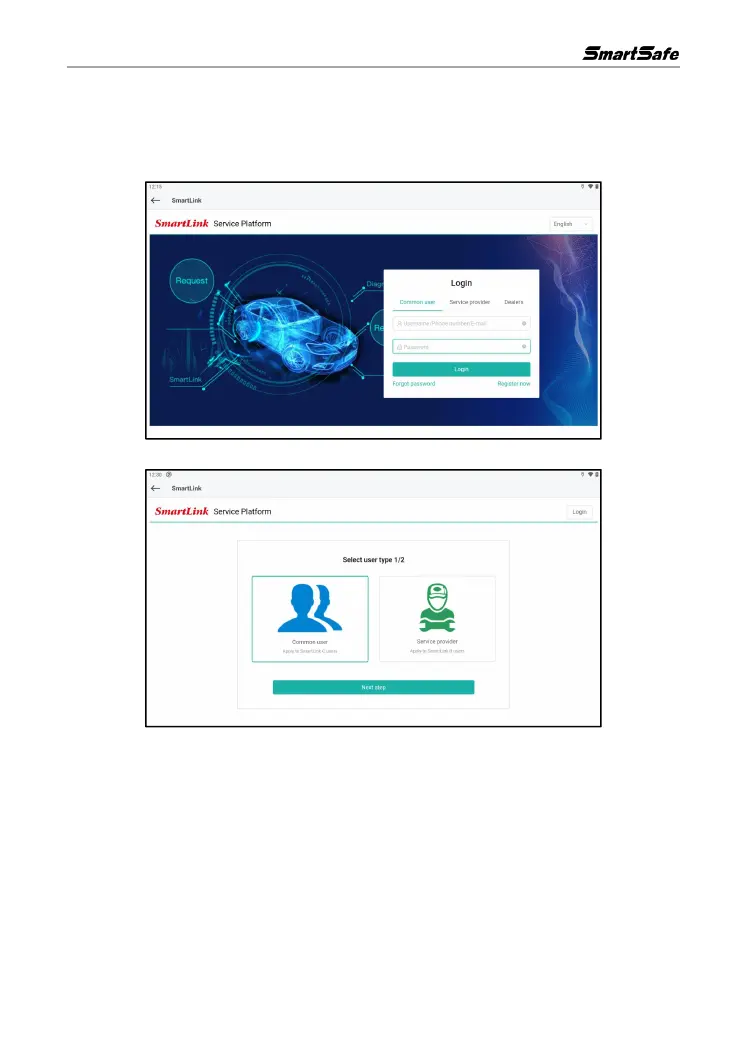
1) On the main interface, click Super Remote to enter the remote diagnose interface.
2) Choose the user type (Common user) and then click Next Step to go to next step.
3) Enter all the required information (items with * must be filled). Select the “I agree” checkbox
after reading “Link Platform Register Protocol”, and then click Next step to register.



 To Next Page