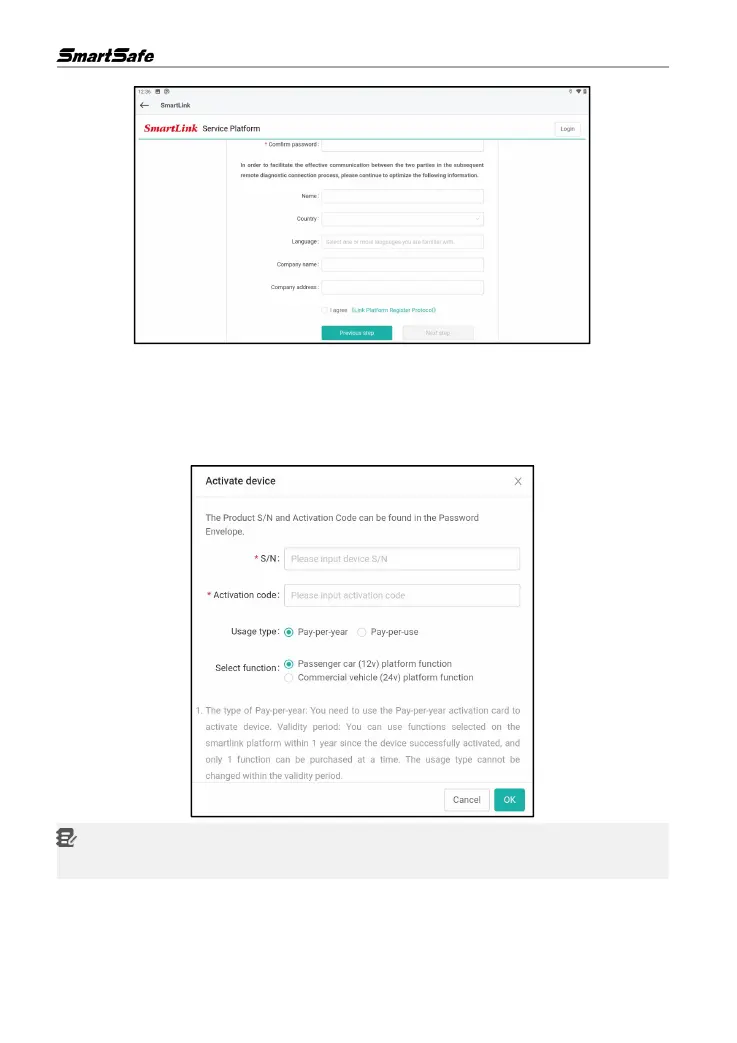
4) Input the product S/N (Serial Number) and Activation Code (where the Product S/N and
Activation Code can be found from the Password Envelope) . Click OK to enter the pin card
number and password (user can purchase the pin card from the seller or local dealer) . After
finishing the registration, the system will automatically log in and navigate to the “My Post ”
page.
Note: The remote diagnosis can only be performed after the SLC user has submitted the
request , and this request has been accepted by the remote technician expert.
5) On the “My Post ” page , click Create an appointment. Fill in the required information and then
click Submit.



 To Next Page