11.3 Message List
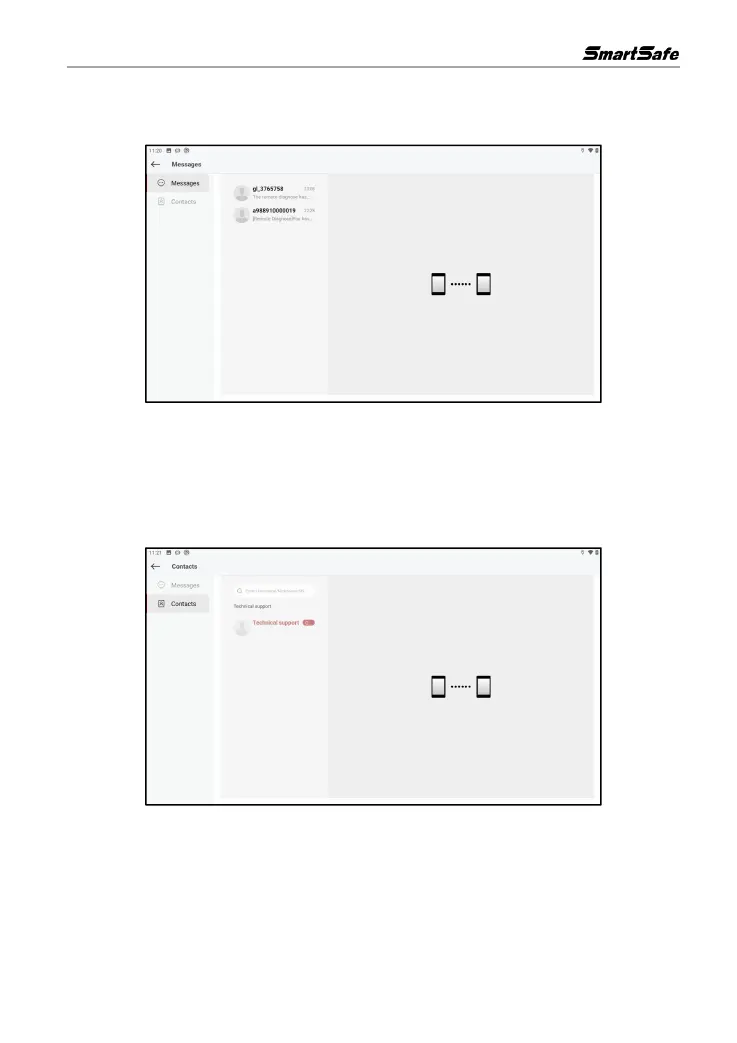
On the remote diagnosis interface, click Messages to enter the following interface:
In the message list, click the message you need to view to open the corresponding dialog box, in
which you can communicate with text and voice messages, send files and photos, assist the other
party or invite the other party to assist in remote diagnosis.
11.4 Contact List
On the remote diagnosis interface, click Contacts to enter the following interface:
In the search field, enter "username/nickname/serial number" to search for a friend and then add
him/her as a friend. The added friends will appear in the "Contacts" list, select the maintenance
technician you need to assist from the list to enter the interaction page. In the interactive page, you
can communicate by text and voice messages, send files and photos, and invite remote assistance.
After the remote diagnosis, the system will automatically generate a diagnostic report, which can
be viewed and shared. The generated remote diagnosis report will be stored in the report center.



 To Next Page